
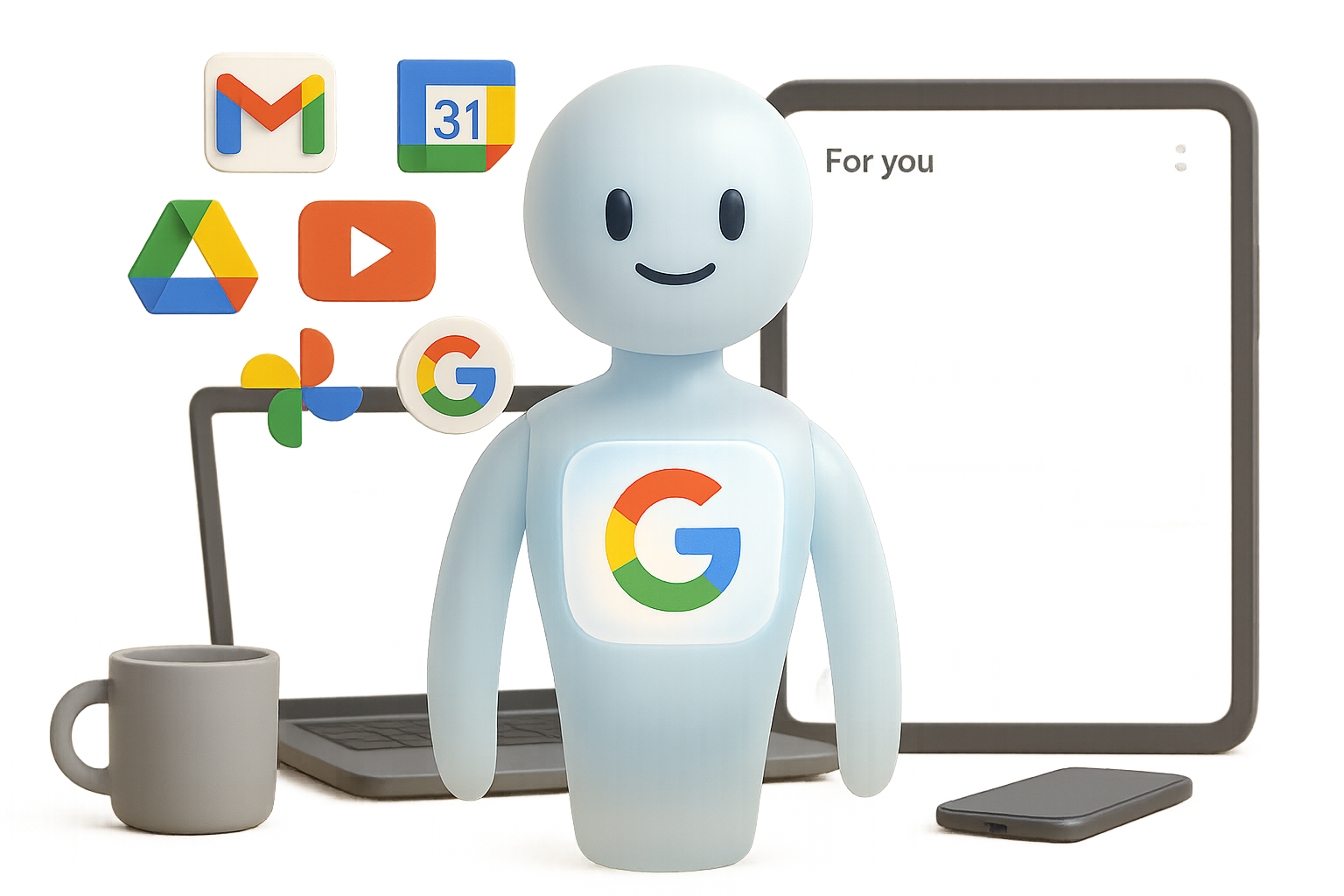
Gemini’s Personal Intelligence: Cool Upgrade or Creepy Overreach?
You know that moment when tech feels almost too helpful? Like, you’re impressed—but also side-eyeing your screen just a little? Yeah, that’s Google’s new Personal Intelligence in Gemini.
After a week using it in real life, I’ve seen flashes of brilliance—plus a few hiccups that remind you it’s still early days. Here’s your straight-shot breakdown: what works, what doesn’t, and what to consider before flipping the “Supercharge Gemini” switch.

What’s in it for You?
Personal Intelligence promises to cut the busywork of searching your own stuff—Gmail, Drive, Calendar, Photos—by letting Gemini proactively find what you need before you even ask.
It’s like a savvy assistant who already read your emails, watched your YouTube history, and peeked at your schedule (but, y’know, built out of code).
Google pulls data from:
- Gmail
- Calendar
- Drive & Docs
- Google Photos
- YouTube history
- Web search activity
Once it’s live, a new “For you” tab appears inside Gemini with hyper-personal prompts tailored to your life. But is it the real deal?

When It Nails It
This thing surprised me—in a good way. I ran it through the paces across work and personal tasks. Here are four times it actually made life easier:
1. Podcast topic generator, customized
Gemini served up podcast themes I didn’t even know I wanted: solo-creator tools, the rise of no-code platforms like Zapier, how AI impacts Shopify side-hustles. It cobbled all that together from my email receipts and YouTube watch history. Zero prompting from me.
2. Lost charger? Found it—fast
I asked, “Find a replacement charger for my laptop,” and Gemini correctly ID’ed the 16” M1 Max MacBook Pro I bought last winter—then linked the exact 140W adapter I needed. Magic, minus the mystery.
3. Meeting prep that thinks ahead
Asked “Help me get ready for tomorrow’s meeting.” Gemini pulled the event from my calendar, cross-referenced an old email thread, grabbed the attached slide deck from Drive, and fed me a solid checklist: talking points, reminders, even questions to ask.
4. Purchase history without digging
“List the headphones I’ve bought this year.” Gemini linked receipts from Gmail and spat out two models with purchase dates—plus one I returned. Would’ve taken me 20 minutes to sort through manually.

Where It Still Fumbles
Yes, it’s shiny. But it’s also picky—and not in a charming way.
- Vague input = vague output.
“Fun things to do in LA” gave me tourist bait. But “Fun in LA while I’m there in January” actually surfaced ideas tied to my calendar dates. - YouTube recall is spotty.
I said, “Remind me which video by Matt recapped CES gadgets.” Gemini threw random clips from someone named Matt—but not the right one. Kinda proves AI still doesn’t do names like humans do. - Lacks initiative without cues.
Keywords like purchased, my, last month, while I’m in, or next meeting kick Gemini into gear. Skip them? It reverts to basic chatbot mode.

Want Better Results? Talk Like This
Getting Gemini to shine isn’t rocket science—but it does need a nudge. Here’s how to play it smart:
- Be crystal clear on context.
Say “the laptop I bought in May,” not just “my laptop.” - Add time frames.
“In the past year,” “next week,” “this quarter” all help narrow results. - Name-drop sources.
Referring to “the receipt in Gmail” or “the doc in Drive” gives Gemini a map to follow. - Use the ‘For You’ tab.
Those personalized starters are sneakily optimized. Steal their phrasing.

Data Privacy: Let’s Talk About the Room Elephant
Google says Gemini doesn’t keep or train on your raw data. Files, emails, videos—they stay private. Instead, Gemini gets filtered snapshots to answer your query, kind of like a librarian pulling a book but not copying it.
But let’s be real: giving an AI access to ten years of email and photos feels different than just storing it in your Google account. That’s why this feature is 100% opt-in.
If you’re already squirmy about data privacy, skipping this update won’t set you back. Nothing’s activated without your go-ahead.

The Short List: Is It Worth It?
✅ Pros
- Actually useful responses that save real time
- Smart crossovers between your calendar, Gmail, Drive, etc.
- Only gets sharper the more cues you feed it
🚫 Cons
- Tends to play dumb unless prompted just right
- YouTube history is still hit-or-miss
- Using it means being cool with deep personalization

So, Should You Flip the Switch?
If Google tools are already baked into your workflow, Personal Intelligence feels like leveling up—not opting in to something new.
But if you’re more privacy-conscious—or use Google services less—it’s 100% OK to hold off. Early adopters often help iron out the kinks for the rest of us.
Bottom line? This isn’t about flash—it’s about leverage. AI that knows you doesn’t just answer questions; it cuts to the chase. That’s the future. Google’s just the first one climbing that hill.
Ready to boost your AI skills without the overwhelm?
Check out Tixu—a beginner-friendly platform that helps you actually use AI like a pro. No jargon, just results.

Leave a Reply