
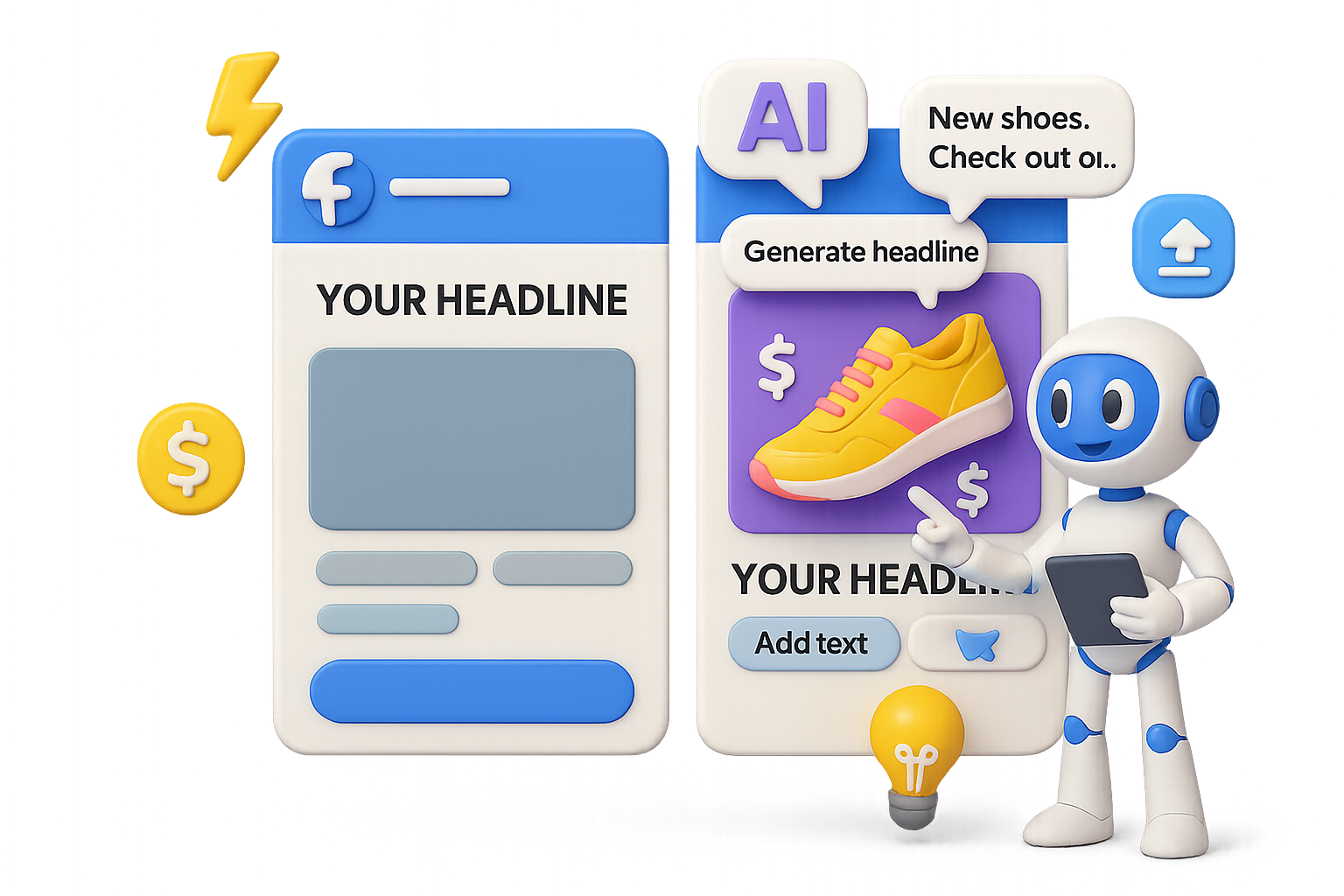
How to Use ChatGPT to Create Scroll-Stopping Facebook Ads in 5 Minutes
You don’t need a whole creative team to make a killer Facebook ad. Not anymore.
With the latest drop of ChatGPT, you can spin up polished, high-converting ad creatives—from image to copy—in minutes. No Photoshop. No $300/day freelancers. Just your product photo, a reference ad, and the right prompt.
Let’s break down how to go from bland image to scroll-stopper without breaking a sweat.

Turn Your Product Pic Into “Wait, Who Designed That?”
Here’s why ChatGPT isn’t just another AI tool. It’s your new creative sidekick.
- It “reads” images + text. Upload a sample ad layout and your product photo, and it blends the two like a seasoned art director.
- Built-in copy chops. Your caption, tagline, feature list? Done—for any brand tone you choose.
- Knows design rules. From balance to background clean-up, the visuals feel pro without you doing any heavy lifting.
- Saves serious time and cash. One quick prompt gets you what used to take hours in Canva—or cost $$$ with a designer.
Translation: You’re about to scale creatives like a boss.

Real-Life Before → After Wins
No hype—just quick examples that’ll make you double-take.
1. Supplement Bottle ➜ Sleek Banner Ad
Out went the awkward background. In came a centered bottle, subtle highlights, and benefit copy like “Hello fresh, goodbye pH-balance drama.” Studio-quality, no studio needed.
2. Flat T-Shirt Mockup ➜ Lifestyle Image
A plain PNG turned into a model-ready photo complete with shadows and texture lighting. You’d swear it came from an influencer shoot.
3. Plastic Food Containers ➜ Seasonal Carousel
ChatGPT whipped up four product shots with brand-colored backgrounds and cheery copy: “Do summer the DreamRoo way—store smarter.”
These aren’t just better-looking ads—they’re conversion-ready. And you’re in total control.

Your 5-Minute Ad Creation Flow
Here’s the playbook to go from static to showstopper, fast.
1. Gather What You Need
- One crisp product photo (JPG or PNG)
- A screenshot of an ad you like (same format/feel is ideal—think square vs. vertical)
- Bullet list of key product benefits (3–5 is plenty)
2. Start a New Chat in ChatGPT
Select the “Create an image” option—you need the model that can process visuals.
3. Upload Images (In This Order)
- Reference ad (goes on the left)
- Your product photo (goes on the right)
The order matters—ChatGPT will mimic the design of the left using the image on the right.
4. Drop in the Prompt
Here’s a plug-and-play template:
Create a Facebook ad that models the design, layout, and style of the example image on the left.
Replace the product with the image on the right.
Keep the same background style, text placement, and overall aesthetic.
Update the copy to highlight these benefits:
– [Benefit 1]
– [Benefit 2]
– [Benefit 3]
Logo text: [Brand Name]
Headline tone: [fun / premium / scientific / etc.]
Paste it, swap in your specifics, and you’re golden.
5. Review & Tweak
ChatGPT delivers fast—like, “was that instant?” fast.
Don’t love the layout? Ask for changes. Try:
- “Make background darker”
- “Use brand font: Inter”
- “Shorten copy under 15 words”
One or two edit rounds and you’re ad-ready.
Tips to Get the Best Output
Here’s how to train your new AI creative assistant to score top marks:
- Use clean images. No clutter, clear lighting. The better your input, the better your output.
- Match visual energy. Want a luxury feel? Upload a luxury-style reference ad. ChatGPT follows the vibe you give it.
- Specific benefits win. “Hydrates for 72 hours” beats “moisturizes.” Give it something sharp to work with.
- Batch and test. Ask for 3–4 variations in one go. Let the data decide which version closes.
- Feed your brand. Drop color codes, logo variations, or sample captions into the prompt for consistency.
Want a cheat code? Build a prompt template that lives in your Notion or Google Doc. Faster future runs, zero guesswork.

Let AI Handle the Heavy Lifting, You Do the Scaling
ChatGPT-4o isn’t replacing your strategy—but it is replacing the need to spend hours firing up Photoshop or slapping on text in Canva.
👉 Upload your product.
👉 Borrow creative DNA from high-performing ads.
👉 Launch better-than-average creatives before your coffee even cools.
This is how you scale faster—with fewer blockers and way more shots on goal.
Want to learn more about creative-level AI without needing a PhD in prompt writing? Check out Tixu—a beginner-friendly AI learning platform that helps you go from curious to powered-up fast.
Ready when you are.

Leave a Reply