
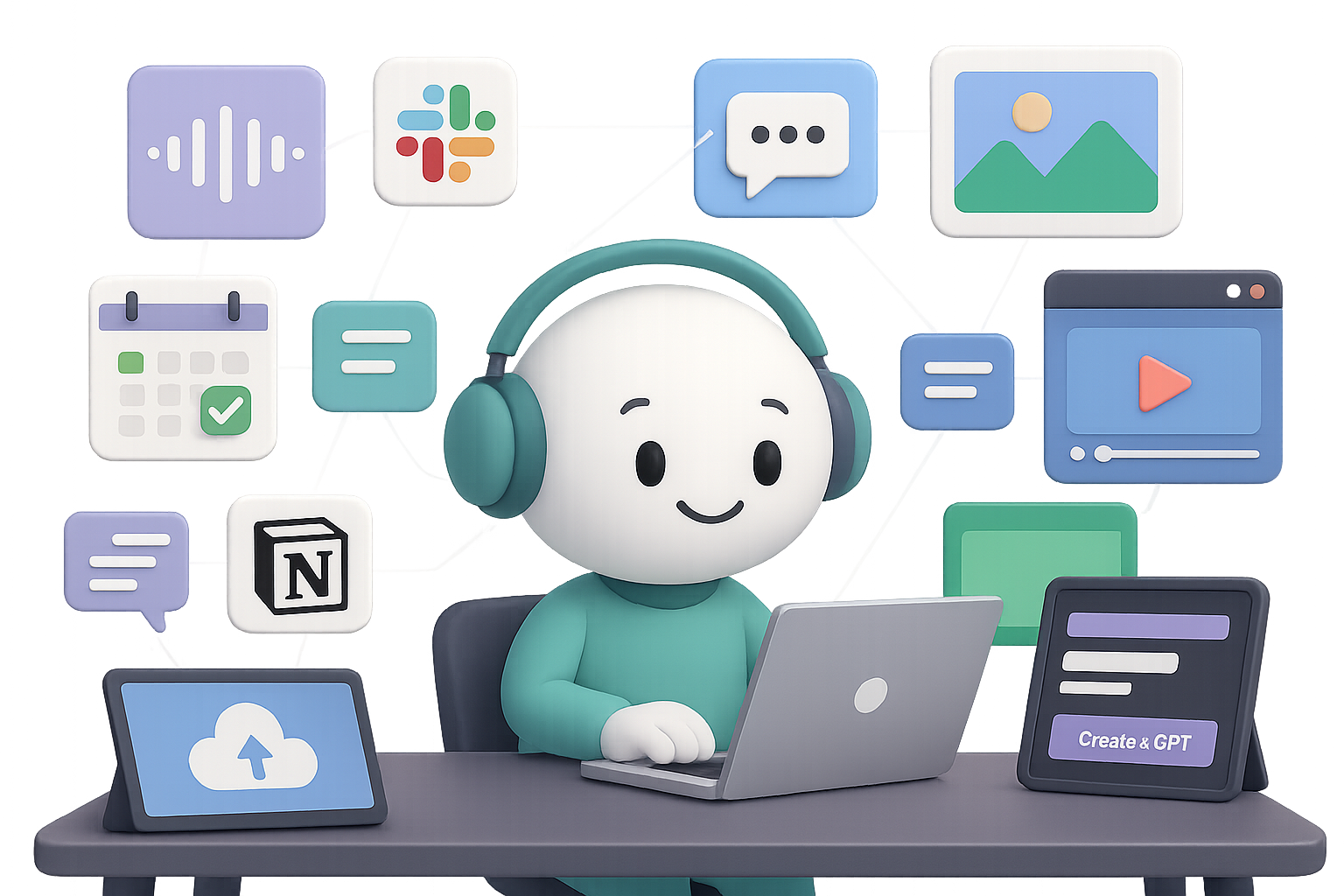
10 Fresh ChatGPT Features (and How to Actually Use Them)
If the last time you poked around ChatGPT it still felt like a fancy text box, brace yourself—things have leveled up. It now draws like an illustrator, talks like a podcast host, and automates like your tech-savvy coworker (you know the one). The best part? No prompt wizardry or coding chops required.
Here’s your front-row tour of the 10 newest ChatGPT features—plus one bonus—that’ll save time, spark ideas, and make you look like a productivity pro.

1. Create Slick Images in Seconds
No Photoshop? No problem. The built-in DALL·E 3 model now cranks out professional visuals on command.
Drop a selfie and try:
- “Turn this into a professional headshot.”
- “Make me look like a ‘90s tech tutorial host—mullet and all.”
Tweak results instantly: change the suit, adjust lighting, swap backgrounds. Perfect for quick visuals—social posts, e-book covers, product mockups—you name it.

2. Plug ChatGPT into 6,000+ Apps via Zapier
Yes, ChatGPT plays well with others. Through Zapier, you can stitch workflows across Gmail, Slack, Notion, and more—no coding needed.
Think big:
- Auto-respond to client emails and ping your team on Discord.
- Clean up Google Sheets data while you’re at lunch.
- Generate Trello cards based on your daily standup notes.
Just start your Zap with: “When X happens, ask ChatGPT to…”
Zapier fills in the blanks.

3. Put Repetitive Work on a Schedule
In the model dropdown, look for “GPT-4o (Scheduled Tasks).” This turns ChatGPT into your reliable (and tireless) assistant.
Try this:
- Daily industry news in your inbox at 7 AM.
- Weekly status reports delivered every Friday.
- Monthly birthday reminders, complete with heartfelt messages.
Manage it all from the slick new “Tasks” tab—top right under your profile pic.

4. Build Your Own Custom GPT
Here’s where things get personal. Custom GPTs let you design your own AI sidekick—preloaded with knowledge, rules, and even a personality.
Here’s how:
- Click “Explore GPTs” → “Create.”
- Add a name, avatar, and bio.
- Drop in set rules (like “Speak like a friendly HR manager”).
- Upload your content—PDFs, FAQs, brand docs.
- Toggle tools you want: web search, code interpreter, image creation, etc.
- (Optional) Connect an API to live data.
You can share your GPT or keep it as your secret sauce.

5. Stay Sorted with Projects
Tired of repeating the same context every time you return to a chat? Say hello to Projects.
Launch one from the sidebar ➞ “+” and group everything for that gig in one tidy workspace:
- Separate chat threads just for brainstorming
- Upload docs and assets (slides, briefs, notes)
- Add specific rules like “Assume audience = CMOs” or “Keep it under 500 words”
When you open that project later, GPT picks up right where you left off.

6. Talk Instead of Type
Want to use ChatGPT while walking the dog or cooking dinner? Hit the mic icon—desktop or mobile—and speak your mind.
It talks back in a surprisingly lifelike voice, ideal for:
- Capturing thoughts on the go
- Language practice
- Multitasking in motion
Bonus: you get a full transcript afterward.

7. Turn Text Prompts into Short Films
Cue the popcorn. Sora is OpenAI’s shiny new text-to-video model, now in early release for Plus and Pro users in the U.S.
Type something like:
- “A desert planet where robots grow flowers”
Sora replies with a cinematic clip, ready to download. Wider access coming soon—and it’s worth the wait.

8. Let GPT Browse the Web for You
No time to click through 25 tabs? Operator’s got your back (Pro tier + U.S. only, for now).
It can:
- Compare the latest laptop deals under $1,000
- Scrape university contact info
- Book your flight (and fill out the forms)
It’s like handing your mouse and keyboard to someone who never tires. Yes, it’s still beta—but the future is typing itself.

9. Speed Things Up with Keyboard Shortcuts
Want to fly through tasks? Type less, click smarter.
Hit Ctrl / ⌘ + / to see the full cheat sheet. A few favorites:
- Ctrl + K → new chat
- Ctrl + Shift + Up/Down → cycle through past prompts
- Ctrl + Shift + \ → toggle dark mode (because vibes)
Small shortcuts, big time-savers.

10. A Chatbot That Remembers You
Head to Settings → Personalisation → “Memory.” Flip it on, and ChatGPT remembers who you are.
That means:
- No re-explaining your tone of voice or job title
- Smarter, more tailored suggestions
- A smoother back-and-forth experience that just feels…smarter
Want to see what it knows? Ask: “What do you remember about me?”
Wipe its memory anytime. Total control, no awkward breakups.

Bonus: Drag-and-Drop File Uploads
Drop almost anything—PDFs, Excel files, images—into the chat and ask away.
Examples:
- “Summarise this contract in bullet points.”
- “Spot issues in column C.”
- “Pick the best thumbnail for my YouTube video.”
GPT pulls exact info from your file, cites it, and helps you act fast.

Wrap-Up: What’s Next?
ChatGPT isn’t just a chatbot anymore—it’s a creative partner, data analyst, scheduling tool, and visual maker all rolled into one.
Pick just one of the upgrades above, fold it into how you already work, and see what happens. Fewer tabs, less grunt work, and a calendar that doesn’t make you cry? Yes, please.
Want to sharpen your AI skills without the overwhelm?
👉 Try free lessons on AI tools at Tixu—the beginner-friendly platform that makes learning fun and useful.

Leave a Reply