
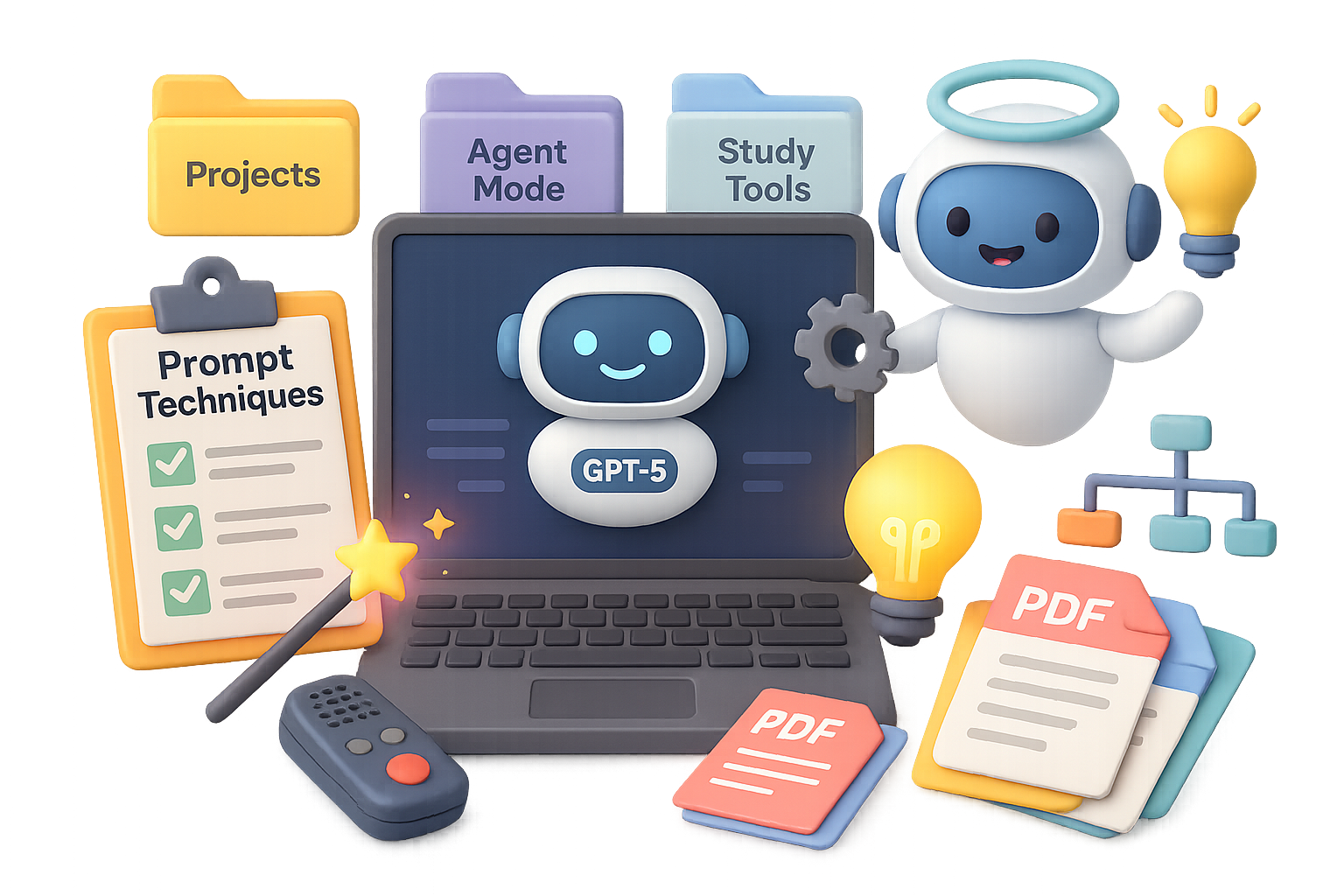
Unlock More from ChatGPT-5: 12 Practical Techniques You’ll Use Every Day
You’ve heard the buzz—ChatGPT-5 is smarter, faster, and finally understands your rambling 3 a.m. brainstorms. But here’s the thing: all that firepower won’t help unless you know how to aim it.
This guide isn’t fluff or theory. It’s 12 real-world techniques that’ll turn ChatGPT-5 into the most productive team member you’ve ever had—no onboarding required.

What you’ll walk away with:
- Faster, sharper ChatGPT outputs
- Tools to build entire workflows or apps
- Less back-and-forth and more “Whoa, that’s exactly what I needed”
Let’s dial it in.

1. Prime the Prompt with “Magic Phrases”
Want smarter, richer answers? Start strong. These simple openers snap ChatGPT out of autopilot:
- “Think step-by-step.”
- “Be extremely thorough.”
- “Only answer if you’re 90% confident.”
- “This is critical to get right.”
They clue the AI to pause, reason, and double-check. Add one to any prompt and watch the quality pop.

2. Add a Quality Rubric
Tell it what “good” looks like—before it even starts writing.
QUALITY RUBRIC:
• Engaging story
• Fresh, cliché-free language
• Clear call-to-action

Internally refine. Max 5 improvement cycles.
Return only polished final version.
Think of it as your AI editor with a checklist. Cleaner drafts, less cleanup for you.
3. Choose a Lane: One Tone Only
“Be concise but detailed” is like telling someone to sprint slowly. Don’t do it.
Stick to one tonal direction. Unsure? Run your ask through OpenAI Prompt Optimizer—it flags contradictions before ChatGPT gets confused.

4. Tap Into Multimodal Superpowers
Guess what? ChatGPT isn’t just a text machine anymore.
Upload an image, PDF, or even a voice memo. Then ask it to summarize, critique, or rewrite.
Whether you’re recapping a webinar or transcribing a brainstorm, it’s like having an on-call assistant with eyes and ears.
5. Build It Yourself: Canvas Mode
No-code nerds, this is your moment.
In Canvas (➕ > … > Canvas), describe what you want—a custom CRM, meal planner, even a newsletter builder—and ChatGPT designs the UI, writes the logic, and gives you HTML/CSS you can use.
Duct tape not included, but barely needed.

6. Branch Without Losing Your Flow
Too many ideas? Great.
Hover over any message and hit Branch in new chat. You explore “Option B” while keeping all the prior context right where you left it.
It’s your personal mind map, only smarter (and easier to read than your whiteboard scrawls).

7. Think Bigger with Projects
Projects keep long-term memory on lock.
Upload your brand book, product roadmap, or market research once—and ChatGPT remembers it all. No more reminding it who you are every. single. time.
Limits by plan:
- Free: 5 files
- Plus: 25
- Pro: 40
Color-code and rename as needed. Your AI squad, organized.
8. Activate Study Mode: Learn Like a Boss
Forget passive learning.
In Study Mode (➕ > … > Study & Learn), ChatGPT quizzes you like a professor, then reviews your answers and gives feedback. Perfect for drilling topics, practicing sales rebuttals, or debugging your startup pitch.
You bring the grit. It brings the flashcards and receipts.

9. Humanize Your Writing Voice
You’re not a robot—your writing shouldn’t be either.
Upload a couple of your best blog posts or emails. Then define your voice rules:
- 8th-grade reading level
- Sentences under 20 words
- No jargon, ever
ChatGPT uses this to mimic your tone so your next draft sounds like you on your best day—minus the typos and tangents.

10. Run Wild with Agent Mode
One prompt. Whole projects, done.
In Agent Mode (Tools → Agent, paid only), you can say: “Create a ‘New Puppy Survival Guide’ lead magnet for my Boston dog-training business.”
And it’ll:
- Research local questions
- Draft optimized copy
- Generate cover art with DALL·E
- Assemble it all into a PDF
Writer, marketer, designer, VA—all in one click. Unreal.
11. Power Features You’re Probably Missing
Quick hits that save hours:
- Edit Message: Revise your prompt mid-convo (⋮ > Edit).
- Connectors: Pull live data from apps like Google Drive or Notion (paid feature).
- Personalities: Switch tone to Nerd, Listener, or Cynic in one click.
- Legacy Models: Need that GPT-4-o brain? It’s still here—just toggle in Settings.

12. Control the Memory
Stale info = wrong answers. Period.
Head to Settings → Personalization → Manage memory and ditch anything outdated. Tight memory = smarter bot.
Try This Stack Today
Test this combo right now:
- Start your prompt with “Think step-by-step”
- Add the quality rubric
- Drop in a PDF or voice memo
Boom. You’ve got clarity, structure, and richer replies. Stack in Projects or Agent Mode when you’re ready to go beast mode.
Sound exciting but a little overwhelming? We got you.
Head over to Tixu.ai — a beginner-friendly AI learning platform that teaches you how to actually use this stuff, one bite-sized win at a time.
Ready when you are.

Leave a Reply