
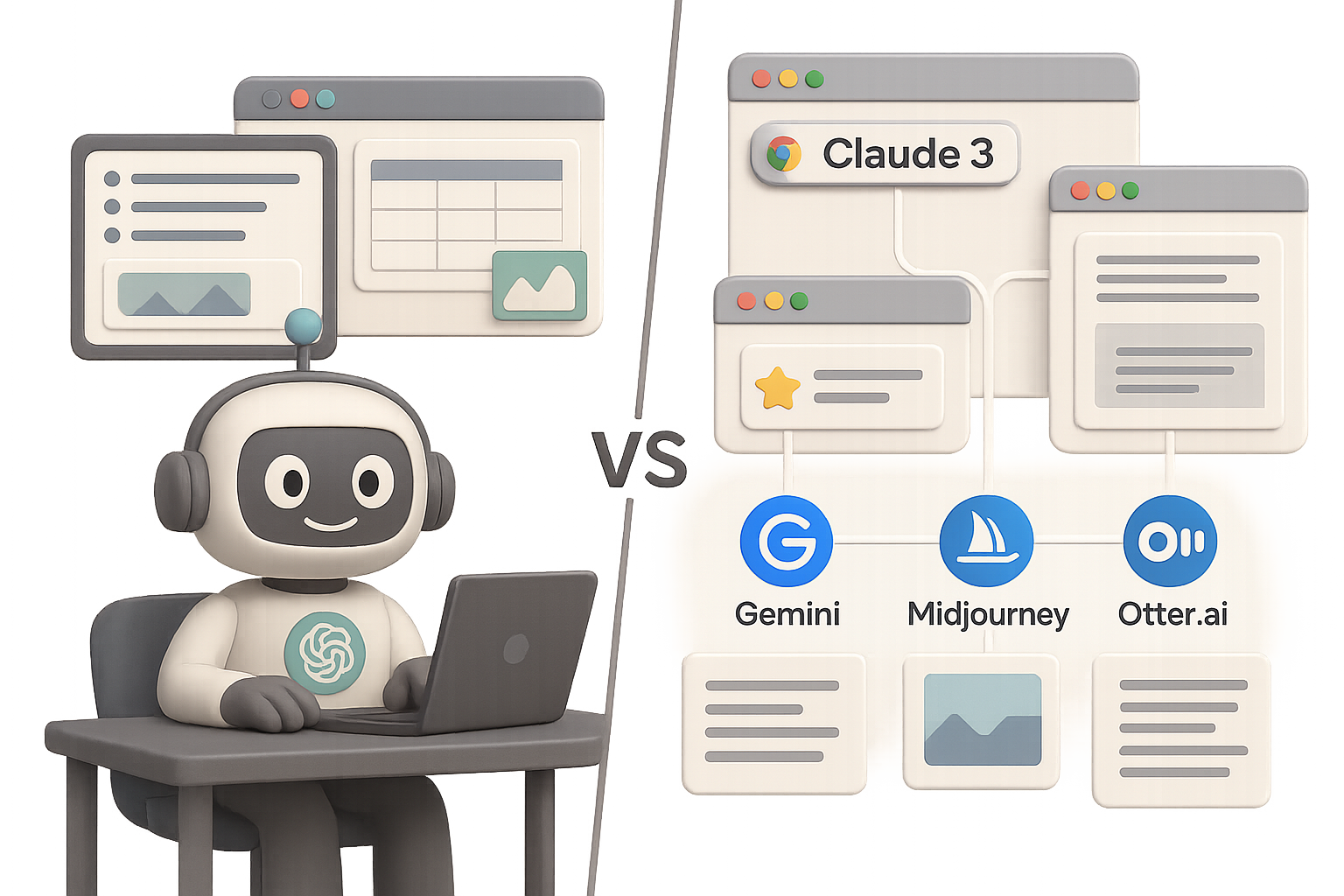
Why It’s Totally Fine to Open a Second Tab: 5 Tasks Where ChatGPT Isn’t the Gold Standard
You’ve got ChatGPT fired up and ready to roll. And hey, it’s great—fast, flexible, and just human enough to feel like a teammate. But let’s be real: as helpful as it is, it’s not always the best pick for the task at hand.
Sometimes, opening that second tab isn’t cheating—it’s just smart.
Here are five spots where other tools or models can save you time, sanity, and even a little cleanup effort.

Make Slide Decks That Don’t Look DIY
You know the move. You type, “Create a PowerPoint about the benefits of learning new skills” into ChatGPT. What comes back? Usually an outline with bullets—and maybe a .pptx file if it’s having a good day. But design? Formatting? Forget it.
What crushes it:
- Claude 3 Opus can serve up a polished .pptx, images included, layout on point.
- Gemini 1.5 Pro plugs into Google Slides and turns outlines into real decks with one click.
Why you’ll want to open that tab:
- No more fiddling with fonts or fixing image placement.
- Save 15–20 minutes on each deck just in formatting alone.

Build Spreadsheet Templates in Record Time
Ask ChatGPT to whip up a quarterly social report spreadsheet and you’ll get a single, flat sheet. Useful-ish. But not if you need KPIs, graphs, or real structure.
What does it better:
- Gemini 1.5 Pro spins out multiple tabs—overview, KPIs, even mock data—and opens directly in Google Sheets.
- Claude 3 Opus delivers a downloadable .xlsx file with formulas, conditional formatting, the works.
Why switch it up:
- Structured sheets from the jump = less manual cleanup.
- You hand off a file or link, not a copy-pasted Frankenstein table.

Nail Image Generation & Quick Edits
Sure, DALL·E 3 inside ChatGPT will give you “pirate you on a Viking ship.” But good luck getting consistent faces—or easy edits without restarting from scratch.
Better tools for the job:
- Imagen 2 (Gemini) keeps faces actually looking human—and edits fast.
- Midjourney v6 still reigns for stunning visuals, especially if realism isn’t the focus.
- Stable Diffusion SDXL wins for local control and privacy-first projects.
Why it matters:
- Better face fidelity = better results for headshots or branded creatives.
- Small tweaks don’t require a full reset. Just one clean prompt.

Get Meeting Notes Without Missing a Beat
ChatGPT’s desktop record function? Cool demo. But sometimes it mislabels speakers—or quits mid-call without warning. Risky, especially if you’re leading.
What’s more reliable:
- Gemini for Google Meet joins the call, assigns names, and drops a summary in your inbox, no extra clicks.
- Tools like Fireflies.ai, tl;dv, and Otter.ai bring tight Zoom/Meet/Teams integration plus highlight reels and follow-up tasks.
Why that’s a win:
- You stay present in the meeting. Zero “Did I record this?” stress.
- Post-call notes are cleaner, and action items are practically gift-wrapped.

Avoid the Memory Overload Trap
ChatGPT remembers things across chats now. Neat at first… until those well-meaning memories start bleeding into places they shouldn’t.
“Wait, why is it bringing up last month’s project in a new conversation?”
Smarter options:
- Claude gives you organized context blocks—Core info, Projects, Experiments—and refreshes them daily.
- Or go DIY: keep a Markdown doc with your project context and upload it when needed.
Stay sharp with these quick tips:
- Review and clear ChatGPT’s memory list weekly. Ruthlessly.
- Save long-term brand info or bios in a pinned prompt or reusable system prompt.
- Turn off memory entirely for private or variable projects.

Key Takeaways
- ChatGPT’s a strong starter, but not a solo act.
- Claude 3 crushes it for docs, slides, and spreadsheets.
- Need visuals? Imagen 2 or Midjourney are your go-to’s, depending on use.
- Use pro-level note tools to ensure your calls are covered.
- Control context manually to laser-focus your sessions.
The AI game is changing fast. Picking the right tool for a task isn’t overkill—it’s your competitive edge.
Ready to get sharper with your AI skills—without the overwhelm? Start learning where AI meets real-world results at Tixu, the beginner-friendly platform that teaches you how to pick—and prompt—the right AI for the job.

Leave a Reply