
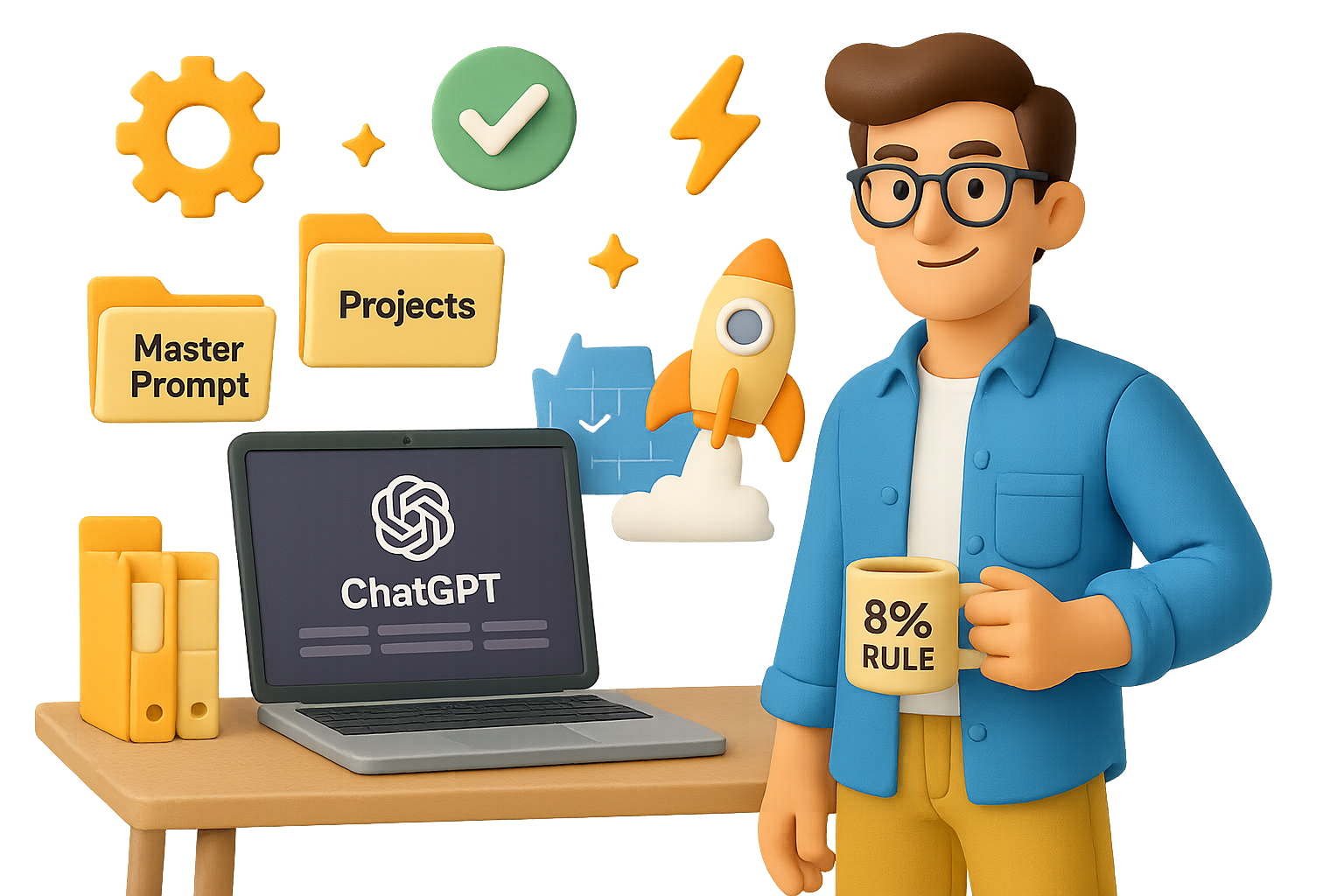
Ready to take busywork off your plate and let AI deliver real wins?
Here are six laser-focused ChatGPT moves teams are using to cut grunt work, free up bandwidth, and boost output—no extra hires required.
These aren’t hypotheticals. If your Slack’s on fire and your to-do list is eating itself, this is the playbook.

1. Don’t Wait—Upgrade to ChatGPT Plus Today
Still rocking the free version? It’s like driving a Tesla with the battery halfway unplugged.
For $20/month, ChatGPT Plus gives you:
- GPT-4 (smart enough to challenge assumptions)
- File uploads + voice mode
- No more “server is full” errors
The result? Faster answers, better outputs, fewer dead ends.
If your time’s worth more than $2/hour, Plus pays for itself on day one.

2. Build a Master Prompt for Every Role
Generic prompts = generic results.
Instead, teach ChatGPT who you are and what great looks like in your role.
Do this:
- Say: “Interview me to build a master prompt for my role as [Job Title].”
- Talk it out—voice mode is your shortcut.
- Let ChatGPT wrap it all into a tidy PDF.
- Reuse that doc in any chat to get instant context.
Suddenly, ChatGPT can:
- Draft SOPs that sound like you
- Stress-test product or pricing ideas
- Recommend smart hires via role fit
- Flag financial levers worth pulling
It’s like giving your AI a crash course in your playbook—then letting it call audibles when needed.

3. Turn Repeat Tasks into System Prompts
High performers don’t reinvent the wheel—they grab the template.
A system prompt is just that: a reusable blueprint that guarantees consistent, on-brand output.
Here’s the build:
- Create the output manually once.
- Instruct ChatGPT: “Write a detailed prompt that would produce this result.”
- Test it with fresh input—tweak until it’s bulletproof.
- Save and deploy anytime that task comes back around.
Add power-up phrases like:
- Act as a [pro role]
- Deep research
- First principles
- Devil’s advocate
- Constraints first
- Format as [table, bullets, etc.]
- Verify & cite
These cues nudge ChatGPT toward clarity, structure, and fewer hallucinations. Just set it and forget it.

4. Run Your Work Inside “Projects”
ChatGPT’s Projects feature is an underrated gem. Think: folders that remember everything.
Inside each Project:
- Files + chats stay bundled
- Context compounds across sessions
- Hand-offs get seamless—everyone sees the full picture
Example:
Upload sales calls, proposal drafts, and earnings PDFs into a Project. Then prompt:”You’re a CMO prepping for board Q&A. What 3 insights should I lead with?”
Boom—ChatGPT triangulates across sources and gives you a clean, high-leverage narrative.
5. Lock in Custom Instructions Once, Not Every Time
Open Settings → Personalization → Custom Instructions.
This is the global config file for your AI brain. Use it to:
- Set tone + depth (e.g., “keep it friendly and concise”)
- Lock in output format (“always return bullets + punchy subheads”)
- Inject brand values or insider lingo
Result? More useful first drafts without re-explaining the basics every session.
You don’t brief your team every morning. Your AI shouldn’t be different.

6. Publish Your Best Prompts via Custom GPTs
Why hoard your hard-earned prompts? Turn them into mini-tools your team can launch anytime.
Do this:
- In ChatGPT desktop, hit “GPTs” → Create
- Paste your tested system prompt
- Drop in your Master Prompt PDF under “Knowledge”
- Give it a name, choose sharing settings, and done
Now anyone—colleagues, clients, contractors—can fire it up and get to work in seconds. Think: inbox zero assistant, video script generator, budget reviewer.
Each Custom GPT becomes part of your company’s operational toolkit—IP that scales with zero marginal cost.

The 8% Rule
Your job isn’t to automate everything. It’s to automate the stuff that doesn’t need your magic.
Aim to offload 92% of repetitive tasks so you can spend 8% of your week thinking, building, and being irreplaceably human.
Here’s how you move from ideas to action in 30 minutes:
- Fire up ChatGPT (Plus tier).
- Build your role’s Master Prompt.
- Save it, use it, iterate.
- Pull it into a Project.
- Convert your best repeat into a Custom GPT.
You just started building your company’s second brain—one that works while you sleep.
Want more beginner-friendly AI how-tos, templates, and step-by-step guidance?
Grab your seat at Tixu—the AI learning platform built for the real world.

Leave a Reply