5 Gemini 3.0 Upgrades That Actually Save You Time
You’ve been burned before by AI “breakthroughs” that overpromise and…well, under everything else. But after a month under the hood with Gemini 3.0, we’re calling it: this version earns its keep.
No fluff, no 47-slide decks—just five upgrades that make your workflow smoother. Whether you’re wrangling docs, designing dashboards, or trying to get an AI to write like your boss (without screwing it up), Gemini 3.0’s got your back.
Let’s dig into the wins—and how to put them to work.

1. Multimodality That Actually Gets It
You toss Gemini a video. It doesn’t just see blurry thumbnails and detached audio. It watches. Listens. Understands what’s happening from start to finish—and connects the dots.
Use this when:
- You’ve recorded a messy onboarding video and need a crisp step-by-step checklist without rewatching.
- You’re sitting on hours of user interviews and want moments of frustration flagged—with visual context.
- You upload a dense report and get back a polished infographic—not AI art with unreadable fonts.
This isn’t just flash—it’s a genuine timesaver. Think: hours off your plate instead of death by timestamps.

2. Deep-Reading Power (Finally Useful)
Yes, a million-token context window sounds cool. But here’s what’s cooler: Gemini 3.0 is roughly 60% better at pulling real insights from deep in your docs.
Got 200 pages of quarterly reports to cross-reference? Dump everything in and ask: “Show three times executive commentary doesn’t align with financials—include citations.”
Gemini doesn’t invent numbers anymore. You’ll get legit examples (e.g., upbeat VR talk side-by-side with a $4.4B Reality Labs loss). No more squinting through fine print or playing “Where’s that chart?”

3. Search That Works the Way You Think
Remember when Drive + Gmail search was…let’s say “temperamental”? That’s over. The Gemini 3.0 Workspace extension finally gives you a power-up worth using.
Try these:
- “Find everything related to freelancer Alex and write two testimonials from actual deliverables.”
- “Scan last week’s emails. Group messages by deadline and highlight what needs a reply today.”
- “Draft my self-review from meetings, docs, and emails over the last 6 months—format it for our performance review template.”
If you’re about to burn 10+ minutes hunting for context in your inbox or docs—pause. Ask Gemini first. You’ll get time (and sanity) back.
4. Interfaces That Build Themselves
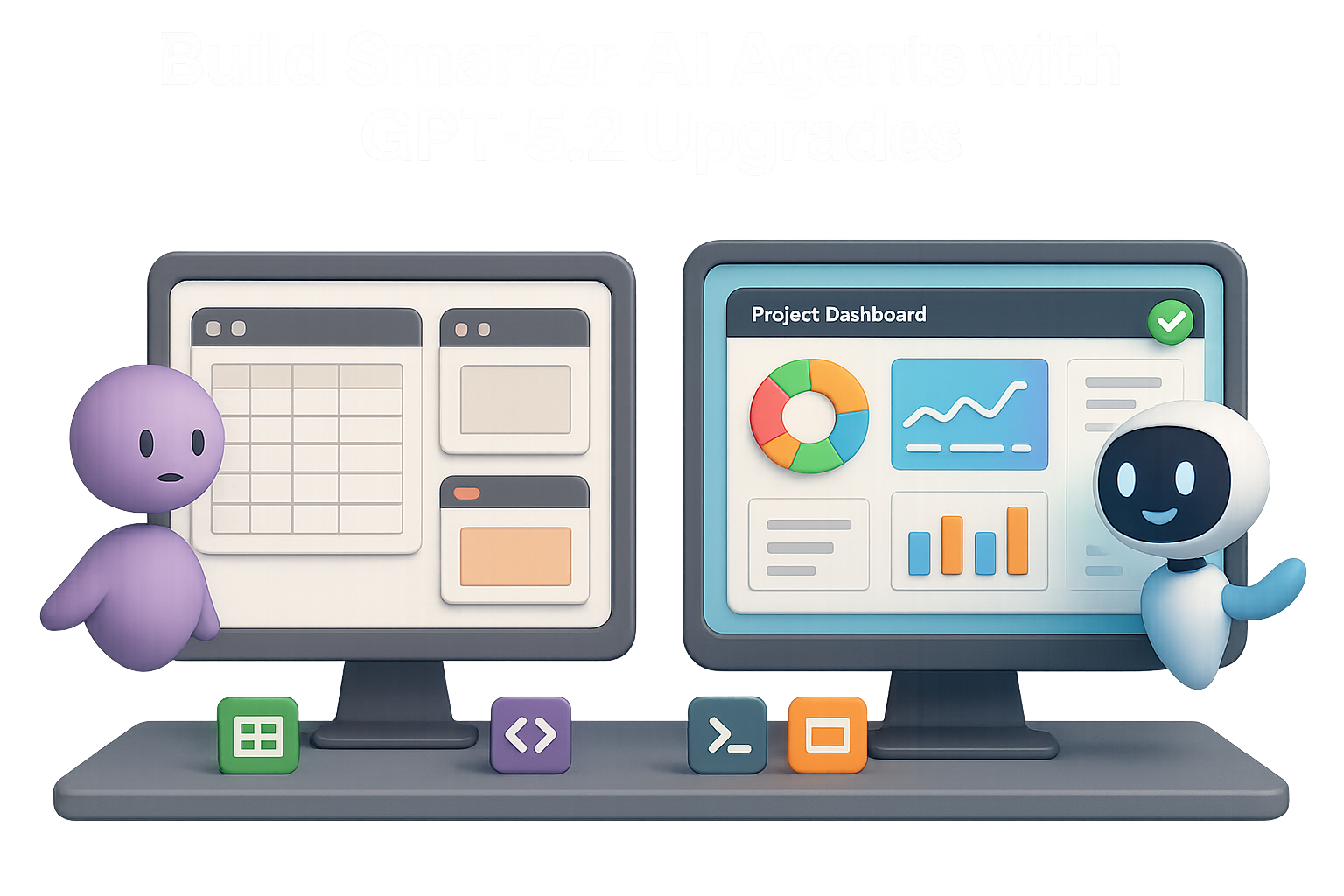
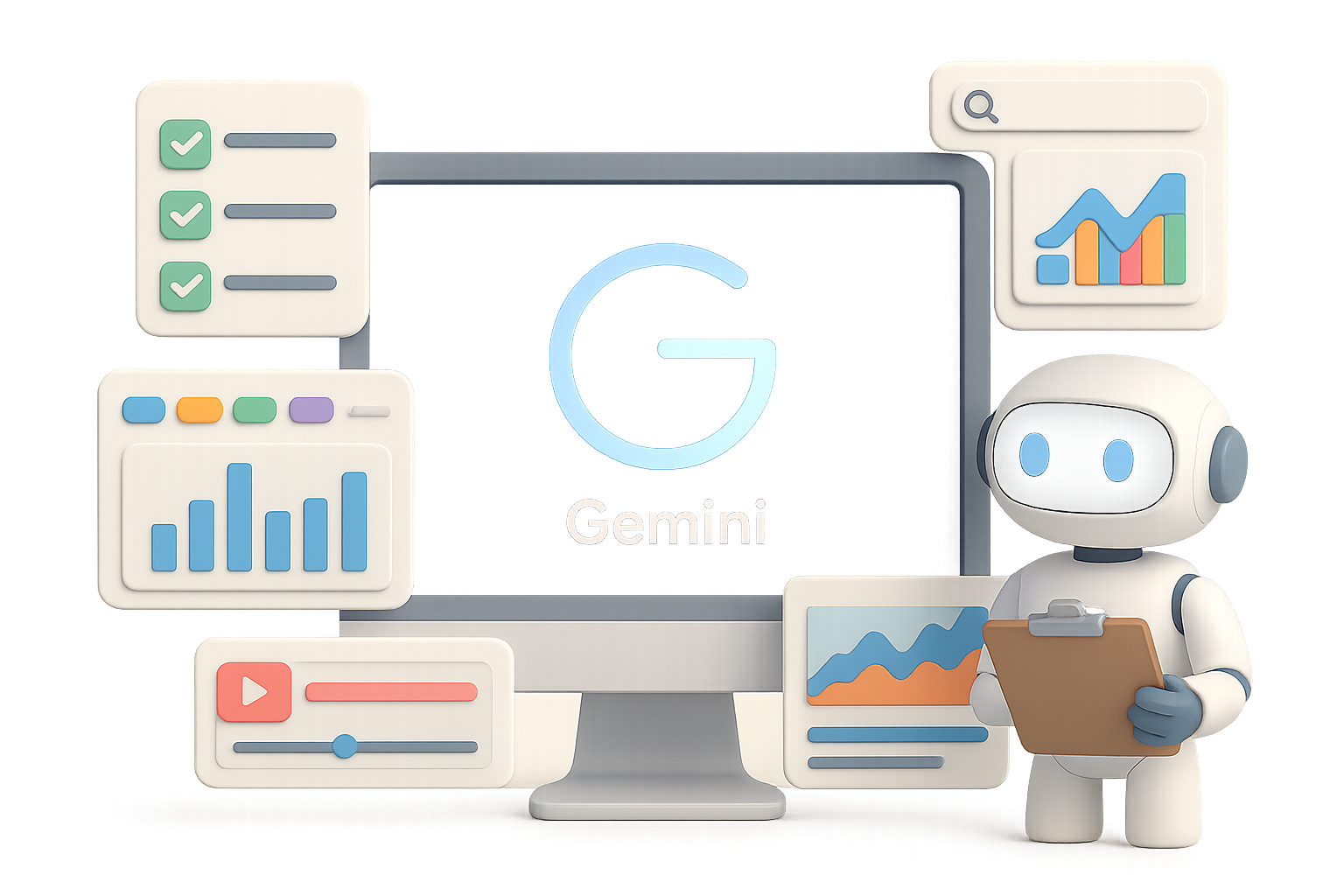
Here’s where it gets spicy. Gemini 3.0’s performance on UI reasoning has jumped from 11% to 72% on key benchmarks. Translation? It doesn’t just suggest layouts—it builds them.
Picture this:
- Upload pricing pages from Substack, Ghost, and Beehiiv.
- Prompt: “Build a comparison table.”
- Click Dynamic View.
You don’t just get a static list—you get sliders for subscriber count, break-even charts, a “best fit” quiz. Share it. Click through it. Stakeholders get real insights, fast.
Want a dashboard for your Q2 numbers?
“Using our spreadsheet, create a dashboard with region filters and clickable bar charts.”
Give it 60 seconds. You’ll be exploring churn by region while your old self would still be tweaking cell formatting.
Pro tip: Tell Gemini what controls you need—sliders, toggles, charts—and let it assemble the parts.

5. Less Prompting. More Doing.
Old AI: You write a detailed prompt. Pray it follows along.
Gemini 3.0: You give it a vibe, a goal, and maybe a file. It handles the rest.
Old way:
“Play nice. Summarize this meeting in 200 words, use bullet points, make it sound casual.”
New way:
- Paste notes.
- Say: “Write a short email with next steps.”
Done. No hand-holding required.
Even smarter move? Feed Gemini a few real examples—emails your boss wrote, posts from your LinkedIn, whatever sets the tone. Now it mimics style with scary-good accuracy without guessing.
The shift: Context > Prompts. Get your inputs tight, and your outputs land where they should.

Bonus: It Pushes Back (In a Good Way)
Gemini isn’t your yes-man anymore. Google trained it to stop nodding along when your ideas need work.
Ask it: “Review these slides—where are the storytelling gaps?”
Get back clear flags: missing data, confusing transitions, talking points with no backup. Now you can fix them before your VP puts on their “concerned” face.

In a Nutshell
Gemini 3.0 isn’t just louder or faster—it’s smarter, sharper, and way better at helping you get actual work done:
- It sees and hears better (true multimodality).
- Reads deep to find gold—not fool’s gold.
- Searches your workspace like a skilled assistant.
- Builds interactive tools, not static reply blobs.
- Uses short prompts and real examples to deliver better output.
Get your context in place. Ask it straight. Then go focus on things machines can’t do—yet.
Want to get better at applying AI without drowning in jargon? Head to Tixu—a beginner-friendly AI learning platform that’ll have you working smarter in no time.