
What’s New in AI: New Toys, Quiet Upgrades, and Corporate Chess Moves
Call it what you want—rapid-fire innovation or Thursday-fueled chaos—but AI doesn’t sleep, and neither should your curiosity.
If you’ve felt like new tools pop up faster than you can test them, you’re not alone. This week’s lineup includes drag-and-drop workflows, faster video tools, and a Chrome extension with a name that deserves a legal team. Oh, and yes—corporate drama galore.
Let’s break down what dropped, what’s quietly changing the game, and what’s worth clicking on during your coffee break.

Play With These AI Tools—Right Now
Tired of reading about new tools you can’t touch yet? These four are live, public, and begging for your clicks.
1. Google Opal — Build AI Workflows Without Code
→ Site: opal.withgoogle.com
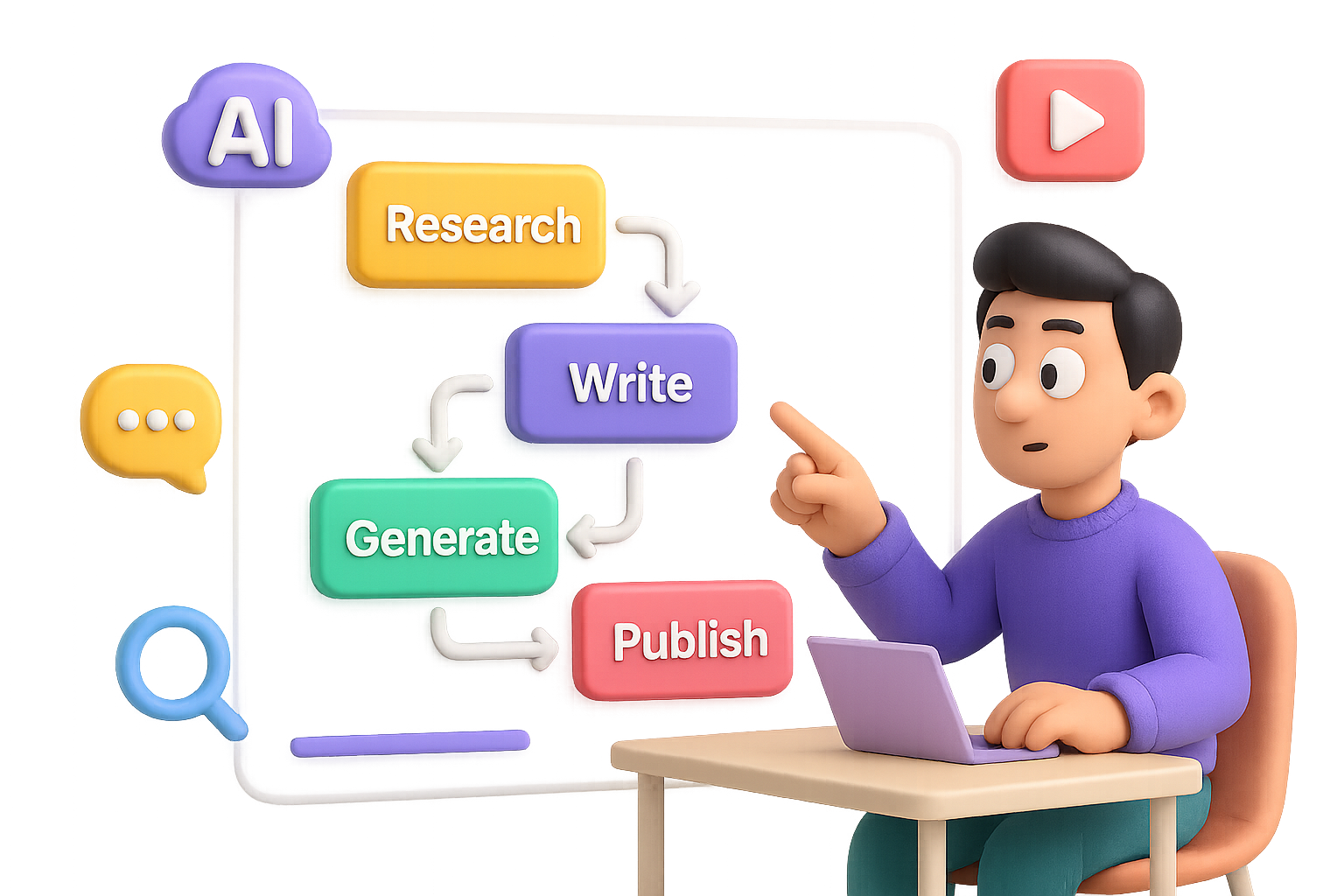
Think of Opal as AI legos. You can stack “blocks” like research, write, generate, publish—or just tell it, “List all AI news from the past 24 hours.” Opal maps the pipeline for you. Available in the U.S..
2. Leonardo AI V3 Fast — Speed Without Sacrificing Sound
Leonardo’s video tool got a 3× speed boost, now running faster and burning fewer credits (2,000 vs. 2,500) per short. Sound is still included. Realism’s a tad lower, but for quick clips, it nails it.
3. Higgsfield “Steal” — Right-Click to Clone Images
Yes, it’s really called Steal. This Chrome extension lets you right-click any web image and spawn look-alikes via your Higgsfield account. Manual install only. It’s experimental—and yes, shady names don’t help PR.
4. Proton Lumo — Private Chats, No Footprints
→ Site: lumo.proton.me
From the privacy pros behind ProtonMail: a chatbot that logs nothing and won’t train on your convos. Free to try. Premium tier gets bigger doc uploads and advanced models.

Subtle Features That Pack a Punch
Some upgrades didn’t shout—so we’ll do it for them.
- Google Search “Web Guide”
Flip it on in Search Labs. Your results get grouped into sections like “Accommodation” or “Safety Tips.” Small UX shift, big browseability win. - Google Photos & YouTube “Photo-to-Video”
Click I’m Feeling Lucky on any photo; it turns into a Shorts-ready animated clip. Rolling out now for U.S. users. - Windows 11 Copilot Upgrades
Copilot Recall lets you search your desktop-historically. New right-click actions and a boss-level Vision mode that literally shows you what to click next.

Boardroom Drama & Power Moves
Behind the scenes, AI empires are being built—and stolen.
- Meta’s Recruiting Spree
Three top Google researchers (Olympiad-winning AI level) jumped ship to Meta. Add ex-OpenAI, Apple, and GitHub folks, and Meta’s AGI team smells like a unicorn IPO waiting to happen. - Delta’s “Fare Sniffing” AI
Delta is testing an AI tool that guesses how much you will pay—dynamic pricing tailored to your purchasing history.
Grab popcorn when seatmates discover price gaps. - xAI’s Baby Grok Plans
Elon’s group is working on a kid-friendly version of Grok—their adult-leaning chatbot. Mixed signals much? We’ll wait for full details, but child safety better be top of the list.

Quickfire Updates (Blink and You’ll Miss Them)
- GPT-5? August is the whispered release month. Still speculative.
- OpenAI Dev Day: Oct 6, SF. $650 tickets; start budgeting now.
- ChatGPT Agents Now Live: Tiered plans get access. One clever move—have an agent scrape and categorize Twitter lists into Google Sheets.
- Olympiad-Grade AI: OpenAI and DeepMind both report gold-level IQ on Math Olympiad tasks—proof AI’s not just creative, it’s mastering logic.
- Amazon + Rewind.ai Wearables: Passive audio-recording wristbands. Promising tech, creepy vibes.
- Pika Social (Beta): A selfie-driven, AI-animated feed. Social + avatars = TBD.
- Alibaba’s Qwen2 Upgrade: New 72B model outperforms the last—if you’re brave enough to tinker with raw weights.
- White House AI Roadmap: Hits four big promises: open-source support, free speech protection, more U.S. AI funding, and global AI diplomacy.

Why This All Matters for You
AI’s not just showing off—it’s sliding into your workflow one subtle upgrade at a time.
From cranking out blog posts to slicing video editing times, these aren’t side projects. They’re skill-boosters hiding behind familiar buttons.
The win? You get more done without feeling like you’ve added another tool to juggle.
Your move:
- Try one new tool this week.
- Toss an old habit it could replace.
- Keep tinkering—because yesterday’s trick just might be today’s shortcut.
Need a coach in your corner as you level up your AI skills? Tixu makes learning beginner-friendly. Ready when you are.

Leave a Reply