
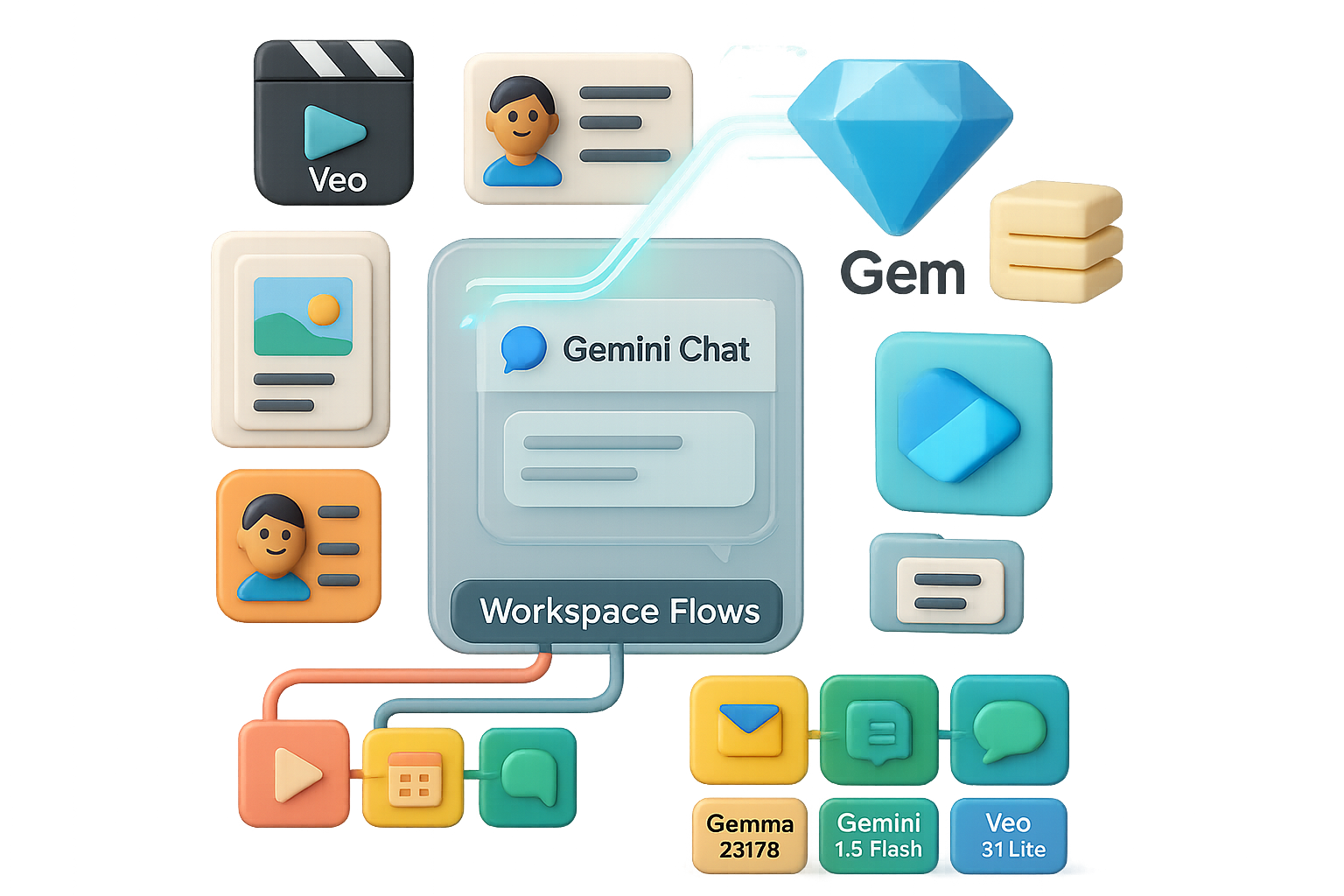
NotebookLM meets Gemini: work at the speed of thought
You lose momentum when context lives in ten places. Notes sit in NotebookLM. Chats live in Gemini. Your best ideas die in the gap. Now you can summon NotebookLM inside Gemini and keep momentum. Drop a notebook into any Gemini chat, and Gemini treats it as privileged context. Requests that used to take minutes now return in seconds. That’s the win. In this post you’ll get the how-to, three big new NotebookLM features, quick automations in Workspace Flows, and the smart models worth testing. By the end you’ll have a clear next step.

What you’ll walk away with
- One quick setup to make notebooks actionable.
- Three ways NotebookLM accelerates output.
- A checklist to automate routine Google work.

Summon NotebookLM inside Gemini — turn notes into outputs in seconds
- Hit the “+” in any Gemini chat, choose Notebook, and drop a notebook.
- Gemini treats that notebook as privileged context for the conversation.
Use cases:
- “Write a 2-page research brief based on this notebook.”
- “Design a cover image that matches the brief.”
- “Generate an SEO-optimised blog post that links back to our site.”
Because Gemini’s models are faster and more flexible than NotebookLM’s native chat, you watch assets appear in seconds instead of minutes. That difference adds up. Faster drafts mean more iterations. More iterations mean better work.
Turn notebooks into reusable Gems — scale the knowledge
Open the Gem builder. Click Knowledge → “+” and add notebooks. You now have a reusable knowledge base. Use it for:
- Marketing copy that stays on-brand.
- Customer-support answers with accurate context.
- Internal training materials that don’t require re-writing.
Don’t rebuild context every time. Reuse it.
Three brand-new powers inside NotebookLM you should try
- Cinematic video generation
The slideshow exporter is gone. NotebookLM now uses Google’s Veo engine for motion-graphics video. Expect animated zooms, pans, text overlays, and synced voice-over. One click converts a plain notebook (say, the Great Depression) into a mini-documentary.
- Configurable chat personality
Open a notebook, pick Chat settings, and set:
- Role: “Act as a PhD tutor” or “Be a brand strategist.”
- Tone and depth.
- Response length sliders.
- Custom system instructions for school vs. work.
You control voice and depth. Your notebook answers change tone without extra prompts.
- Re-imagined infographic builder
Pick a visual style, orientation, and detail level. The generated infographics arrive much closer to publish-ready. Less post-editing. More shipping.

Teach Gemini everything you’ve ever told another LLM
Gemini now imports memory from other models. Under Settings → Import memory, Gemini gives a ready-made prompt. Paste that prompt into ChatGPT, Claude, Groq, or any other model. Copy the model’s return text and drop it into Gemini. Instant personality transplant.
Want the full chat history? Export your ChatGPT data (Settings → Data Controls → Export), upload the ZIP to Gemini, and it indexes every conversation for future context.
Pro tip
- Go to Personalised intelligence and switch all memory, connected-app, and instruction toggles on.
- Inside each section (Search services, YouTube, Maps, etc.) enable the sub-options. The richer the data, the smarter Gemini behaves.
Automate your Google life in Workspace Flows — no-code automation that actually connects
Visit flows.workspace.google.com. Build automations two ways:
- Describe it. Type “Catch me up on yesterday,” and Gemini assembles a flow (calendar, Gmail, chat notification).
- Start from a template. Examples: star emails needing follow-up, get daily unread-mail digests, ping yourself when a VIP writes.
Each step can call Gemini, run if/then logic, or act directly in Docs, Sheets, Drive, Tasks, Forms, and Chat. Think Make.com, but native to Google Workspace. Less glue. Less maintenance.
Try new models in Google AI Studio — pick the right size for the job
- Gemma (2B, 7B) — tiny, efficient, and able to run offline on laptops or phones. Good for on-device tasks.
- Gemini 1.5 Flash (live preview) — fast and multimodal, tuned for conversational latency.
- Veo 3.1 Lite — cheap video model (~$0.05 per output minute) with solid quality.
Open AI Studio → Dashboard → Playground, pick a model, and prototype.

Do this next — quick checklist
- Open Gemini and drop one notebook into a chat. Ask for a 2-page brief.
- Build a Gem and attach that notebook for reuse.
- Export one conversation from ChatGPT and import it into Gemini.
- Try a Workspace Flow template that saves you time each day.
Small experiments beat big plans. Ready when you are.

Why this matters
Linking NotebookLM’s structured knowledge with Gemini’s generative speed gives you a far more personal, far more productive assistant. Add Workspace Flows and routine work fades away.

Your notes finally turn into action. Try summoning a notebook in Gemini right now, and share what you build.
Want guided, beginner-friendly AI learning to move faster? Start with Tixu.ai — a friendly course path for learners getting productive with AI: Tixu.ai

Leave a Reply