
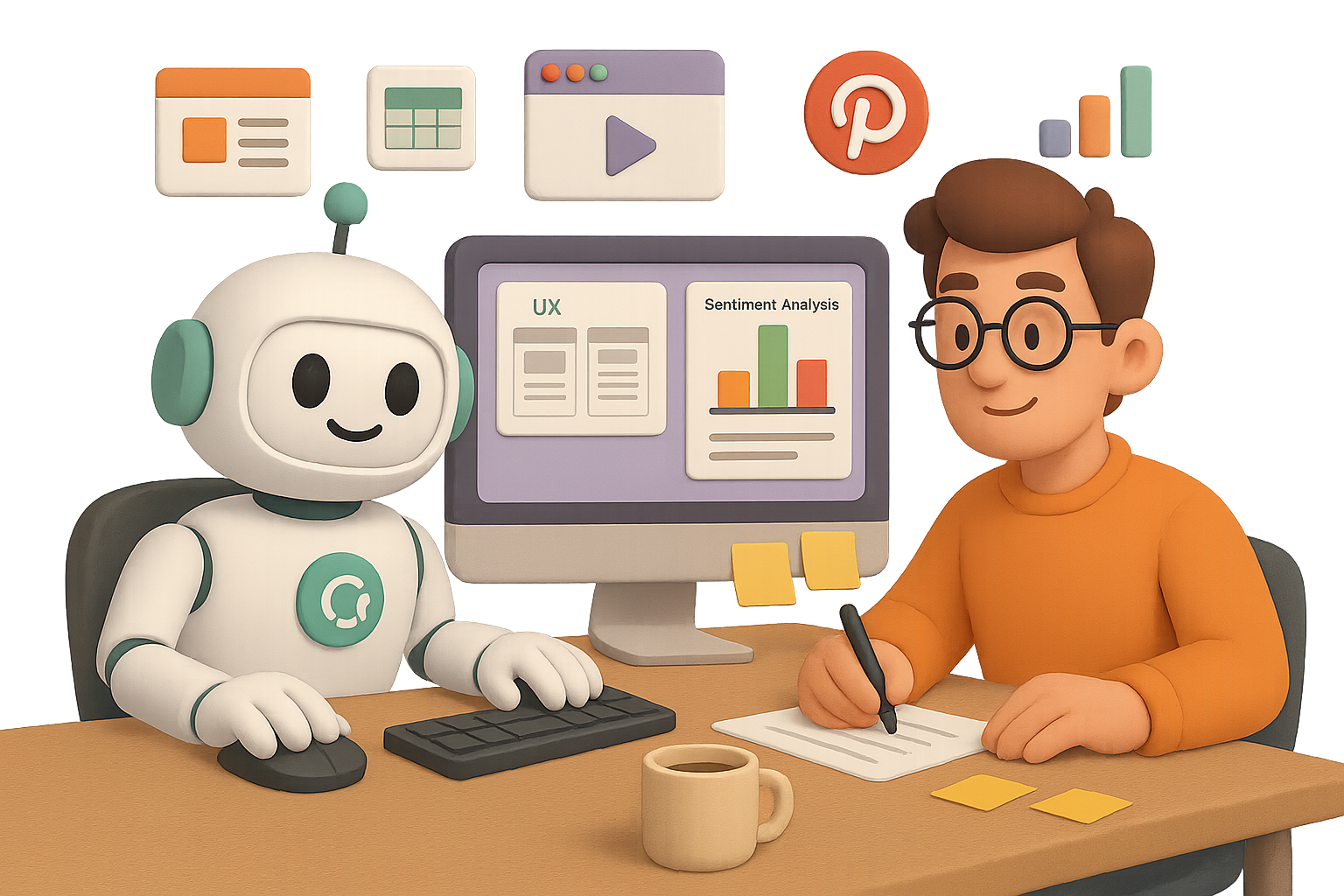
Unlock the Magic of ChatGPT Agents (Without the Fluff)
Manual work is draining your time—and your patience. You know you shouldn’t spend an hour pulling SEO stats or crafting the same Pinterest posts week after week… but delegating that grunt work isn’t exactly simple, right?
Here’s the twist: ChatGPT Agents are built to click, scroll, copy, paste, and build—just like a real assistant, minus the calendar conflicts. Switch to Agent Mode, give clear instructions, and it spins up a secure mini-browser to do the tasks you’d rather skip.
No extra plugins. No dev skills. Just results.
In this post, you’ll see six smart use cases for solo operators and scrappy teams alike. If you’re in growth marketing, brand content, or product ops—there’s gold here. Let’s dig in.

1. Ditch the Deck Dread
The workflow:
- Pull SEO data on a prospect (e.g., Ashley Furniture) from SpyFu
- Run PageSpeed test via Google Insights
- Auto-generate slide deck with visuals
Why it works:
The Agent grabs free SpyFu stats in seconds—no login, no API. It bundles performance highlights, charts, screenshots, and even sets the whole workflow on a monthly loop. You walk away with plug-and-play slides, ready for that stakeholder call.
Pro move: Ask the Agent to draft your summary email and bundle everything into a monthly cadence.

2. Wednesdays Made for Pinterest (Without the Hassle)
You need: Weekly branded content on Pinterest—every Wednesday in August.
You have: One style guide and zero bandwidth.
The Agent does:
- Reads your brand guide stored in ChatGPT Projects
- Surfaces trending U.S. home-design topics via Pinterest Trends
- Creates four on-brand pin images, with captions and hashtags
- Uploads everything to your shared Notion calendar
Watching the Agent navigate Pinterest trends and Notion templates is wild. Even if you upload manually, the time saved on research, copy and visuals? Massive.

3. Shadow Your Users Like a UX Ninja
Want a detailed feel for how new users experience your competitors?
Ask the Agent to simulate a purchase on Warby Parker vs. LensCrafters—no signup needed. It will:
- Visit both sites and browse anonymously
- Log friction points, UX highlights, and standout features
- Compile a slide deck that’s ready for internal feedback
You call the shots on where to stop (“guest checkout only”)—the Agent follows suit.
4. Make Sense of the Comment Chaos
Scenario: You want sentiment data on monday.com vs. Asana.
The Agent steps in to:
- Scrape think-pieces and comment threads on Reddit, Quora, LinkedIn
- Capture key quotes, topics, sentiment scores, and source links
- Auto-populate a Google Sheet with tabs for raw data and summary charts
End result? A visual breakdown of what fans love, hate, and wish existed—instantly presentation-ready. You can spice up colors or reorganize themes with a quick tweak.

5. Build a YouTube Game Plan Without Guessing
You’re launching: A productivity-focused YouTube channel.
You (thankfully) don’t have to start from scratch.
Your Agent will:
- Identify top creators
- Analyze their posting cadences, formats, and comment section gold
- Validate themes via Google Trends
- Produce a doc with topic clusters, a 90-day roadmap, and thumbnail best practices
The plan isn’t just “ideas”—it’s execution-ready, minus the weekend gabathon with ChatGPT.

When to Yes—and When to Nope
Lean on Agents when:
- Transforming data into slides, docs, and sheets
- Juggling platforms across research, creative, and file uploads
- Repeating tedious flows like monthly reports or social posts
Think twice if:
- You’re sending emails, making purchases, or touching sensitive systems
- Total accuracy is mission-critical—Agents can make clicky little mistakes
Safety tips:
- Watch the live agent feed—it’s like birdwatching, but for workflows
- Clear browser data between sprints (Settings → Data Controls)
- Keep tasks short and specific; avoid sprawling mega-prompts

Final Takeaway
ChatGPT Agents are the closest thing to a tireless (and affordable) digital assistant. They research. They reason. They execute. No magic wand required—just a bit of coaching from you, their human in the loop.
Start small, pick a repeatable task, and hand it over. You might just find your new favorite teammate.
👉 Want to explore AI without drowning in jargon? Start with Tixu — your friendly launchpad into the world of practical AI skills.

Leave a Reply