
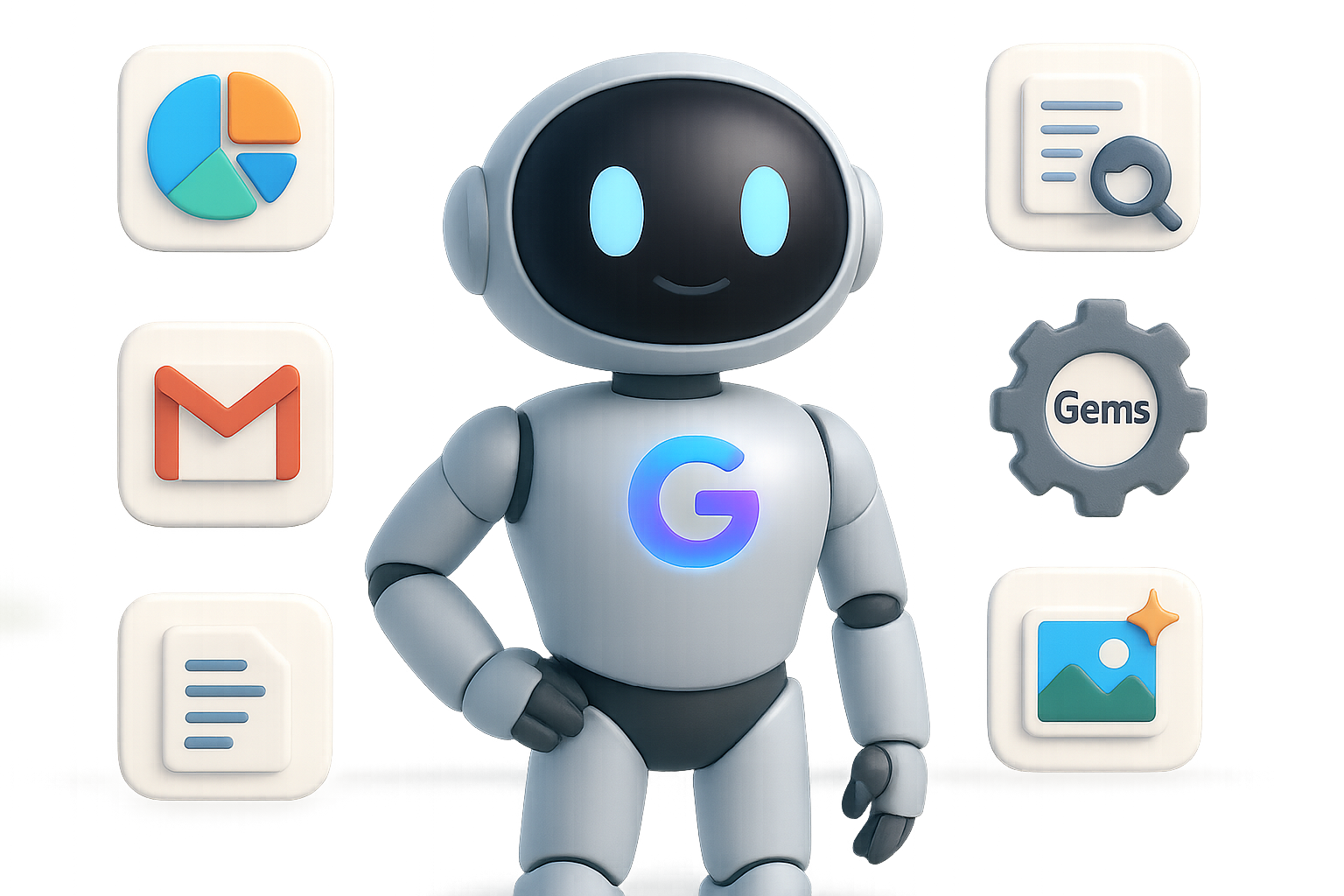
Harnessing Gemini: 6 Free Superpowers Hiding in Google’s New AI Assistant
Feeling swamped by endless tabs, data sets, or student-level explainers that still feel like rocket science? You’re not alone—and you’re also not out of options.
Enter: Google Gemini.
It’s sleek, surprisingly smart for a free tool, and ready to tag-team some of your digital workload. Whether you’re building a personal brand, wrangling biz ops in Sheets, or trying to finally understand that AI acronym everyone’s throwing around—Gemini’s got hidden powers worth unlocking.
Here are six game-changers you can try today—without upgrading your plan or touching a line of code.

1. Skip Spreadsheets. Get Dashboards.
Manually organizing data? That’s so early 2020s.
Gemini can take a file—PDF, CSV, Google Sheet—and turn it into a clean, interactive dashboard in seconds.
How to start:
- Open a Gemini chat
- Upload your file
- Ask: “Summarize this data and create an interactive dashboard.”
You’ll see hoverable charts, filters, and one-click sharing. Need to drop it in a deck? Export directly to Google Slides.

2. Research With None of the Rabbit Holes
Typing your question into Google = 27 tabs and 2 hours later… maybe you get what you need.
With Gemini’s Research mode, you get one sharp summary sourced from dozens of credible corners of the web.
Why it hits different:
- Pulls insights from 30+ articles, blogs, and videos—instantly
- Outputs a clear table of contents so you can scan, then dive
- Sends results to Google Docs—or morphs them into flashcards, quizzes, even podcasts
Pro tip: Free accounts get ~5 Research runs/month. Use them wisely (but don’t worry, it’ll warn you before you hit the cap).

3. Personalized Lessons That Learn You
You don’t need a tutor or a class pass.
Just head to Tools → Guided Learning, and type something like: “Teach me how generative AI works—like I’m 10.”
Gemini delivers a simple breakdown, follows up with questions, and adjusts based on your pace and responses.
When to use it:
- Cracking into a new skill (mid-career reskillers, we see you)
- Reviewing for exams
- Replacing your fifth attempt at decoding a confusing YouTube tutorial

4. Build Your Own AI Helpers with “Gems”
Think of these as mini-assistants you design once—and lean on forever.
Inside the Explore Gems tab, you’ll find templates like “Email Polisher” or “Storyboard Helper.” Want your own? Hit “Create new gem” and train it in a few clicks.
Ideas to try:
- Upload your team’s SOPs → build an onboarding answer bot
- Feed it your social post archive → get bespoke headlines
- Make a bedtime-story engine for your kids that includes illustrations and sound
Flip the script: You don’t need to code. You just need context. Let Gemini handle the logic.

5. Pro-Quality Images Without Paying a Cent
What’s powering Gemini’s image tool? That would be Imagen 2—Google’s crisp, stable image generator.
Use it to create, tweak, or remix photos and illustrations. It keeps things realistic where it counts. Lighting, facial features, and proportions stay intact.
Try this quick demo:
- Drag in a photo
- Ask: “Add a Toronto Blue Jays cap”
No wonky ears. No extra fingers. Just clean, believable edits.

6. Get Gemini Working in Gmail, Docs & Drive
Because it’s built by Google, Gemini slides right into your Workspace apps with zero friction.
Turn it on: Settings → Connected Apps → Toggle Gmail, Drive, Docs, etc.
Then say things like:
- “Summarize unread emails from the last two days”
- “Draft a response to this client based on the attached PDF”
- “Find gaps in my calendar for deep work this week”
- “Watch this 45-minute YouTube and list key takeaways”
Time-saver: Inbox zero becomes a two-minute job.

Is the Free Tier Enough?
Short answer: Yes—if you’re a student, creator, freelancer, or any regular knowledge worker.
You can:
- Summarize data
- Learn anything
- Build helpful bots
- Make great visuals
- Automate your workspace
All with zero spend.
Need more high-volume horsepower later? The paid option is there—but don’t pay until free stops delivering.

Your Move
Pick one feature and try it today. Gemini won’t bite (but it just might blow your mind).
And if you’re curious about harnessing more of AI’s potential—from writing smart prompts to building full workflows—check out Tixu: the beginner-friendly learning space built just for you.
Ready when you are.

Leave a Reply