
Your Workspace just got smarter: what to try this week with Google, OpenAI, and Anthropic
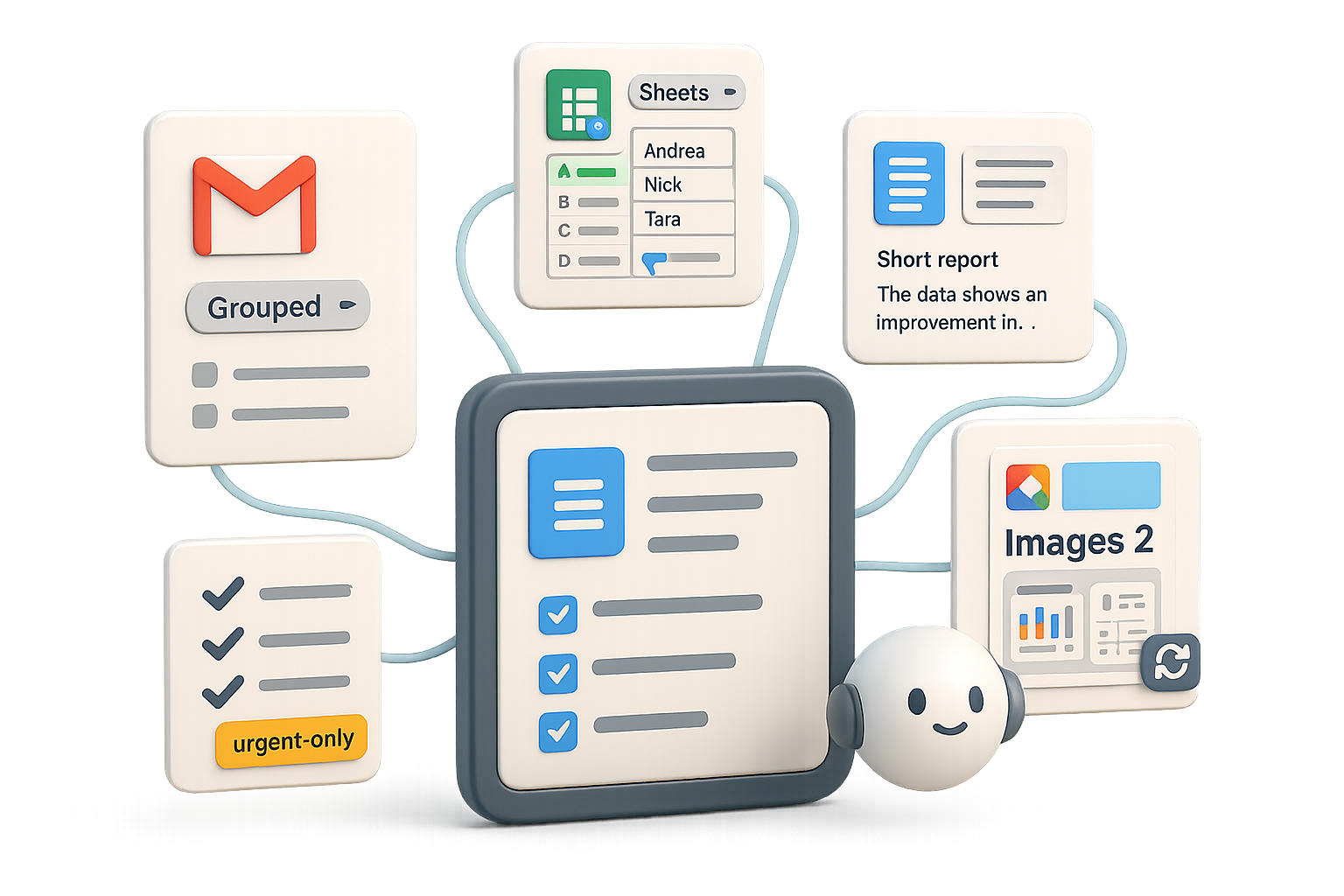
Feeling buried in emails, spreadsheets, and meetings? Good news: the apps you already use are getting brainier. Google is folding Gemini into Gmail, Drive, Sheets, and Docs. OpenAI bumped image quality. Anthropic made live dashboards that actually stay current. This post shows what matters, what to try, and one quick checklist to get you wins fast.

Bring Gemini’s IQ to your inbox, sheets, and docs
Google Workspace Intelligence — short translation: your files now talk to each other.
Sheets that think
- Gemini-powered autofill. Select a column, drag the blue handle, and Gemini fills missing data (CEO names, HQ cities, last-year revenue).
- Canvas views. Turn any sheet into a studio-style dashboard with “Create canvas.” No Looker skills required; edits stay synced both ways.
Docs that already know your files
From a blank Doc, type: “Create a report on launching a shoe brand using numbers in ‘Footwear Intel.’” Gemini pulls the spreadsheet for you—no links, no smart chips. Fast win: you skip insert-copy-paste gymnastics.
AI Inbox (rolling out now)
A sidebar groups messages into:
- To-dos — tasks extracted from threads.
- Catch-ups — FYI items you can skim.
In early tests, one team cut notification noise by ~60% using a single “urgent only” flow. Your mileage may vary, but expect real relief.
Workspace Studio — no-code, cross-app automations
- Triggers: new email, updated row, edited Drive file.
- Actions: Gemini summaries, priority detection, auto-replies, soon Notebook LM read-write access and reusable “skills.”
Example: the author’s flow pings Chat only for urgent emails and keeps Gmail quiet the rest of the day. That’s the kind of small automation that saves you hours a month.
Availability: Most paid Workspace tiers get these features; Gemini Ultra & Pro add-ons expand capacity.
AI won’t replace you—someone better at AI will. Learn to be that someone.

Images 2: sharper renders, better text fidelity
OpenAI swapped ChatGPT’s image engine to Images 2 (DALL·E 3 evolution). Quick take:
- Strength: text on images finally reads correctly—great for mockups and signage.
- Look: more photographic lighting, less over-smoothed skin.
- Caveat: layout instructions can still trip it up (e.g., cropping mistakes). In side-by-side tests, Images 2 nails typography but sometimes misses composition cues that Midjourney handles better.
- Rollout: live for ChatGPT Plus, Team, Enterprise—no extra toggle.
Bonus: Workspace Agents (business tier)
Ask an agent to “monitor a competitor, update a deck, ping Slack” and ChatGPT builds it without YAML. One-click automation for busy teams.

Claude Live Artifacts: dashboards that refresh without reruns
Anthropic’s Live Artifacts are pinned mini-dashboards inside chat:
- They show tables, charts, and kanban boards.
- When underlying data changes, the artifact refreshes without rerunning the whole prompt—saves tokens and time.
- Use case: rolling email analytics, live sales pipelines, or support queues that stay current every time you open them.
Pro tip: “Act without permission” can let Claude execute multi-step plans in one go. Use responsibly — and test in a sandbox.

Quick bites you shouldn’t skip
- Branching chats in Gemini. Fork any thread to explore alternate ideas without losing the original.
- Flow (flow.google). Music playground: generate songs, arrange stems, even make music videos—powered by Gemini-Lyria.
- Gemini for Home. Continued conversation on Nest devices—no need to say “Hey Google” every time.
- Google AI Studio. Paid Gemini users can prototype with plan quota directly in Studio.
- Pomelli. AI social-media campaign builder now on iOS/Android and expanding in Europe.

Do this next
- Make one “urgent-only” Studio flow. Trigger = new email, Action = ping Chat/label as urgent. Let it run for a week.
- Test Images 2 for one on-image text use case. Try an app screenshot or poster; compare with Midjourney.
- Pin a Live Artifact for a rolling metric. Sales pipeline or inbox stats—watch how often it updates without extra prompts.
- Report back: one sentence on what changed. Share in your team chat. Ready when you are.

What this means for teams
- Inbox-first teams: automate notification triage. Even one flow can drop context-switching by hours per week.
- Visual teams: use Images 2 for anything that needs readable on-image text; keep Midjourney for wild creative comps.
- Reporting teams: Live Artifacts can cut token spend and manual refreshes—good for weekly status or sales monitoring.
Less busywork, faster reports, and smarter visuals—try one Studio flow, one Images 2 render, and one Live Artifact this week.
Want to learn the practical AI skills that make this stick? Start learning AI with step-by-step lessons and beginner-friendly projects at Tixu.ai.

Leave a Reply