
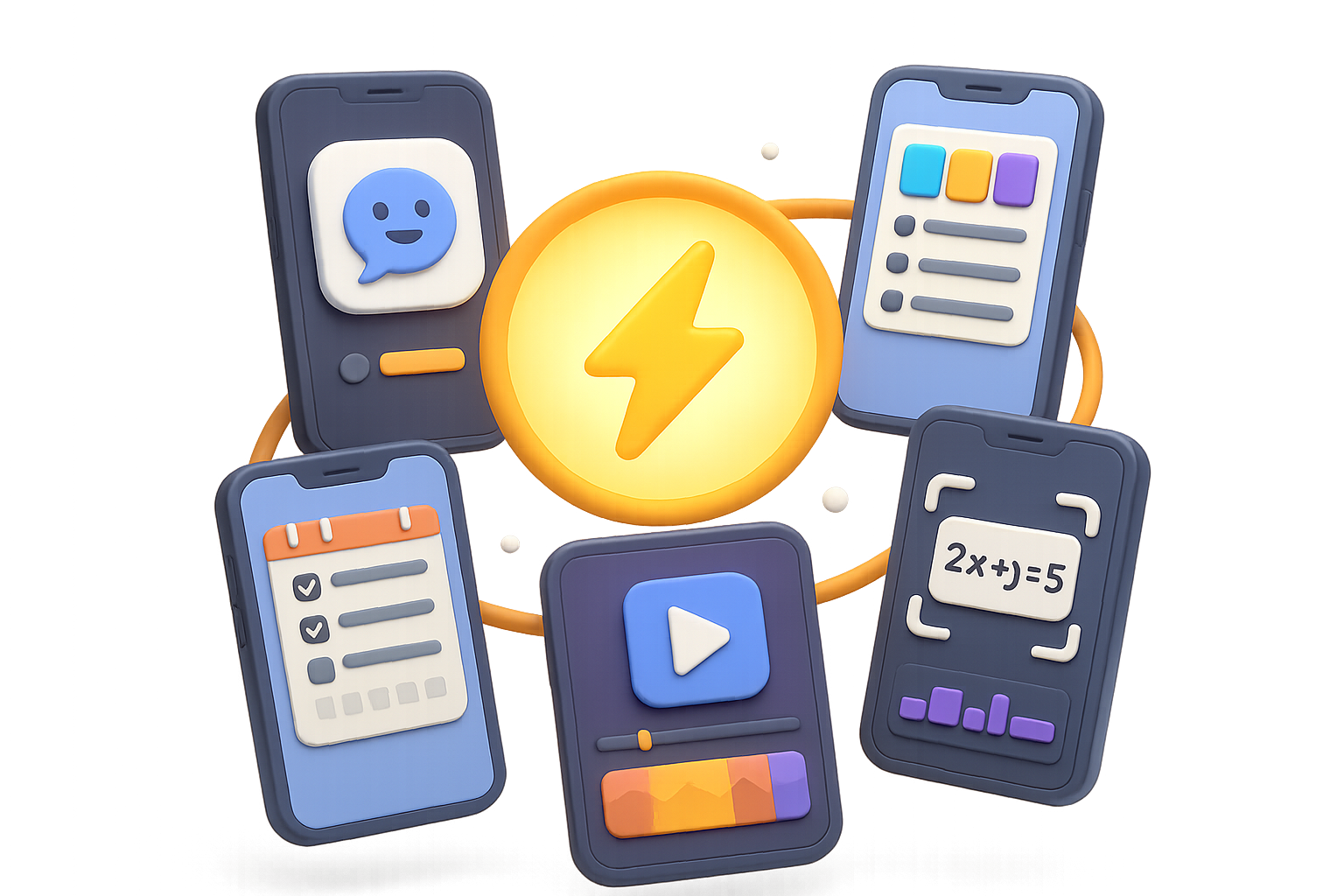
Boost Your Productivity in 2025 With These 5 Free iOS Powerhouses
You know that feeling—you’re juggling work, studies, content creation (and hey, life), but your phone’s just sitting there… mostly sending you TikTok push alerts. Let’s flip the script.
Instead of your screen stealing your focus, these five free iOS apps will actually give you time back. Think faster workflows, smoother study sessions, and next-level content—straight from your pocket.
No gimmicks. Just tools that work.

What You’ll Get from This Post:
- 5 completely free iOS apps that (actually) upgrade how you work and create
- Why each one matters, when to use it, and where it saves you time
- A checklist for getting the most out of your app experiment
Ready when you are.

1. Ask Smarter with Perplexity AI
Forget ten tabs. Ask your question once—and get cited, credible, and conversational answers.
- Natural-language search that follows up like a smart assistant
- Source links baked into every result
- Best for: research, brainstorming, quick writing drafts
Perplexity isn’t just another chatbot. It references its answers, so you can fact-check without bouncing between sites. Ask something complex, and it breaks it down without dumbing it down.
Bonus: Voice input works seamlessly. Walking between meetings? Ask away.

2. Design Pro-Level Content with Canva Mobile
No design degree? No problem.
- Ready-made templates for everything—social graphics to Zoom backgrounds
- Magic Design AI builds layouts for you
- Free assets: photos, icons, audio, and more
Canva Mobile lets you drag, drop, and brand like a pro—right from your phone. Think of it as your creative toolkit for pitches, posts, or packaging that side hustle.
And yes, it renders beautifully for vertical formats.

3. Build Your Brain’s Backup Drive with Notion
Your calendar, to-do list, lecture notes, grocery list… all in one place.
- Notes, tasks, databases, and wikis live side-by-side
- Real-time sync across all devices
- Fully customizable, with plug-and-play templates
Use it for class projects, content calendars, or mapping your next startup. Notion’s generous free plan means you can build out your entire system without paying a buck.

4. Edit Like a Creator with CapCut
Whether you’re creating Shorts, Reels, or just leveling up your group chat memes, CapCut does the job.
- Multitrack timeline and punchy transitions
- AI captions that actually hit beat-for-beat
- Exports directly to your favorite platform
CapCut packs pro-grade video editing into your phone screen. You get precision cuts, trending soundtracks, and yes—color grading. All without leaving the subway.

5. Snap and Solve with Photomath
No calculator? No problem. Just point, shoot, and watch the math solve itself—with steps.
- Photos of handwritten or typed math = fully solved
- Interactive graphs and step-by-step reasoning
- From basic arithmetic to college-level calculus
Photomath is more than a cheat code. Use it to see how problems are solved, not just what the answer is. Perfect for test prep, homework help, or dusting off those long-lost algebra skills.

Quick-Start Checklist
Give yourself 20 minutes and five downloads—you’ll be dialed in before your next Zoom call.
- Download each app from the iOS App Store
- Sign in with Apple or Google for cloud backups
- Explore top templates or sample projects (they crush the learning curve)
- Turn off non-essential notifications—your future focus will thank you
- Set a calendar reminder to check back in a week. Stick with what works, ditch what doesn’t.
Minimal setup. Maximum payoff.

Final Thoughts
The right tools don’t just save time—they change how you show up every day. These five free apps—Perplexity, Canva, Notion, CapCut, and Photomath—are your shortcut to sharper work, smoother study, and standout content in 2025 and beyond.
Try one, try them all… and let the results speak for themselves.
Want more easy wins like this? Explore more free AI tools built for beginners at Tixu.ai—your launchpad into AI without the overwhelm.

Leave a Reply