
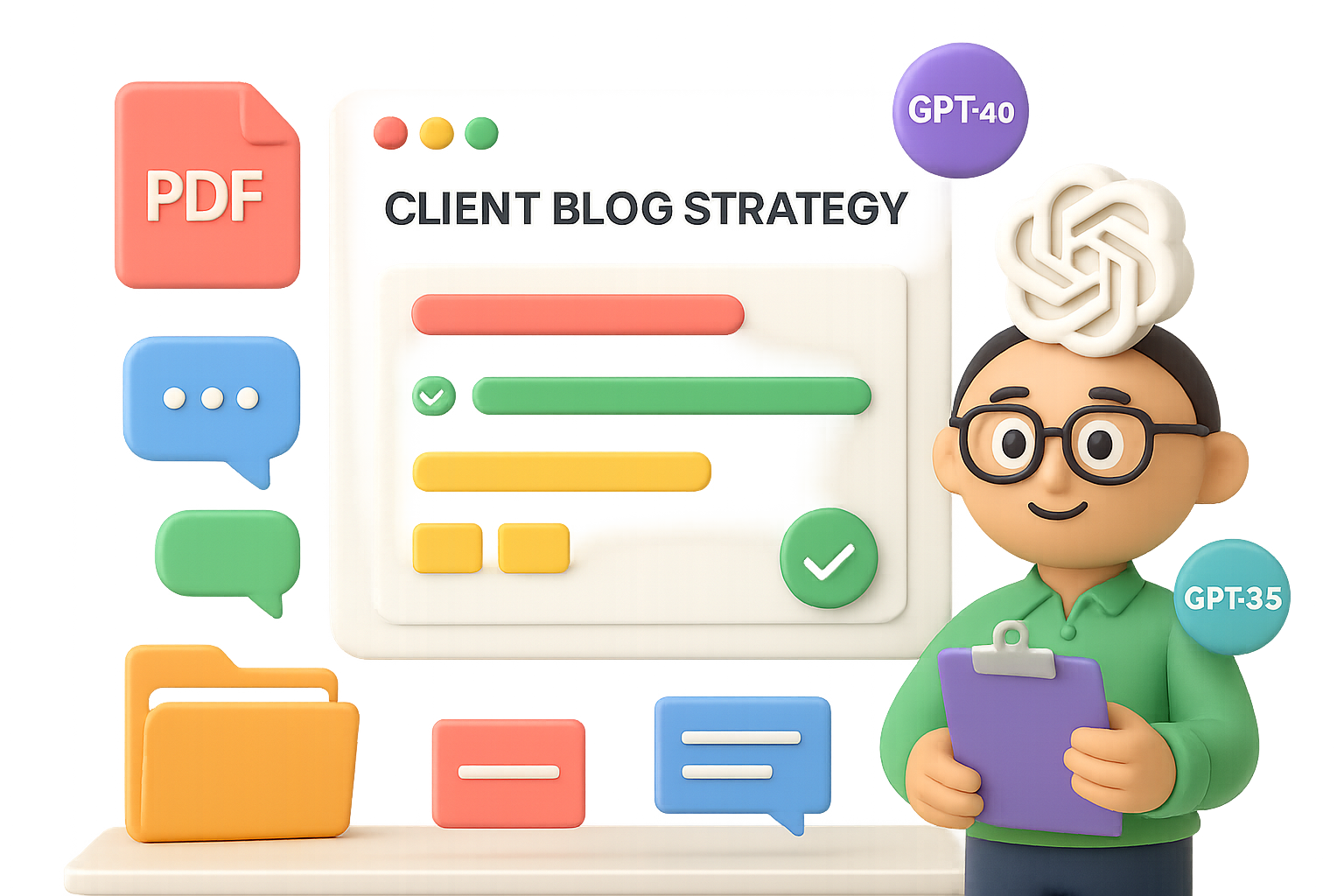
Why ChatGPT “Projects” Beat a Blank Chat Every Time
Ever feel like you’re stuck in Groundhog Day with ChatGPT? Every new thread, you’re re-explaining the same background—again. And again. And again.
Time suck? You bet.
That’s exactly what “Projects” fix. Available in Plus and Enterprise plans, Projects turn ChatGPT into a well-prepped teammate who already knows the assignment—and remembers where you left off.
So instead of reinventing the wheel every session, you’re building momentum.

What You’ll Learn
In this post, you’ll walk away with:
- A dead-simple setup guide to start your first ChatGPT project
- Two real-world workflows to speed up content creation
- Clear when-to-use rules for Projects vs. Custom GPTs
- Tips to get more (a lot more) done with less friction
Let’s get those hours (and brain cells) back.

Why Projects Are a Game-Changer
Blank chats are empty calories. You spend the first five minutes feeding background info just to get OK results.
Projects flip that.
They act like a context capsule—a dedicated workspace for one ongoing task or initiative. Think: client deliverables, a podcast launch, or that ebook you keep side-eyeing.
Inside a single project, you can:
- Keep all convos on that topic in one spot
- Upload relevant files (PDFs, spreadsheets, images… your call)
- Set Custom Instructions that don’t need repeating
- Seamlessly switch between GPT-4o, GPT-4 Turbo, and faithful old 3.5
The boost? You start every prompt with rich context, so outputs are smarter and sharper right away.

Set Up Your First Project (It’s Fast)
Ready to stop explaining and start building? Here’s how to create your first project in under 2 minutes:
- Click “New project +” in the left sidebar.
- Name it something you’ll recognize later (“Client Blog Strategy” > “Untitled 2”).
- Pick a color (optional, but hey—we’re visual creatures).
- Open the new project and start your chat.
That’s your canvas. Now let’s load your paint.
Add Context Files
Drop in anything the AI should understand cold:
- Brand decks
- Research or interview notes
- Product specs
- Customer avatars
- Testimonials
- Code snippets
Each upload enriches the memory bank—and minimizes “Can you explain that again?” vibes.
Set Custom Instructions (This Is Key)
This is where ChatGPT gets its marching orders—and tone.
Your Custom Instructions should answer:
- Who is ChatGPT in this role?
“You’re a SaaS content strategist with 10+ years experience.” - How should it respond?
“Use concise bullet points, persuasive copy tone, cite real examples.” - What styles, people, or frameworks should it borrow from?
“Lean into StoryBrand messaging and Alex Hormozi persuasion techniques.”
💡 Bonus Move: Have ChatGPT co-create this with you. Try:
“Write a 300-word persona for a YouTube content coach focused on audience growth.”
Tweak as needed. Now you’re talking.

2 Real-World Workflows to Use Now
1. Crank Out a VSL + Landing Page Combo
Uploads:
- Customer journey map
- Testimonials PDF
- Product offer one-pager
Prompt: “Write high-converting copy for a VSL and landing page promoting our premium home-organization service. Channel Hormozi + Halbert. Lead magnet: ‘The Busy Professional’s Guide to Reclaiming Your Weekend.’”
Within seconds, ChatGPT nails:
- Empathetic hook: “Is your weekend supposed to be restful but feels like another shift?”
- Benefit-packed bullets
- Social proof drops
- Clear CTA (with zero fluff)
Want it in long-form? Just say, “Expand each section to 150 words.”
Boom—done.
2. Five-Email Nurture Sequence
Additional upload:
- Your actual lead magnet PDF
Prompt: “Write a five-email sequence that references the guide, overcomes objections, injects social proof, and pitches an offer.”
Pro tip: Define the sequence flow upfront. Example:
- Email 1: Welcome
- Email 2: Agitate key pain point
- Email 3: Your unique view/solution
- Email 4: Social proof/testimonials
- Email 5: CTA + scarcity
Because your files and instructions live in the same project, tone and substance stay rock-solid. Editing? It’s light and fast.
What used to take 4 hours now takes 40 minutes. That’s a win.

Projects vs. Custom GPTs—Quick Breakdown
Let’s settle it. When do you use Projects vs. Custom GPTs?
| You Need… | Go With Projects | Go With Custom GPT |
|---|---|---|
| Ongoing, multi-step work (campaigns, books, etc) | ✅ | |
| Private workspace with memory | ✅ | |
| Ability to switch models anytime | ✅ | |
| A shareable tool with a persona (e.g. internal chatbot) | ✅ | |
| Integrations + web-browsing logic | ✅ |
Use Projects when you want to get stuff done.
Use Custom GPTs when you’re building a tool for others to use.
Many pros use both.

What Projects Can’t Do (Yet)
Keep these in mind to avoid frustration down the road:
- No cross-chat memory. One chat doesn’t see another. If critical, move info to a file.
- No sharing… yet. Projects are solo players for now.
- No API or Zapier integrations. That’s Custom GPT territory.
- Context window limits still apply. Uploading a novel won’t make it read all 500 pages in one go.

Quick Wins to Make Projects Shine
- Clear names. “Q2 Emails – Acme Co.” > “Stuff”
- One voice per channel. Separate projects for IG, LinkedIn, etc.
- Iterate instructions. Update as your goal (or client) evolves.
- Archive old ones. Keeps your sidebar from becoming a digital sock drawer.

Wrap-Up: Start Smarter, Finish Faster
Projects don’t just organize your ChatGPT workflow—they multiply it.
With files, memory, and instructions baked in, you get answers that are on-brand, on-message, and on time. No more tedious re-intros. Just progress.
Give it a test-drive on your next campaign. You’ll never look back.
👉 Ready to sharpen your AI skills? Check out Tixu—a beginner-friendly platform that helps you learn AI by actually using it. No jargon. Just results.

Leave a Reply