
Cut the Subscriptions—Here’s Your Google-Powered Solo Stack (for $0)
Tired of juggling pricey SaaS tools you barely use? You’re not alone. Every platform promises to save time… and somehow adds to the chaos.
Here’s the flip.
Google quietly dropped a suite of AI tools that do the job of a design studio, dev team, research assistant and social agency—combined. And for now? They’re 100% free.
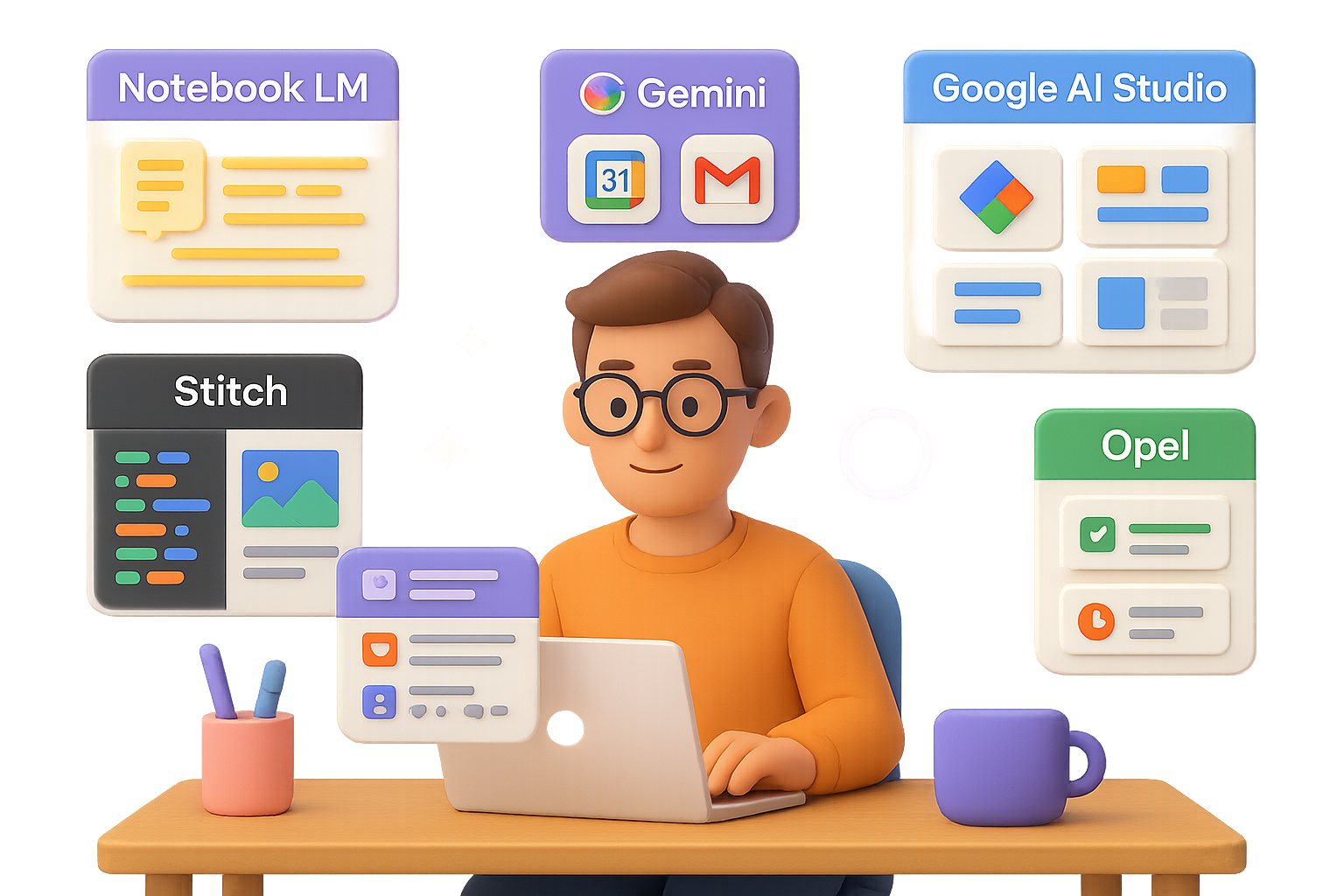
Below, you’ll find six power tools that turn you into a one-person product squad. No code. No budget drains.
Ready when you are.

Notebook LM – Study Buddy Turned Genius Assistant
Notebook LM is like dumping your notes into a blender… and getting a TED Talk back.
Instead of drowning in tabs and textbooks:
- Upload anything — PDFs, class notes, articles.
- Hear your content — It autogenerates a podcast-style summary you can binge hands-free.
- See your notes — Get animated explainers and mind maps spelling it all out.
- Test yourself smarter — Built-in quiz mode generates real questions from your actual material.
Basically, it turns your mess into mastery. Fast.

Gemini – Smart Enough to Know You
Think ChatGPT meets your inbox, calendar and files—and actually understands your life.
Gemini goes far beyond chit-chat:
- Private search, unlocked — It scans your Gmail, Drive and Photos, then spits out summaries like a pro.
- Live web sleuth — Need a recent stat-packed brief on the EV market? It delivers—with citations.
- Image + video creation — Brief it on your brand, and Gemini crafts hyper-realistic hero shots or short videos with Veo.
No more context switching. No more chasing down assets. It’s like hiring an assistant who already gets you.

Google AI Studio – Build Apps with a Sentence
This one’s the dream scenario: you talk, it builds.
Try this: “Add two text inputs and a button that spits out five Gen Z–style product descriptions.”
One click later, you’re test-driving a web app. Like:
- No-code, full function — Just describe what you need.
- Control the vibes — Adjust the temperature slider to go fact-driven or creatively wild.
- Live feedback — Share your screen and AI Studio helps edit your spreadsheet, doc or design in real time.
You go from idea to thing-you-can-click in minutes.

Stitch – “Hot UI, No Dev” in Action
Let’s be real: Most prototypes are perfectly functional… and ugly.
Stitch fixes that. You tell it: “I need a cozy, minimalist UI for an ad-copy generator: two text inputs, a ‘Generate’ button and five result cards.”
Bam—HTML/CSS code that’s fully responsive and easy to edit.
Paste it into AI Studio, and you’ve got a front-end that looks like you hired a designer (spoiler: you didn’t).

Pomelli – Auto-Marketing with Brand Brains
Don’t know where to start with your next social push?
Paste your site URL into Pomelli. It reads your style, your brand voice, vibe—everything.
Then prompt: “Create a one-week social campaign for our fall-special latte: three Instagram posts, three X posts, keep it cozy.”
Instant content. On-brand visuals. Real captions. No cringe.
You can now run a marketing calendar before your coffee gets cold.

Opel – Create Custom Tools That Solve Tiny Headaches
You’re about to become your own AI tool builder—with zero technical know-how.
Example:
- Ask for a single text box plus two buttons: “Translate to simple English” and “Draft a polite ‘no thank you’ reply.”
- Hit publish.
- Drop in that wordy corporate email and let Opel clean it up.
This is micro-productivity at its finest. Create tools for meal plans, replies, résumés, tweet ideas—whatever clears clutter from your day.

Your New AI Stack (and How To Use It)
Here’s how the full flow works:
- Research superpowers → Notebook LM
- Private + up-to-date insights → Gemini
- Working prototype → Google AI Studio
- Beautiful front end → Stitch
- Marketing, done → Pomelli
- Tiny helper tools → Opel
And yes, it’s all free.
You just went from solo creator to full-stack team… without spending a dime or writing a line of code.
One more thing: Most people still don’t realize this stack exists. You do. And now you know how to use it.
Want more step-by-step playbooks—and beginner-friendly AI tutorials that don’t take all day?
👉 Head to Tixu.ai and start building with confidence.

Leave a Reply