
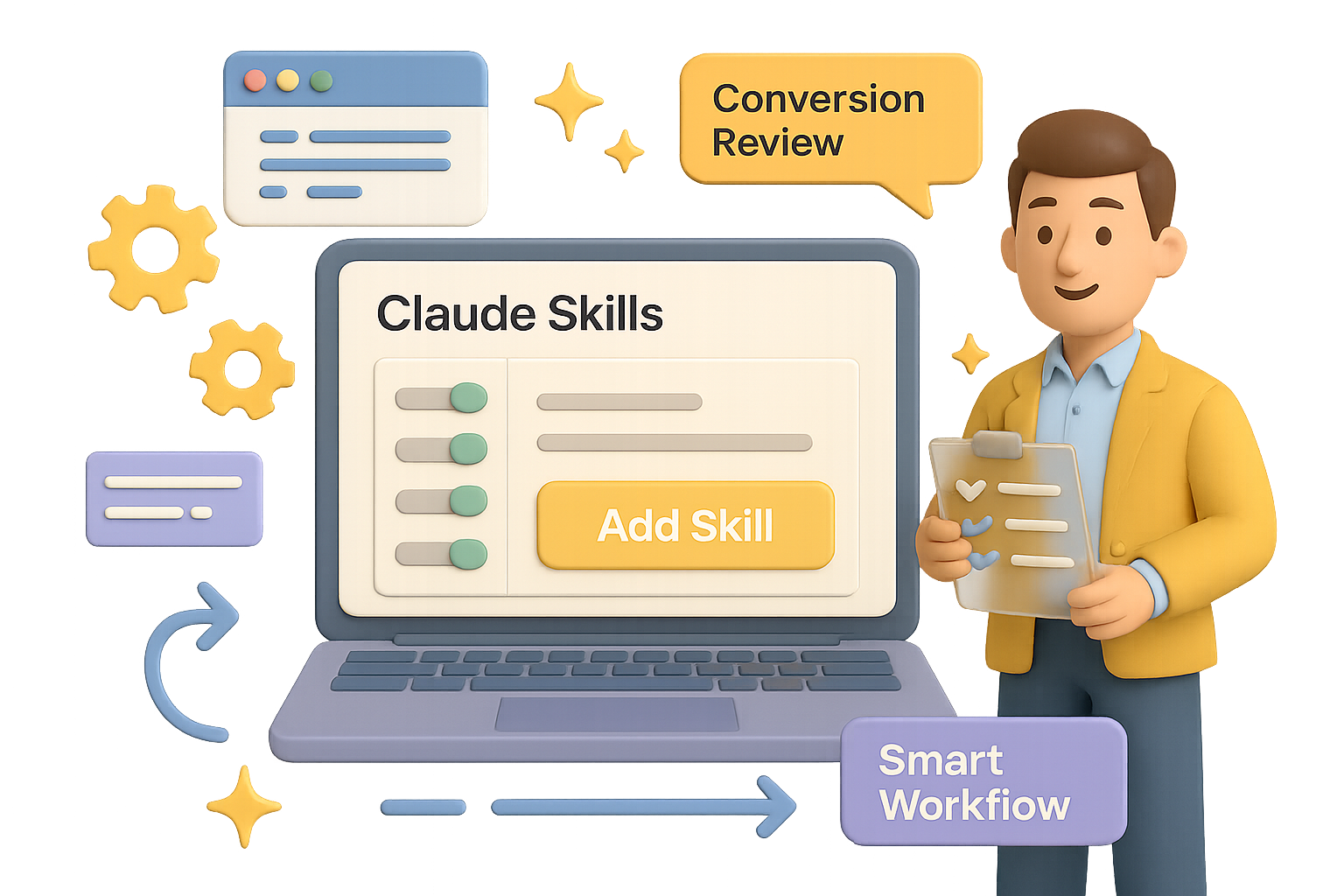
Build Smarter Workflows with Claude Skills
Still repeating the same prompts every week? Manually juggling screenshots, links, and half-baked AI requests?
Yeah—there’s a better way.
Claude Skills let you turn Anthropic’s Claude into a reliable virtual teammate. With just a few instructions, you can train Claude to deliver sharp, consistent output on demand—no retyping, no guesswork. Think of Skills as your AI playbook: once it’s set, it just works.
This guide shows you how to build your first custom Skill—from setup to a conversion-boosting use case—plus a few power moves to make it world-class.
Let’s get into it.

Turn On Skills
Before anything else, flip the switch:
- Open Claude (web or Mac).
- Hit Settings → Capabilities.
- Scroll to Skills (Preview) and toggle it on.
Done. You’ll now see Add Skill in the sidebar. That’s your home base for building.

Three Ways to Build a Skill
Claude gives you options:
- Create With Claude – a mini interview that builds the skill for you (best for beginners).
- Write Instructions – paste clean Markdown if you know what you want.
- Upload a Skill – perfect if you’ve got a
.zipfrom another project.
Start with the first method. It’s like onboarding an intern… who never sleeps.

Example Build: A Conversion Copy Review Skill
Let’s say you run a design agency cranking out SaaS sites and mobile apps. You want Claude to:
- Review headlines, hero sections, or full pricing pages.
- Score each part for clarity and conversion potential.
- Suggest “before & after” rewrites, ranked by impact.
- Work with chunks of text, screenshots, or Figma links.
Here’s how you make it real:
- Click Add Skill → Create With Claude.
- When prompted, describe the task exactly like you would to a new copywriter. Be clear about the inputs (App Store screenshots, URLs, Figma), and what you expect back (scorecards, rewrites, priority levels).
- Claude walks through follow-ups—then hands you a ready-to-run skill that includes:
skill.md– your high-level workflow, scoring guide, and output format.conversion_frameworks.md– AIDA, PAS, value prop templates, that good stuff.element_guidelines.md– tips for headlines, CTAs, pricing copy, and more.
- Hit Copy to My Skills and you’re done.
Next time you run that conversation? Claude’s pre-loaded with your game plan.
How to Run It Like a Pro
Start a fresh chat. Say: “Please use the Conversion Copy Review skill on these screenshots and the copy at https://example.com.”
Claude pulls frameworks from the skill, scores each part (Critical, High, Medium, Low) and suggests clearer, more persuasive alternatives—usually with a breakdown of why it works better.
Because your instructions are built-in, Claude won’t wobble between sessions. It thinks like your team. And writes like it’s been in your Slack channel for six months.

Skills vs. Projects
This part trips folks up:
- Projects are short sprints—great for a Valentine’s Day campaign or quarterly roadmap.
- Skills are forever. They’re reusable playbooks you can plug into any conversation.
Projects are tasks. Skills are teammates.

Make Your Skills Dangerously Good
Your first Skill is a win. But what takes it from “meh” to “magic” is iteration.
Use this loop:
- Start with the outcome – what’s your real win? (More signups? Better UX?)
- Throw it at real inputs – no hand-holding. See where it stumbles.
- Deep dive research – study what pros do in that domain.
- Boil it down – don’t paste articles; extract rules and principles.
- Write the Skill – clear workflows, labeled outputs, and simple guides.
- Critique with a cold eye – if a contractor sent this, would you accept it?
- Tighten it – cut fluff, fix edge cases, name everything clearly.
- Field test it – real examples, real time. Get feedback and polish.
- Streamline structure – no filler, no bloat.
- Maintain regularly – markets shift and so should your skill.
Pro tip: frame your instructions like tools, not to-do lists. Claude doesn’t need hand-holding—but context is everything.

What to Do Next
- Go build a simple Skill. Even a 10-minute one pays compounding dividends.
- Schedule a monthly Skill audit. Refine. Retire. Recharge.
- Once comfy? Explore Claude Code or hit the API to scale your workflows further.
Want more bite-sized, beginner-friendly AI tutorials just like this?
Check out Tixu—the easiest place to level up your AI skills without drowning in jargon.
See you there.

Leave a Reply