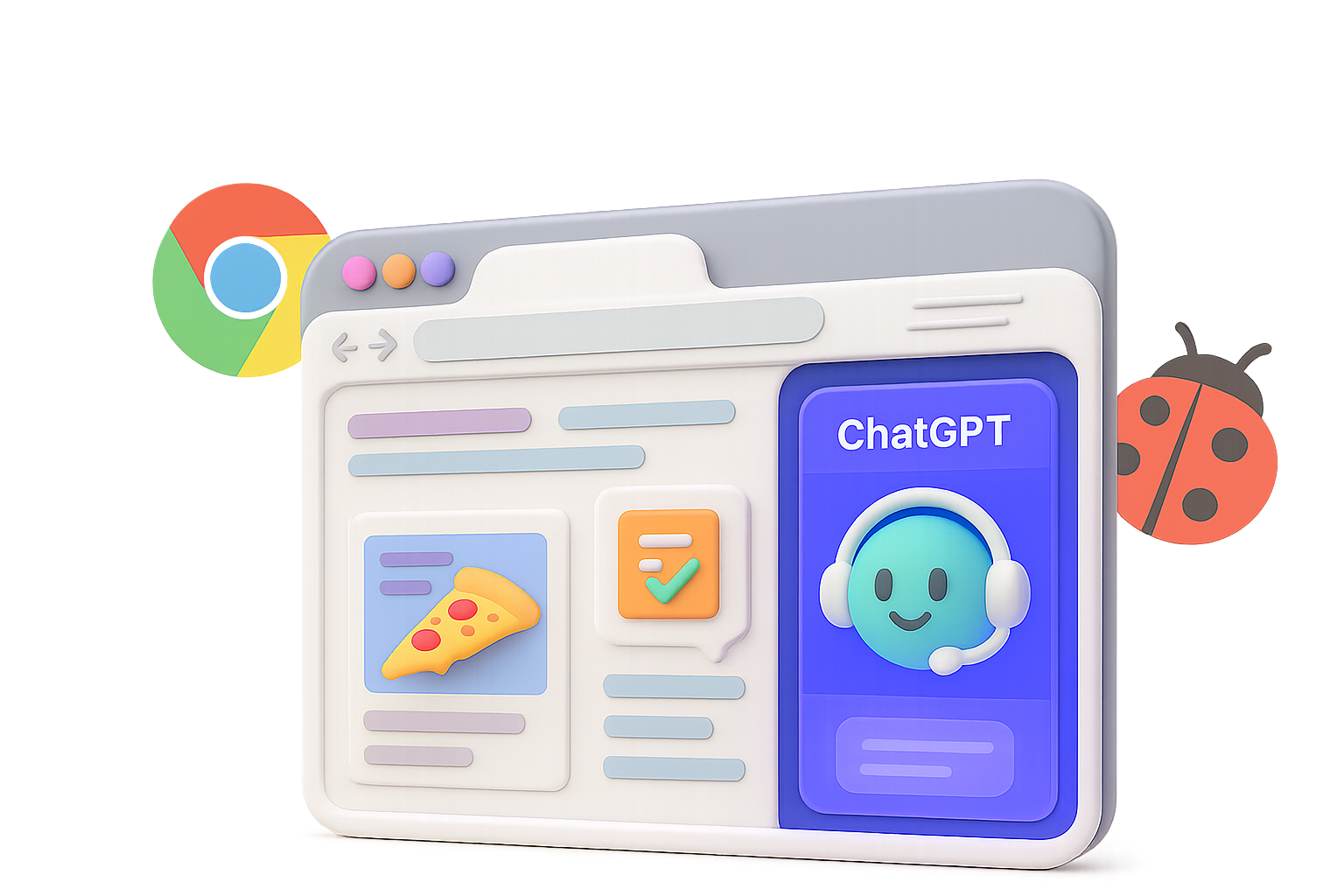
The Browser Wars Just Got an AI Upgrade
You no longer just browse the internet—you can now boss it around.
With the launch of Atlas, OpenAI officially joins the browser race. But this isn’t just another Chrome clone with AI slapped on. The goal? A browser that sees what you see, remembers what you’ve done, and acts on your behalf—starting with a ChatGPT panel living right in your sidebar.
Let’s break down what this shiny new thing does, where it stumbles, and what it means for your online life.

Automate the Scroll: What Atlas Actually Does
At its core, Atlas is a Chromium fork. That means extensions, DevTools, keyboard shortcuts—it all works. No learning curve there.
But the magic starts with the built-in ChatGPT side panel, which can:
- Read the web page you’re on and give context-aware answers
- Remember your browsing trail for better follow-ups
- Trigger “Agent Mode” to carry out multi-step tasks
Think of it like this: “Order my usual pizza for 7 PM.”
Atlas opens the site, logs in, fills your cart, and tees everything up—just waiting for your thumbs-up. No clicking through menus like it’s 2012.
When it works, it’s slick. You skip the grind and jump straight to done.

Don’t Call It Just a Chrome Clone (Even If It Feels Like One)
OpenAI insists Atlas isn’t just “ChatGPT taped to Chrome.” But if you’ve used Perplexity’s Comet or other AI layering tools, you’ll notice déjà vu.
That’s not a knock—familiarity has perks. You zip through tabs just like always, only now with a chatbot that actually understands where you are and why. But if you were hoping for a full rethink of how a browser looks and feels, you might walk away shrugging.
Flip side: you’re not stuck reading product manuals. It just works—until it doesn’t.

When the Smart Tab Gets Too Smart: Security Red Flags
Power is great—until it’s abused.
Agent-style browsers raise new security concerns, and we’re already seeing how things can go sideways. Just this year, Brave’s research team showed how malicious sites can pull off a three-step attack:
- Hide dangerous instructions inside an image
- Let the AI-powered browser “see” that image
- Trigger actions that steal data or worse
Atlas, like other agentic browsers, faces the same threat. Yes, it includes memory controls—you can blacklist sites or wipe interactions—but that won’t catch everything.
The problem? You’re handing over full browsing context to an LLM. And that’s a lot of trust for a new kid on the block.

A Browser That Isn’t Just Chrome Again: Meet Ladybird
If you’re less jazzed about agentic AI and more about browser diversity, put Ladybird on your radar.
It’s a from-scratch browser engine—not a fork of Chromium, not WebKit. That’s a unicorn in 2025.
Here’s why it matters:
- It just hit 90% compliance on Web Platform Tests
- It opens the door for real engine choice on iOS (picture Safari alternatives that aren’t fake-wrapped Chrome)
Ladybird has no AI ambitions (for now), but its existence is a quiet rebellion against browser monoculture. Sometimes innovation looks like going backward to go forward.

Smart AI Still Needs Smarter Search
Even the flashiest browser assistant is worthless if it can’t find stuff. The backbone here isn’t just GPT—it’s search.
Enter Meilisearch.
Over 53,000 GitHub stars and growing, this search engine plugs into apps fast and scales without tantrums. Highlights:
- RESTful API that plays nice with your stack
- Combination of keyword + vector understanding = fewer misses
- Handles images and weird content types, not just text
- Self-host or go cloud and skip DevOps drama
If you’re building your own chatbot, browser, or AI-layered tool, don’t sleep on good search. Otherwise, your “digital assistant” becomes a very confident guesser.

Should You Ditch Chrome for Atlas?
Here’s the quick-and-dirty decision grid:
Try Atlas if…
- You live on macOS (only platform for now)
- You juggle repetitive web tasks daily
- You’re cool with convenience slightly outranking privacy
Hold off if…
- You deal with sensitive data or client secrets
- Chromium fatigue is real for you
- You get everything you need from ChatGPT in another tab
Big picture: Atlas is beta-ish, but bold. It proves you can blend AI with browsing and get something surprisingly useful. But letting your assistant read every page, form, and click? That’s a tradeoff—not a free lunch.

TL;DR
AI is moving into the browser—and it’s not just watching. It’s doing.
Atlas offers a glimpse of what agentic software looks like in real life: part magic, part mess, all momentum. Whether you adopt early or observe cautiously, the age of passive browsing is fading—and your next tab might already know why you’re opening it.
Want to learn how to build, train, or fine-tune your own AI tools? Head over to Tixu—the beginner-friendly platform for hands-on learning, no jargon or PhDs required.