
A spreadsheet can show you which products drive the most turnover. Turning that analysis into a dashboard your colleagues can refresh and use consistently takes a different kind of work.
Claude Cowork can help you move from a one-off spreadsheet analysis to a reusable ABC analysis dashboard. You describe the workflow, provide a transaction file, and ask Claude to create an application that processes new data and displays the results.
A practical first project is a dashboard with Pareto charts. It can help you identify high-contribution SKUs, compare sales patterns across product families, and give your team a consistent way to explore the same data—without writing the code yourself.
In this guide, you’ll define the operational question, check how Claude reads your spreadsheet, and prompt it to build a refreshable workflow. You’ll also learn what to validate before colleagues rely on the tool. Let’s start with the decision you want the dashboard to support.
Define the logistics question before you build
Before asking Claude to create anything, decide what you need the dashboard to help you understand.
For example:
- Which SKUs account for the largest share of turnover?
- How is turnover distributed across A, B, and C classes?
- Which product families contribute most to sales?
- What does the distribution look like at the individual SKU level?
The demonstrated workflow uses an Excel transaction file containing SKU or item identifiers, product family, category, store, date, quantity, and turnover. Those fields let you aggregate transactions and compare product contributions.
The results depend on how clearly you define the analysis. If you want ABC classes based on turnover, say so. If your team uses specific cumulative-percentage thresholds, provide them instead of leaving Claude to choose.
Turnover-based ABC analysis is a prioritization view, not a complete inventory policy. Consider lead times, demand variability, and service requirements before making stock decisions.

Check how Claude reads your transaction file
Ask Claude to locate and inspect your input file before it starts building the dashboard. In the proof of concept, Claude initially had difficulty finding the spreadsheet. After clarification, it located and examined the file—a useful reminder that file access is part of the workflow, not something to assume.
Provide the working folder and exact filename. Then ask Claude to confirm:
- Which worksheet contains the transactions.
- Which columns identify products, quantities, and turnover.
- How it plans to aggregate the data.
- Which classification rules it will apply.
- Whether it found any data issues that need your attention.
Review the initial analysis before moving on. Does total turnover match your spreadsheet? Are product identifiers handled consistently? Do the proposed classes follow your team’s rules?
Checking the logic now is much easier than finding an error after colleagues start using the dashboard.

Ask for a refreshable ABC analysis dashboard
Claude can analyze uploaded data and generate a dashboard showing the results. But a dashboard built from one analysis is not necessarily a reusable application. Claude may process the spreadsheet once, then insert those results directly into the dashboard. That gives you a useful snapshot—not a tool that can analyze next month’s transactions.
Specify that users must be able to upload a new file and refresh every calculation.
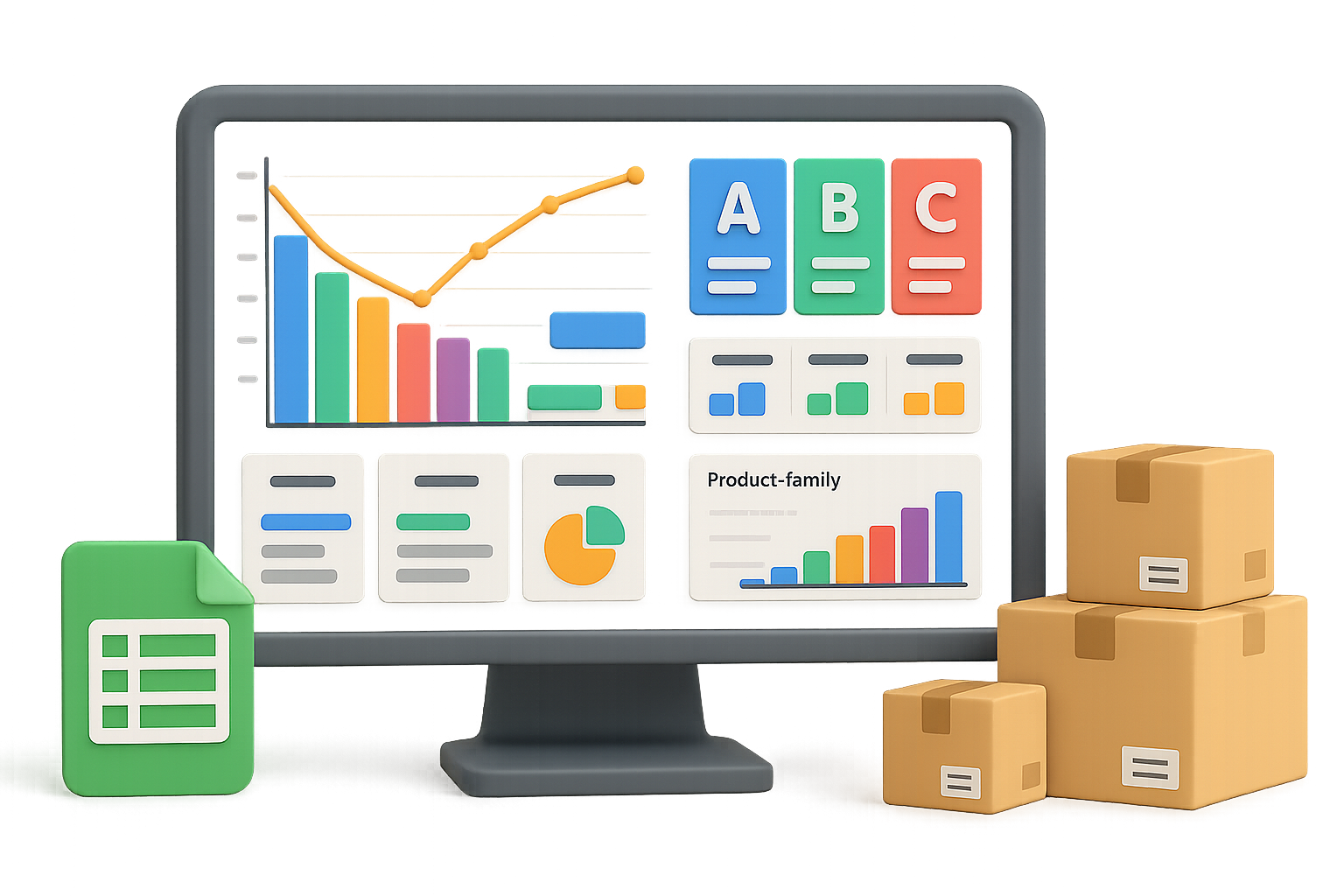
The demonstrated application includes:
- KPI cards for headline metrics.
- An ABC summary.
- A Pareto chart showing turnover contribution and cumulative percentage.
- Turnover contribution by class.
- Sales-distribution views.
- Turnover by product family and class.
- SKU-level details.
These views let you start with the overall picture, then investigate the products or families driving it. Make clear that every view must come from the uploaded file, not values fixed inside the application.

Use a prompt that covers the whole workflow
You don’t need to specify every technical detail. You do need to explain the input, calculations, user experience, and deliverables.
Use this prompt as a starting point. Replace the placeholders with your actual file details and operational rules:
I work in logistics and want a reusable ABC and Pareto analysis dashboard for our sales transactions.
My Excel file is in [folder], named [filename]. It contains [list the actual columns], including SKU, product family, category, store, date, quantity, and turnover.
First, inspect the file and confirm the column mapping, aggregation method, and any data-quality issues. Use turnover to rank SKUs and calculate their contribution and cumulative contribution. Apply these ABC thresholds: [insert your team’s rules]. Explain how you handle boundary cases.
Build a lightweight, browser-based dashboard that colleagues without coding experience can use. Include KPI cards, an ABC summary, a Pareto chart, turnover by class, product-family views, and SKU-level details.
Users must be able to upload a new transaction file and recalculate all results. Do not hard-code the analysis values. Include a reset button and make the cleaned data available for review.
Create the application files in the working folder. Provide a README explaining installation requirements, launch steps, expected input format, calculation logic, application architecture, and troubleshooting. Clearly identify anything users must install.
That last part matters. A dashboard is easier to share when colleagues know what files they need, how to launch the application, and what input format it expects.

Know what “no code required” means
In this example, you don’t write the application code yourself; Claude generates it. The resulting package contains an HTML interface and Python scripts. The Python back end processes transaction data, while the browser interface uses JavaScript to display charts and tables.
A browser-based interface does not automatically mean the entire application works by opening an HTML file. The project folder can be copied to a colleague’s computer, including through a USB drive where your organization permits it. But successful use still depends on the required runtime, libraries, and launch process.
Ask Claude to document those requirements clearly. Test the application on another intended user’s computer before treating folder sharing as a reliable distribution method.
If your transaction files contain commercially sensitive information, follow your organization’s rules for AI access, storage, and removable media.

Refine and validate before sharing
The proof of concept took several requests, not one perfect prompt. Follow-up instructions added a refreshable workflow, cleaned data, documentation, and a reset button. You can build in the same iterative way:
- Upload a second file and confirm every view updates.
- Compare dashboard totals with spreadsheet totals you’ve checked independently.
- Review SKU classifications around your ABC boundaries.
- Confirm reset removes the previous analysis.
- Check that a nontechnical colleague can understand the README.
The README should describe the files, technologies, and application architecture. That gives colleagues useful context and helps an internal developer maintain the tool or consider a wider deployment later.
This example demonstrates a working proof of concept—not a measured productivity improvement or a production-ready system. Its practical value is the shift from asking Claude, “Analyze this spreadsheet,” to asking, “Create a workflow my team can reuse.”
Start with one well-defined transaction file and one clear analytical purpose. Validate the calculations, test refresh behavior, and document the setup. Then invite a colleague to try the workflow and flag anything that needs clarification.
Ready to build practical AI skills for your logistics work? Explore beginner-friendly learning on Tixu.ai.

Leave a Reply