
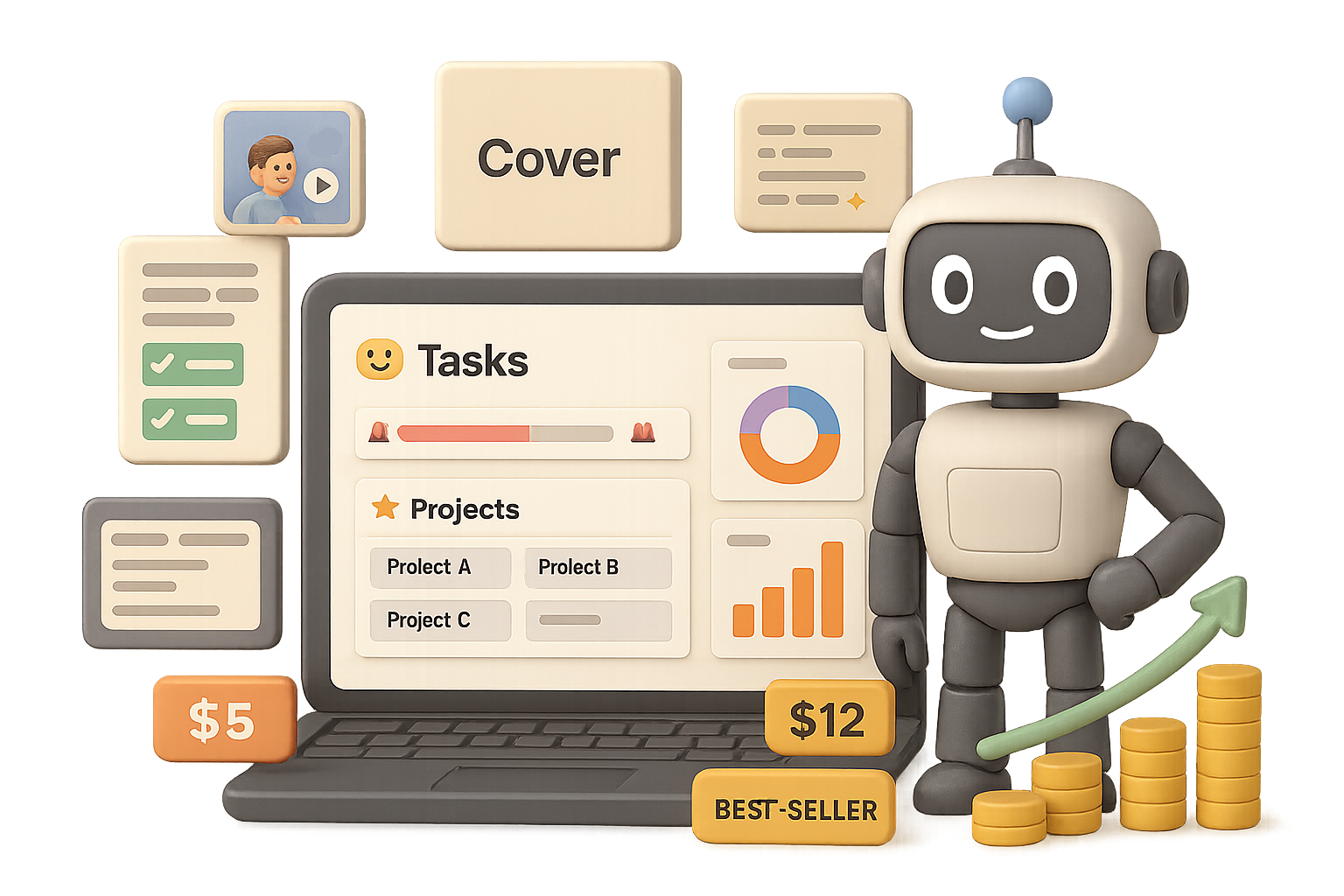
The Notion-template gold rush is on: build a Notion template that sells
You can build a premium Notion template in a weekend and start earning real money. People pay $10… $50… even $79 for polished planners, trackers, and dashboards. If you like simple systems and clear design, this is low-friction product work that pays.
Ready when you are.
What you’ll walk away with
- A fast validation checklist to find niches that actually buy.
- A Claude AI prompt to generate a working Notion backbone.
- A quick design + listing recipe to make your product feel premium.

Validate your niche (find the money)
Open EverBee and search Etsy for phrases like “budget tracker notion,” “life planner notion,” or “wedding planner notion.”
Look for pages with steady sales and good ratings.
What to look for
- High sales count + average rating ≥ 4.5.
- A visible price gap or outdated visuals to exploit.
- Evergreen pain points: money, productivity, health, study, business.
Quick checklist
- Filter by best-sellers.
- Confirm reviews ≈ 4% of buyers (so 100 reviews → ~2,500 sales).
- Pick one niche and ship. Perfectionism kills momentum.
Generate the backbone with Claude AI (build fast)
Use Claude (Anthropic’s LLM) to write the Notion databases, relations, and formulas for you. Short prompt, big payoff.
Starter prompt (edit to taste)
“Create a Notion AI prompt that will build a **Monthly Spending Tracker**.
Include:
- emoji next to every heading
- progress bars that turn red when the budget is exceeded
- a ❤️🔥 siren emoji once a category hits 100%
- real-time bar & donut charts
- an instruction block for beginners”
Copy Claude’s mega-prompt into Notion AI (pick the offered model) and click Generate.
In seconds you get:
- Income/expense DBs with relations & rollups
- Category budgets that auto-calc remaining balance
- Conditional formatting and emojis
- Auto-updating charts and a buyer-friendly instruction block
Test everything. Add a fake expense. Push a category past 100% and confirm the siren appears. If it breaks, tell Notion AI specifically what fails and iterate.

Dress it for success
A working template converts poorly if it looks DIY. Use Kittl for covers, mock-ups, and short looped videos.
Cover in minutes
- Create a 1500×600 canvas (Notion cover ratio) in Kittl.
- Prompt an image that shows the pain, then remix it into the solution.
- Generate a micro-video of the transformation. Export MP4 → convert to GIF with CloudConvert → upload into Notion.
A subtle 3-second loop makes your live demo feel premium.
Listing visuals that sell
- Screenshot the key pages.
- Use Kittl’s “Remix Image” to place screenshots into relatable mock-ups.
- Turn two stills into a micro video. Etsy listings with video get roughly twice the orders of image-only listings.
- Add a concise Loom walkthrough and a PDF guide to reduce refunds.
Publish & optimize (list, demo, repeat)
Where to sell
- Etsy — big built-in audience; small listing fee + commission.
- Gumroad — easy to start; great for funneling your own traffic.
Listing best-practices
- Include a clickable live demo (Notion duplicate protects your master).
- Offer a short Loom screencast and a one-page PDF.
- Add a thank-you page with a “Leave a review on Etsy ♥” CTA.
- Price: start modest (e.g., $5 Gumroad / $12 Etsy). Offer “Pay what you want” above the floor for surprise tips.
A tiny pricing tip: buyers of productivity tools tip and upgrade more often than you expect.

Rinse, remix, repeat
Claude AI removes technical friction. Notion AI fills in formulas and structure. Kittl gives you professional visuals.
Launch one template. Iterate based on reviews. Then launch another.
Quick action box — Do this next
- Run an EverBee search and pick a niche (30 minutes).
- Use the Claude starter prompt to generate a working Notion file (1 hour).
- Make one Kittl cover and a 3-second GIF demo (1–2 hours).
- Publish on Etsy or Gumroad and share a demo link.
Ship one template this week and you’ll learn more from feedback than a month of planning.
If you want step-by-step AI lessons to speed this up, check out Tixu — a beginner-friendly AI learning platform that teaches you how to use tools like Claude and Notion to build products fast.
Ready when you are.

Leave a Reply