
Stop Treating ChatGPT Like a Novice—Here’s How to Turn It Into a 24/7 Dream Team
You’re wasting time. Or at least you were.
You ask ChatGPT a one-off question, get a decent answer, then start over next session. Frustrating, right? That’s how most people treat a tool that can be your personal analyst, critic, teacher, and coach — all at once. Fixing this takes habits, not hacks. Do the five routines below and you’ll reclaim hours every week. You’ll also get cleaner work, smarter decisions, and a reliable sounding board that never sleeps. Ready when you are.

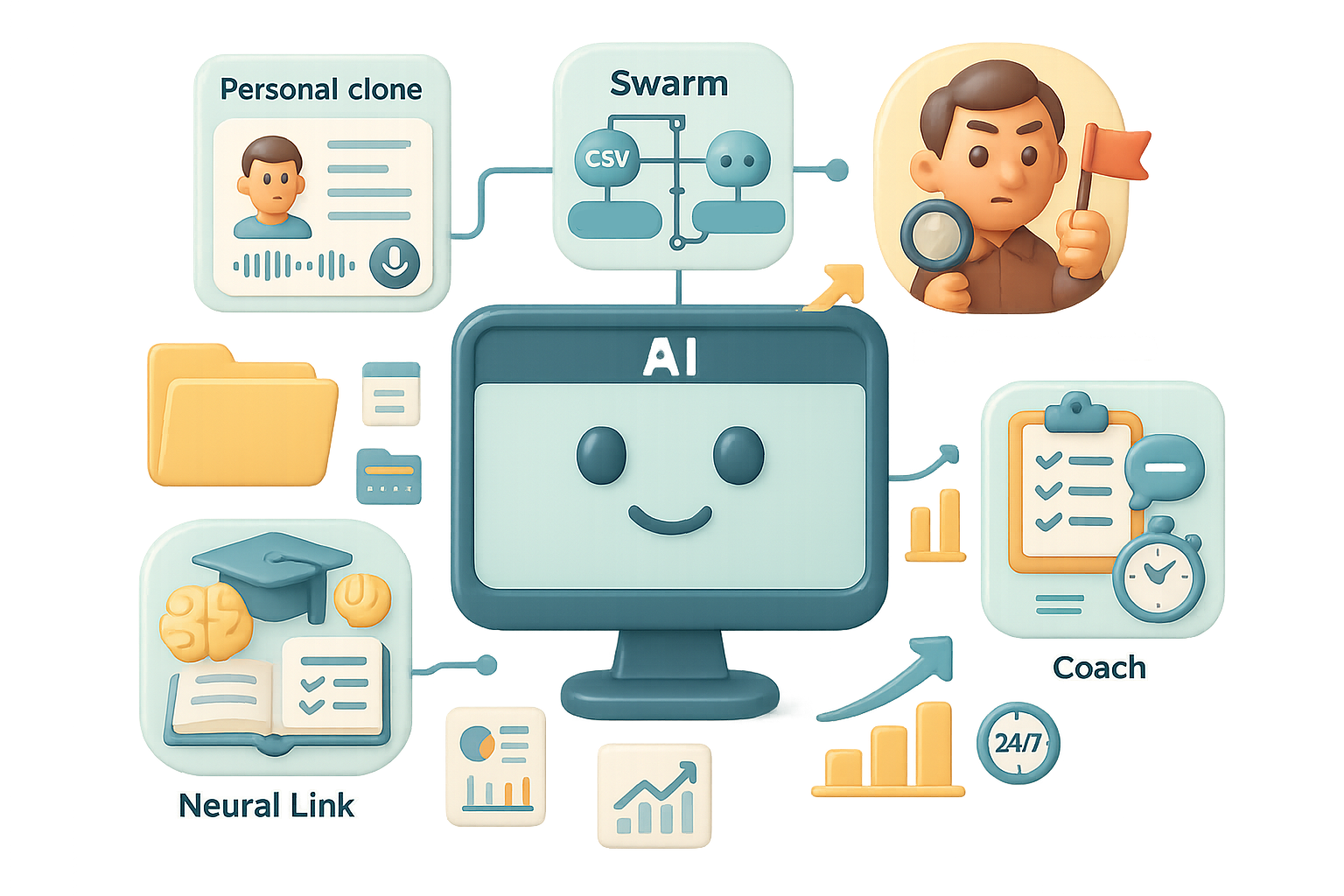
Build your personal ChatGPT clone
Make ChatGPT know you. Then it stops guessing and starts matching your voice and priorities.
Do this 3-step E‑S‑P routine:
- Extract
- Turn on voice or record a 20-minute interview. Tell it your background, values, tone, and blind spots.
- No edits. Let the ramble surface real patterns.
- Synthesize
- Paste the transcript. Ask: “Summarize who I am and how I want info formatted.”
- Save that summary to Settings → Custom Instructions. Example: “Short bullets, highlight risks, avoid jargon.”
- Projects
- Create separate chats or projects per domain: marketing, hiring, health.
- Upload related files (resumes, decks, spreadsheets). Add domain rules.
- Never mix domains. Boundaries keep context clean.
Result: your responses match your voice, retain context, and cut the back-and-forth by 30–50% on routine tasks.

Unleash the swarm: parallel agents for parallel work
One ChatGPT, many hats. Run agents in parallel and finish bigger jobs faster.
Try these modes:
- Your Hands (Agent Mode) — Give multi-step directives: “Find 500 SaaS leads, verify emails, sort by ARR, export CSV.” Let it run.
- Your Eyes (Image Analysis) — Upload whiteboard photos, dashboards, or broken parts. Prompt: “Analyze this and suggest one quick fix.” ChatGPT spots details you miss.
- Your Research Assistant (File Uploads) — Drop long reports. Command: “Summarize each doc in 200 words, compare strategies, highlight risks.” What took weeks now finishes in hours.
Pro tip: parallelize simple tasks and reserve your time for decisions.

Hire a devil’s advocate
You love your ideas. Great. Now break them with a friend who won’t sugarcoat.
Three quick tactics:
- Magic Triggers — “Audit this plan with first-principles thinking.”
- Shadow Boxing — “Simulate a debate between a ruthless VC and an optimistic founder.”
- Blind‑Spot Check — “Based on my profile, where will this fail?”
AI won’t replace you—someone better at prompting will. Use ChatGPT to expose your blind spots before real customers or investors do.

Plug in a neural link — learn, don’t just skim
Stop collecting buzzwords. Build real understanding fast.
Use these teaching prompts:
- Jargon Translator — “Explain OAuth like ordering at a restaurant.”
- Progressive Professor — “Explain this to a 5-year-old, then a 15-year-old, then a college senior.”
- Degree Download — “Teach me the ML basics I need to build this feature. No theory fluff. Quiz me.”
Benefit: you get usable fluency without a pricey bootcamp. Many users report doing work 2–3x faster after a few focused sessions.

Book an executive coach that never sleeps
When your mentor is offline, ChatGPT fills the gap. Use it to vent, reframe, and decide.
Three coach templates:
- Vomit Mirror — “I’ll rant for five minutes. Don’t interrupt. Then sort my thoughts into: solvable now, delegate, ignore.”
- Stoic Mirror — “I lost a deal. Reframe this with Stoic principles and show the opportunity.”
- Decision Mirror — “I’m thinking of quitting. Here’s my thinking. Challenge it.”
The model organizes your chaos into action. That’s clarity you can act on at 11 p.m.

Quick checklist — Do this next
- Record one 20-minute interview about you.
- Paste and save a one-paragraph persona to Custom Instructions.
- Create two project chats and upload one core file each.
- Run one devil’s-advocate prompt on a live idea.
- Schedule a 30-minute learning sprint using the Progressive Professor prompt.
Make ChatGPT your clone, swarm, critic, professor, and coach. One habit a week beats a month of random prompts.
Ready to build this muscle? Learn hands-on, beginner-friendly AI workflows and prompts at Tixu — start at tixu.ai

Leave a Reply