
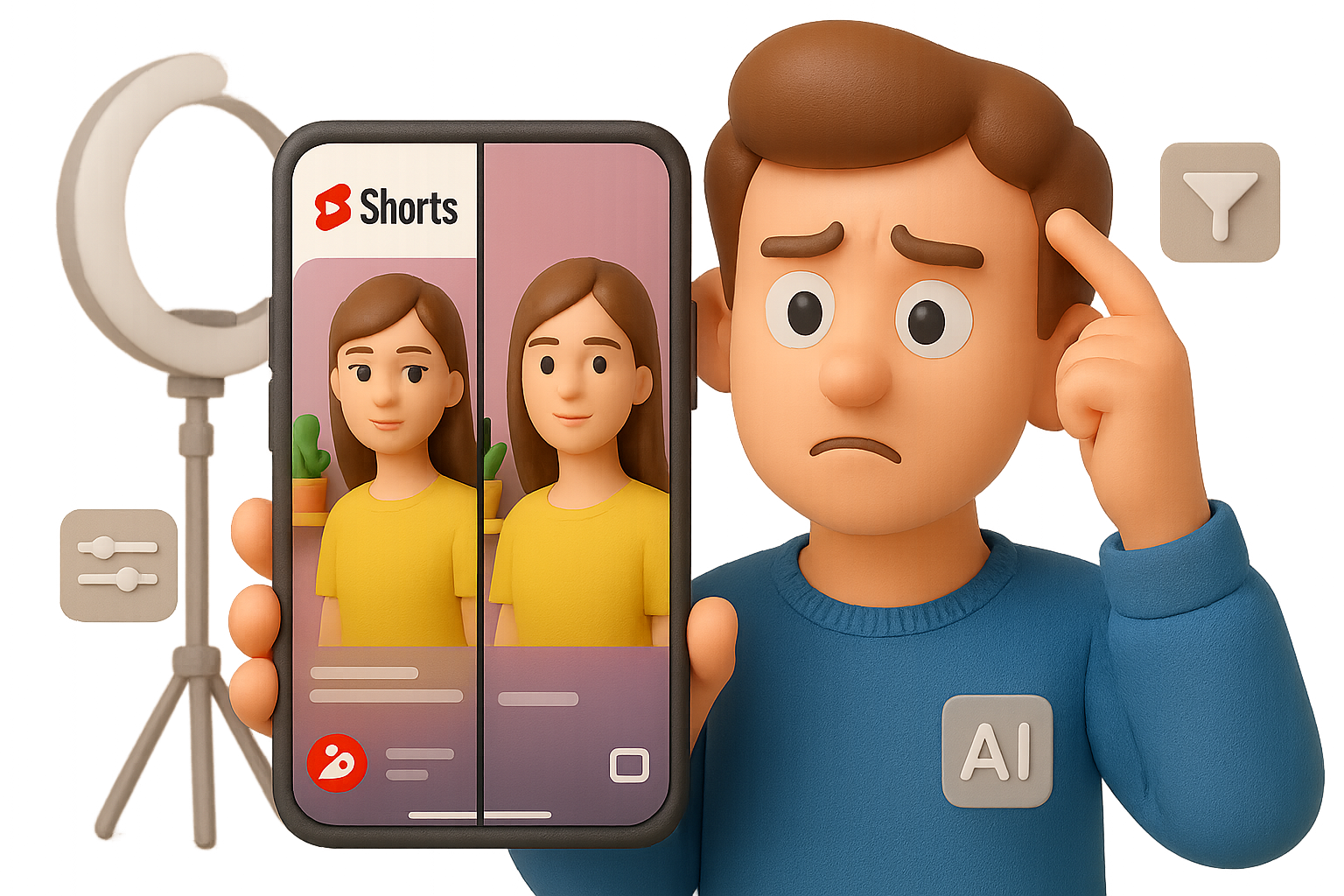
Caught in the (AI) Filter: What’s Up With YouTube Shorts?
Open YouTube Shorts, then watch the same video on Instagram or TikTok.
Wait… why does the YouTube version look weird?
Faces have that wax-museum sheen. Text gets overly crispy. Background props start to vibe like a video game cutscene more than real life. It’s not your imagination—you’re likely seeing the fingerprints of an AI upscaling filter you didn’t ask for.
And here’s the kicker: YouTube isn’t telling anyone about it.
Let’s break down what’s happening, what it means for you as a creator or viewer—and what to do next.

Welcome to the AI-Wash Era
First, the weird visual glitches aren’t from bad uploads. In most cases? The creator hasn’t touched a thing. But YouTube has.
It looks like Shorts are getting hit with an AI-powered enhancement layer—post-upload, without opt-in or transparency. Think “automatic makeup for pixels,” but clumsier.
You’ve probably seen these telltale signs:
- Razor-sharp edges on glasses, pickguards, or subtitles
- Smoothed textures that make skin look airbrushed—or just fake
- Hair merging into plastic clumps
- Background objects morphing into uncanny shapes
- Artifacts at every resolution—from potato-quality 144p to crisp 1080p
It’s like your video went through a Hollywood filter no one ordered.

Do a “Double Upload” Test
Want to find out if your work’s been filtered? Try this:
- Upload the same vertical clip to YouTube Shorts and Instagram Reels.
- Watch both on the same phone. Lock brightness and resolution.
- Pause on a spot with fine detail: text, texture, strings, shadows.
- Compare.
If YouTube’s version looks over-processed, congrats—you’ve spotted the AI.

Why This Isn’t Just Annoying—It’s a Trust Risk
Here’s the real problem: when things look “fake,” audiences assume the creator made it that way.
And that hits your credibility.
- Viewers may think you’re dabbling in deep-fakes or beauty filters.
- That undermines trust—especially if you’re filming educational, documentary, or music content.
- It fuels AI fatigue—a growing pushback from people tired of everything being synthetic.
Even worse: if AI is altering your video without consent, what else might be getting tweaked?
- Are captions being rewritten?
- Backgrounds blurred or changed?
- Will a future update auto-swap your unsmiling thumbnail with a “happier” AI version?
It opens a pixel-sized can of worms.

So… Why Is YouTube Doing This?
No official statement yet. But the creator community has theories:
- Bandwidth saving – Upscale locally = lower server costs.
- Perceived polish – TikTok and Instagram already beautify everything by default; YouTube doesn’t want to seem low-res by comparison.
- Experimental testing – Shorts could be serving as a sandbox for training or deploying future AI video tools.
Fair guesses. Still not an excuse to do it silently.

What You Can Do Now
Let’s get tactical. If you’re making Shorts, here’s how to stay ahead of the AI filter:
- Document It
Take screenshots and recordings. Pause tricky frames. Save comparisons. - Compare Notes
Talk with peers on Reddit, Discord, YouTube Creator community. You’re not alone. - Create a Paper Trail
Open tickets in YouTube Studio Support. The more voices, the faster this reaches product teams. - Tell Your Audience
Drop a pinned comment or community post: “YouTube might add an AI filter after upload—this look wasn’t my choice.” Transparency ups your trust factor.

What You (the Viewer) Can Do
If Shorts start to feel… too smooth, you’re not imagining things. Here’s how you help push for clarity:
- Cross-Reference
Search the same video on another platform—compare the visuals directly. - Trust Creators First
Most of them don’t even know this is happening. Assume good intent unless proven otherwise. - Speak Up
Feedback channels (like the YouTube Shorts product page) exist for a reason. Let them know what you’re seeing—and how it impacts experience.

AI Is a Tool—Not a Ghost Editor
Let’s be real: we all use AI tools. ChatGPT for scripting, DaVinci Resolve for editing, maybe even an AI tag generator to speed up uploads.
That’s not the issue.
The issue is consent.
Creators should get to decide how their content looks and feels. Audiences deserve to know when machines step in and modify media. Silent filters undermine both.
Until YouTube comes clean, your clearest move is staying aware, staying vocal, and staying connected with other creators.
Eyes open. Screenshots ready. Trust matters more than ever.
👉 Want to get smarter about AI tools you control—not the ones imposed on you? Check out Tixu, the AI learning platform built for beginners who want real skills, not marketing hype.

Leave a Reply