
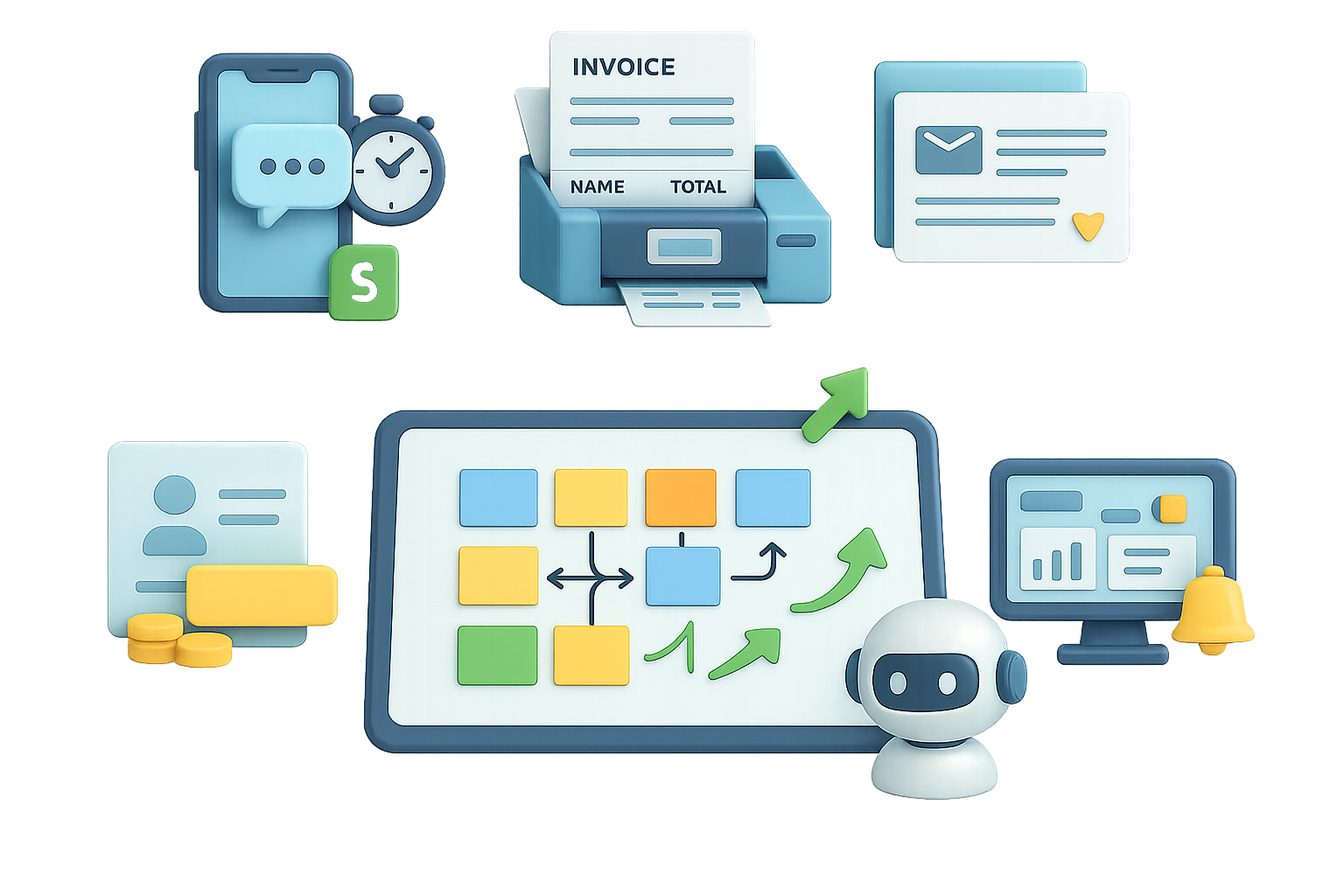
Stop chasing shiny AI toys: five automations that actually print revenue
You know the feeling. A new AI tool drops, you poke around, and three weeks later nothing changed. Meanwhile, the stuff that actually moves cash sits boringly in plain sight. These five automations show up in every industry. They save time, cut errors, and boost revenue—every time.
Ready when you are.

Speed-to-Lead: Win the race for replies
What hurts
- Leads go cold in minutes.
- Most companies answer in 47 hours on average.
What this automation does
- Captures form, chat, or call details instantly.
- Auto-qualifies by budget, location, and service.
- Routes the lead to the right teammate.
- Fires a personalized text + email within seconds.
Why it sells
Responding in the first 5 minutes makes a deal up to 10× more likely. Speed makes price objections evaporate.
Mini-story
A dental clinic spent $5k on ads and booked 12 patients from 100 leads. After speed-to-lead, close rate jumped to 25%. That added 13 patients—zero more ad spend.
Perfect for
Dentists, law firms, real-estate pros, home services, agencies—anywhere missed calls equal lost cash.

Document Processing: Send boring data work packing
What hurts
- Invoices, contracts, and claims eat hours.
- Human error sits at 5–15%.
What this automation does
- Grabs PDFs or scans from email or cloud storage.
- Extracts vendor, amounts, dates, and line items.
- Validates against rules (accounts, policy limits).
- Pushes clean data to accounting, ERP, or CRM.
Why it sells
No more $30/hr clerks copying numbers. 45 saved hours a week ≈ $70k+ per year at small firms.
Pro tip
Many reliable flows are 100% rule-based. No LLM hallucinations, no upkeep headache.

Follow-Up & Nurture Sequences: Keep warm leads buying
What hurts
- 80% of deals need five follow-ups. Reps stop after one or two.
- Webinar sign-ups and demos drift away.
What this automation does
- Triggers on sign-up, download, or attendance.
- Sends timed, value-first emails, texts, or DMs.
- Personalizes each touch with CRM context.
- Pauses automatically when someone replies or books.
ROI snapshot
A consulting firm lifted booked calls from 6 to 18 per webinar. That added $54k in pipeline—same ads, same content, better follow-up.

Database Reactivation: Mine your forgotten gold
What hurts
- CRMs bulge with lapsed customers and past inquiries.
- Teams spend ad budget chasing strangers.
What this automation does
- Segments historical lists by activity, spend, and churn reason.
- Sends tailored messages referencing each person’s history.
- Flags positive replies and routes them to sales.
ROI snapshot
A gym re-engaged 4,000 dormant contacts. A 2–3% reconversion returned 80–130 members—$32k–$48k recovered with no new ad spend.
Best fit
Gyms, SaaS, e-commerce, dental, and coaching—any business with ≥500 inactive contacts and decent LTV.
Internal Reporting & Status Alerts: Make decisions fast
What hurts
- Teams waste hours compiling KPIs and pipeline reports.
- Decisions stall without fresh numbers.
What this automation does
- Pulls live data from CRMs, ad platforms, project tools, and sheets.
- Aggregates and analyzes automatically.
- Delivers insights into Slack, Teams, email, or SMS.
- Triggers alerts when thresholds hit.
ROI snapshot
A construction crew swapped manual job sheets for auto-formatted ones. They saved 45 minutes each morning and cut scheduling errors—$12k/month saved.
Sticky factor
Once leaders get real-time visibility, they never want it to stop. High retention follows.

How to sell these automations
- Sell outcomes, not tech.
- “We cut your lead response to 30 seconds” beats “We’ll build a Zapier flow.” (Zapier is a no-code tool that links apps and automates tasks.)
- Pick one lane and own it.
- Become the speed-to-lead specialist or the document-processing pro. Collect case studies and charge premium rates.
- Diagnose before you build.
- Ask: “If 500 customers arrived tomorrow, what breaks first?” The answer reveals the biggest cash clog.
- Demo in two minutes.
- Live examples beat slide decks. Show a lead hitting Slack in real time.

Quick checklist: prototype this week
- Pick one automation from this list.
- Map the 4–6 steps on a sticky note.
- Build a working prototype (use no-code tools or simple APIs).
- Show it to a business owner and watch their reaction.
- Iterate based on feedback and lock the first client.

Two short wins to pitch first
- Speed-to-Lead for any sales-driven business. Fast wins, clear ROI.
- Document Processing for firms drowning in paperwork. Big time savings, easy sell.

One caveat
Don’t over-jargon your client. Explain tools in plain words. Show outcomes in dollars and minutes.

Pick one automation. Build a simple prototype. Show it to a business owner this week.
Want a friendly place to learn the basics of building these automations? Check out Tixu.ai — a beginner-friendly AI learning platform that walks you through hands-on projects and simple workflows.
Ready when you are.

Leave a Reply