
Which AI Should You Trust With Your Research?
A hands-on showdown: Perplexity AI vs ChatGPT
Let’s be real. When your deadline’s in 48 hours and your lit review looks like a blank Google Doc, you don’t have time to fumble around. AI tools promise to speed up the grunt work—summarizing papers, analyzing data, even rewriting your paragraphs. The question is: which one actually delivers?
Right now, two top contenders are battling for your browser tab—Perplexity AI and ChatGPT. Both are smart. Both save you hours. But they don’t play the same game.
We threw four common research tasks at them—think grad-student-in-crunch-mode level—and the results surprised us.
Here’s how they compare, what each does best, and when to pick one over the other.

1. Hunt Down the Right Literature—Fast
Prompt: “I’m starting a research project on hydrogen production via catalysts. Recommend the best peer-reviewed papers.”
ChatGPT
- Gave a clear bullet list of five legit papers.
- Included titles, authors, and where they were published.
- Solid starting point—but a bit thin.
Perplexity AI
- Switched to Academic mode with one click.
- Delivered 20+ papers, sorted by subtopic.
- Picked a couple standout reviews to get you started.
Verdict: Perplexity AI wins. It’s basically a smarter, less frustrating Google Scholar.

2. Get a User-Friendly Paper Summary
Prompt: “Explain the key points of this uploaded manuscript.”
ChatGPT
- Broke things up by section: intro, methods, results, etc.
- Gave a high-level summary—useful, but felt templated.
Perplexity AI
- Reorganized insights around ideas, not sections.
- Pulled in themes from similar papers.
- Felt more like a TA walking you through the paper.
Verdict: Perplexity AI wins again. It’s more intuitive, less robotic.

3. Crunch Some Data with Code & Visuals
Prompt: “Here’s raw IV data from a solar cell test—plot the IV curve and calculate device efficiency.”
ChatGPT
- Generated Python code, fixed bugs on the spot.
- Plotted an interactive graph right in the chat.
- Nailed the efficiency calc—even caught zero output.
Perplexity AI
- Offered basic MATLAB and Python code (no visual output).
- Pulled estimated results from metadata—no math.
Verdict: ChatGPT wins hands down. For data tasks, it’s like having a code-savvy lab partner.

4. Polish Your Academic Writing
Prompt: “Rewrite this paragraph to be suitable for peer review.”
ChatGPT
- Cleaned up the tone, improved clarity, kept your citations intact.
- No fluff, just solid editing.
Perplexity AI
- Rewrote the paragraph and tried to insert new references.
- The problem? Most didn’t match your content—or even your field.
Verdict: ChatGPT wins. You want cleaner writing, not citation roulette.

Final Scoreboard
| Task | Winner |
|---|---|
| Literature Review | Perplexity AI |
| Paper Summarization | Perplexity AI |
| Data & Plotting | ChatGPT |
| Academic Writing | ChatGPT |
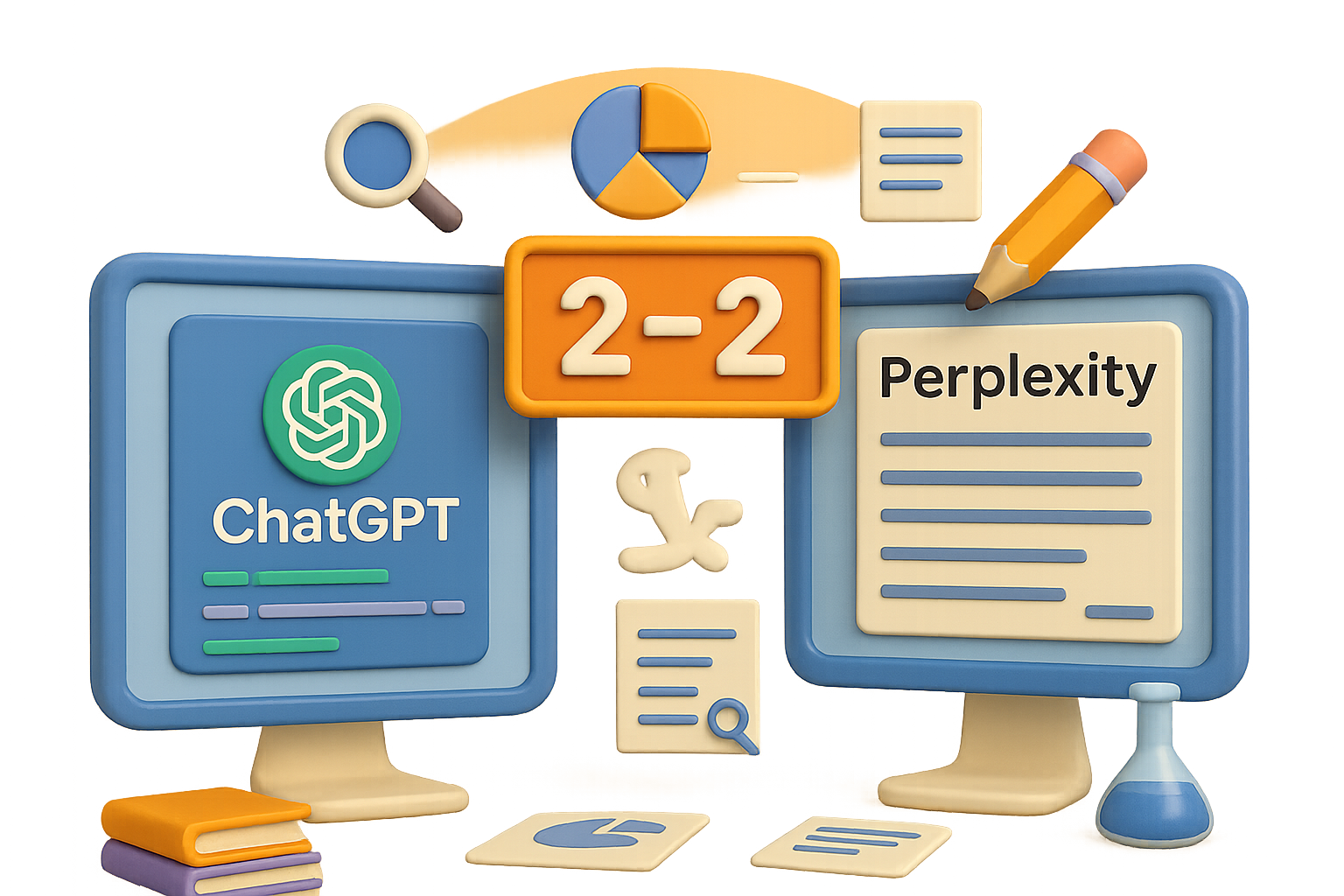
Result: 2–2 draw
But the real win? Knowing when to use which.

Choose Your (AI) Fighter
Use Perplexity AI when you want:
- Literature overviews with depth and structure
- Context-rich paper summaries
- A “start here” shortcut when diving into a new field
Use ChatGPT when you need:
- Interactive debugging, data plots, or code explanations
- On-demand editing that sounds actually academic
- Consistent follow-up without the side quests
In short: open both. Perplexity maps your research landscape, ChatGPT helps you build within it.
Whatever you’re digging into—from solar cells to protein folding—AI isn’t just a shortcut. It’s your research assistant on demand. Give each tool a sharp question, check its work, and let it do the heavy lifting.
Ready to learn AI skills that stick (not just chatbot hacks)? Get hands-on, beginner-friendly training at Tixu—your go-to platform to build real projects and level up with practical AI.
Let the research roll.

Leave a Reply