
Why AI Images Are a Content Creator’s Secret Weapon
Let’s face it—digging through endless pages of stock photos is about as fun as doing your own taxes. You spend hours, click hundreds of thumbnails, and still end up settling for “meh.”
There’s a better way.
ChatGPT’s image generation can turn a few well-crafted words into visuals that hit your brand vibe dead-on—and fast. No design skills? No problem. Whether it’s for your blog, newsletter, or that “one more tweet before bed” content sprint, AI is officially your new secret weapon.
Here’s how to prompt like a pro—and get the kind of scroll-stopping images that actually look like your brand.

Unlock AI Images in Seconds
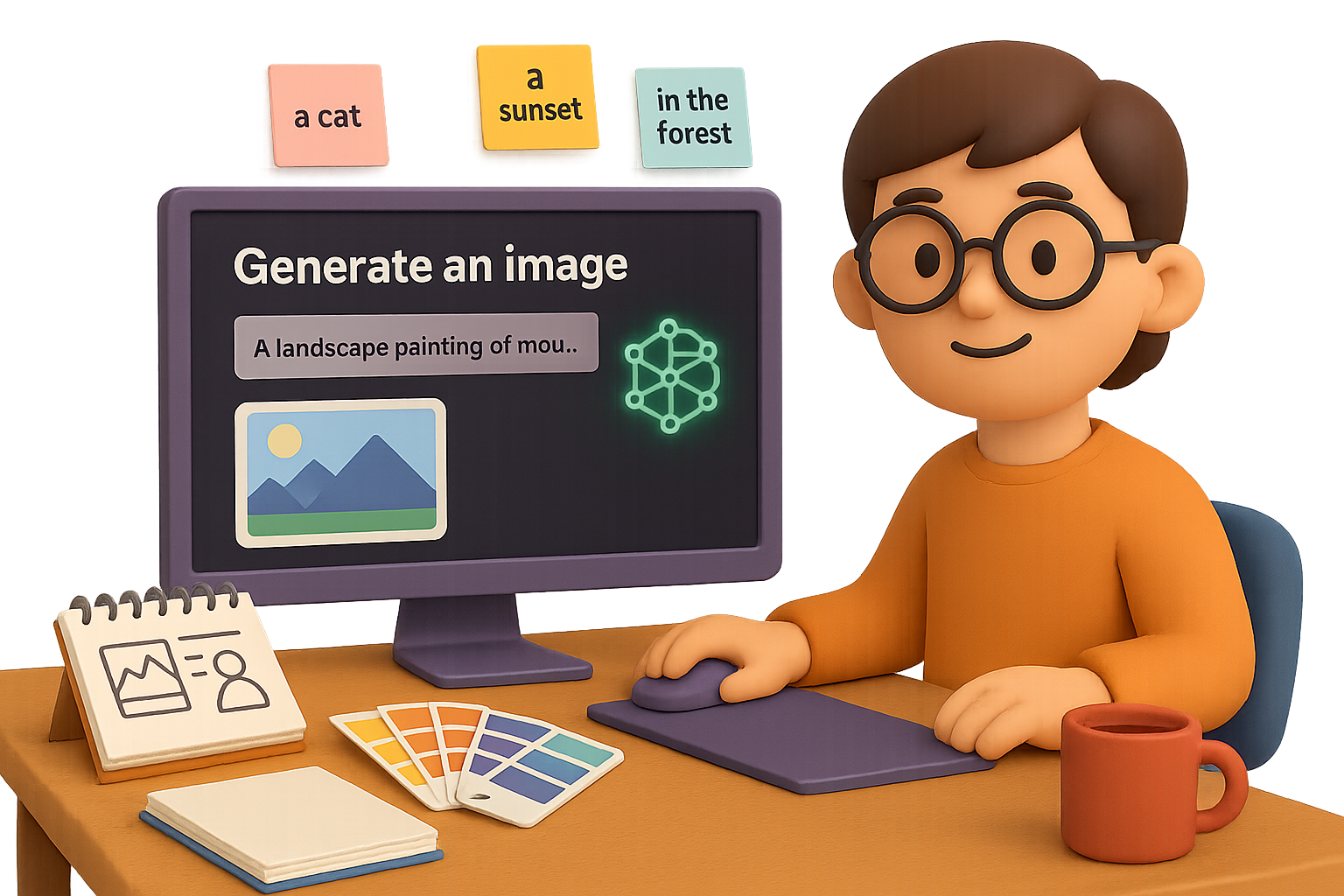
Open up ChatGPT and select the image generation feature. That’s your new canvas. Type in a prompt—the AI version of a creative brief—and get a custom image in seconds.
Not sure what to write? Keep reading; I’ve got a formula that works every time.

Craft Killer Prompts: Use This 4-Part Formula
Think of it like building a scene from scratch. The more you give, the better it gets.
- Subject – Who or what’s in the frame?
- Scene / Setting – Where’s it happening?
- Style – Photo realism? Pixar-style? 70s retro ad?
- Details – Lighting, mood, props, color, angle
Compare these two:
- “Create an image of coffee.”
- “A steaming cup of coffee on a rustic wooden table, morning sunlight streaming through a window, soft cinematic lighting.”
Guess which one looks like it belongs in your content? It’s all in the details.

Think Format First, Not After
Skip the crop job. Tell ChatGPT what size and shape you need upfront.
- “Square image for Instagram”
- “1920×1080 wide blog header”
Also, save yourself the re-roll rabbit hole: “Generate five alternatives” = built-in variety with one click.
Style Tweaks Make All the Difference
Want your smoothie bowl edgy or cute? The style dial handles that.
Examples:
- 1970s magazine ad: Grainy textures, funky fonts
- Children’s book illustration: Bright colors, cuddly characters
Mix and match:
- Eras: Art Deco, Victorian, Y2K
- Mediums: Oil painting, vector art, watercolor
Dial it in until it feels you.

Go Full Photographer Mode (No Camera Required)
A little photo lingo = a massive image upgrade.
Use terms like:
- Lighting: golden hour, studio softbox, neon glow
- Focus: shallow depth of field, motion blur
- Angle: overhead flat lay, eye-level shot, low-angle hero pose
Example Prompt:
“A woman reading on a couch in natural window light, shallow depth of field, candid photo style.”

People That Look Like Real People
“A woman standing outside” is generic by design.
Instead, build characters:
“A South Asian woman in her 30s, curly hair, casual jeans and white linen blouse, standing outside a small bookshop, smiling naturally.”
Now we’re talking relatable and realistic.
Need a team? Avoid clone armies. Request diversity:
“Five colleagues—mixed genders, ages, and ethnicities—brainstorming around a table in a modern office.”

Add Emotion, Grit, and the Magic of Imperfection
AI can go too perfect. That’s great for product shots—not always for life.
Try this:
- Emotion: “A young man looking at a laptop, surprised and excited as if he just received good news.”
- Grit: “A café with slightly messy tables, scribbles on the napkins, uneven lighting.”
- Realism: thinning hair, freckles, crooked frames—more human, less mannequin.
Moods > polish.
Time + Place = Built-In Vibes
When your image lives in a specific time and culture, it clicks with your audience faster.
- “Cozy autumn street in Brooklyn with brownstone buildings”
- “Millennial woman working on a laptop in a 2020s minimalist café”
It’s not just a background—it’s a context upgrade.

Play It Safe (Without Killing Creativity)
Yes, AI image tools are powerful—but with great power…
- Don’t fake reality: No misleading scenes.
- Respect IP: Skip logos/celebs.
- Keep it honest: Tag or note that images were AI-generated.
Clients appreciate the clarity.

Quick Reference: 5 Ready-to-Tweak Prompts
- Square Product Shot
“A square photo of a handcrafted soy candle on a marble countertop, soft studio lighting, minimalist Instagram aesthetic.”
- Header Illustration
“Wide 1920×1080 illustration of a futuristic city skyline at sunset, cyberpunk neon colors, vector style.”
- Team Collaboration Photo
“Group of four diverse coworkers—two women, two men—laughing around a laptop in a bright startup office, candid snapshot.”
- Character Portrait
“Elderly Latino man wearing a weathered Panama hat, deep laugh lines, warm golden hour light, documentary photo style.”
- Seasonal Background
“Snow-covered pine forest with gentle snowfall, muted pastel color palette, peaceful winter mood.”
The Fast Lane to Better Content
You don’t need a degree in graphic design—or a stock subscription that auto-renews forever. With ChatGPT’s image gen feature and a few prompt tricks, you’ve got an in-house creative team on speed dial.
Want to get smarter with AI from the ground up? Check out Tixu.ai—a beginner-friendly platform where you can learn the ropes without the jargon. Ready when you are.

Leave a Reply