
From Meh to Mesmerizing: How to Write Better AI Image Prompts
Your AI image looks… fine.
The idea’s there, but somehow the final results are off. Too generic. Not what you pictured.
Here’s the good news: it’s not your model that’s failing you. DALL·E, Midjourney, Stable Diffusion—even budget-friendly tools pack major power. What they need is better direction from you.
In other words: prompt smarter, not harder. And today, you’re going to level up that skill.

What’s in it for you?
By the end of this guide, you’ll know exactly how to:
- Build detailed prompts that actually get what you imagined
- Avoid the generic image trap (the one everyone falls into at first)
- Reuse and remix your best ideas like a pro
We’re breaking it all down into eight actionable building blocks, plus a swipeable cheat sheet.
Let’s prompt like a boss.

Vague In, Vague Out
Here’s the deal. These image models were trained on elephant-sized datasets—billions of pictures and captions. That’s a blessing and a curse.
Say you type: “a clown.” You’ll end up with… well, take your pick from thousands of random clowns. Some are pixelated weirdos. Others look like rejected birthday party mascots.
But now try: “Middle-aged clown with very curly blond hair, dressed in blue, surprised expression.”
Boom. Totally different ball game.
Think of prompting like ordering coffee. If you just say “latte,” you’re rolling the dice. Want it iced? Almond milk? Extra shot? Speak up—and the result gets closer to what you actually want.

The 8 Building Blocks of a Killer Prompt
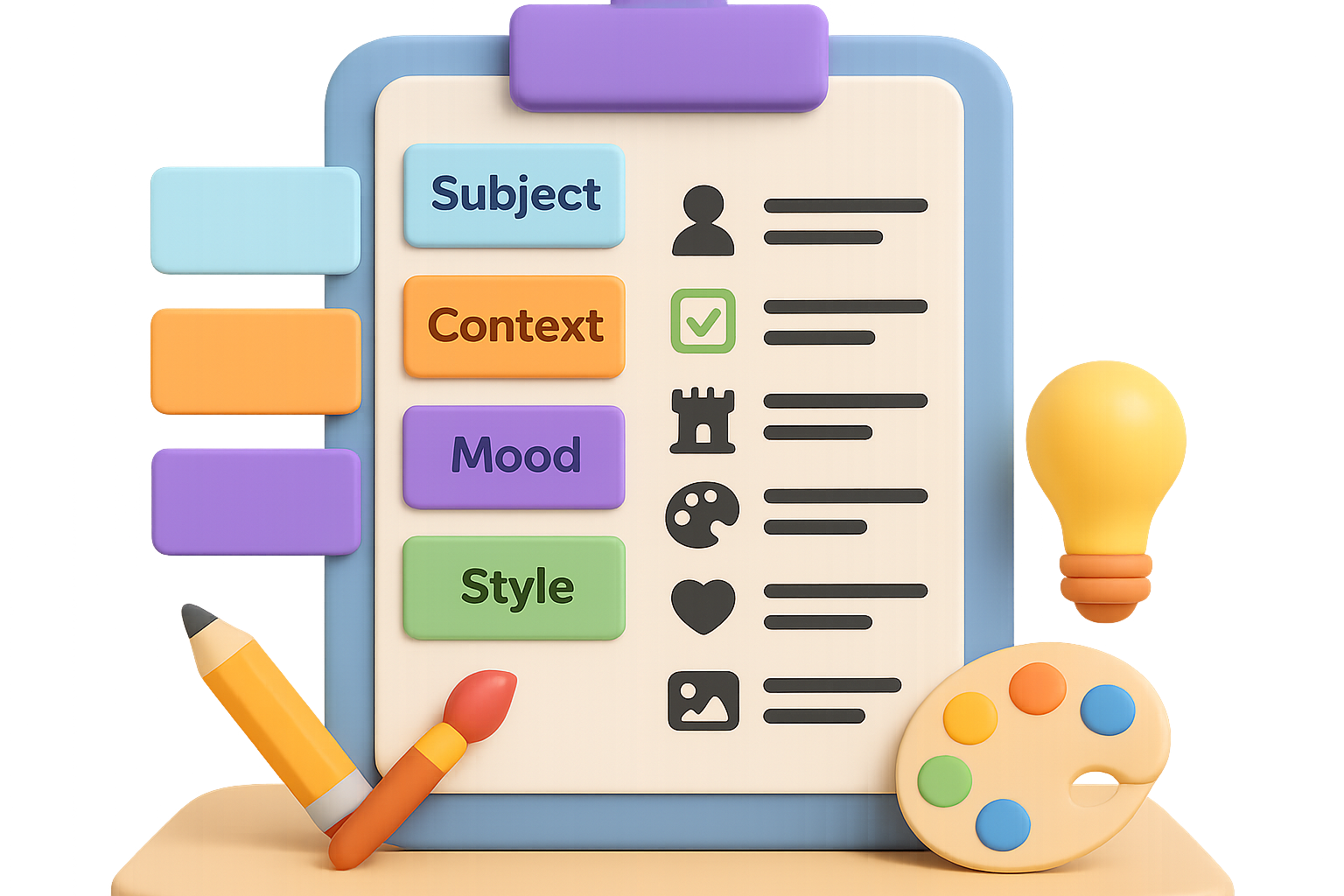
Want consistent, jaw-dropping generations? Stack these eight layers in your next prompt:
1. Subject — Who’s in the spotlight?
Think head to toe, or object to detail. Paint the picture.
- People: age, ethnicity, hairstyle, outfit, expression, pose
- Objects: shape, size, texture, materials
Example:
“Middle-aged clown with very curly blond hair, dressed in blue, surprised expression.”
2. Context — Set the scene
Where is this happening? When? Add set dressing. Props welcome.
Example:
“Inside a Victorian library lined with antique books, with two readers seated at mahogany desks.”
3. Composition — Angle and layout
Frame it like a pro. These keywords help:
- centred portrait
- bird’s-eye view
- symmetrical layout
- rule of thirds
Example:
“Seen from a bird’s-eye perspective.”
4. Style / Medium — Artistic flavor
This is where the magic lives. Think genre, medium, or art movement.
- oil painting
- cartoon illustration
- cyberpunk concept art
- low-poly 3D render
Example:
“In the style of a Renaissance oil painting.”
5. Color Palette — Mood on command
Mood lives in color. Try:
- pastel tones
- vibrant synth-wave palette
- monochrome
- earthy neutrals
- or specific HEX codes like #F5D300
Example:
“Pastel tones dominated by powder-blue and soft yellow.”
6. Lighting — Set the emotional tone
You know lighting changes everything. So tell the AI what to do with it:
- golden hour
- soft morning light
- harsh flash from left
- backlit silhouette
Example:
“Dramatic, high-contrast lighting from the right.”
7. Mood / Atmosphere — The feels
How should the image “feel”? Choose a vibe and say it out loud.
Example:
“Dreamlike, slightly surreal atmosphere.”
8. Technical Details (Optional) — For full control
Want to print it? Post it? Then stuff like resolution and ratio matters.
- aspect ratio (1:1, 16:9)
- lens type (85mm, fisheye)
- shallow or deep depth of field
Example:
“Square 1:1 aspect ratio, shallow depth of field, shot on an 85 mm lens.”

Combine Ingredients Like a Prompt Chef
Now let’s put it all together. Flow matters less than clarity, so aim for smooth reading, not perfect order.
Final Sample Prompt:
“Middle-aged clown with very curly blond hair, dressed in blue, surprised expression, inside a Victorian library lined with antique books, two readers at mahogany desks in the background, seen from a bird’s-eye perspective, Renaissance oil-painting style, pastel tones of powder-blue and soft yellow, dramatic high-contrast lighting from the right, dreamlike atmosphere, square 1:1 aspect ratio.”
Toss that into Midjourney or DALL·E and compare it to our humble “clown.” The difference? Night and day.

Your Quick-Grab Prompting Checklist
Prompt formula:
- → Subject
- → Context
- → Composition
- → Style
- → Colour palette
- → Lighting
- → Mood
- → (Optional Tech)
Copy it. Paste it. Tattoo it (okay, maybe not). Point is—you’ll get better results every single time.

Do This Next
- Experiment: Change one piece at a time—like lighting or mood—and watch how it shifts the image.
- Layer styles: Mix and match. Try “cyberpunk + pointillism” or “studio photo + vintage film grain.”
- Save your hits: Keep a doc of your best prompt phrases (“no shadows,” “vibrant fantasy color blend,” etc.).
- Go negative: Tools like Midjourney or Stable Diffusion let you say what you don’t want—like “no text,” “no blurry faces.”
No more throwing vague ideas at the prompt box and hoping for the best. With this formula, you are the creative director. Whether it’s neon koi swimming through fog, a surreal brand mock-up, or your next digital art drop, you’ve got the tools to make it pop.
Want to take your next step into AI? Start learning the fast, easy way on Tixu.ai – the beginner-friendly AI playground where creativity meets clarity.

Leave a Reply