
30-Day AI Roadmap: Build Skills, Not Bookmarks
It feels like a new AI tool launches every time you blink. You bookmark demos, watch videos, and wake up with knowledge that slips away. Stop binge-watching. Start doing. Research shows passive learning locks in about 10% of what you hear, while hands-on practice holds roughly 75%. So yes—doing matters. Ready when you are.

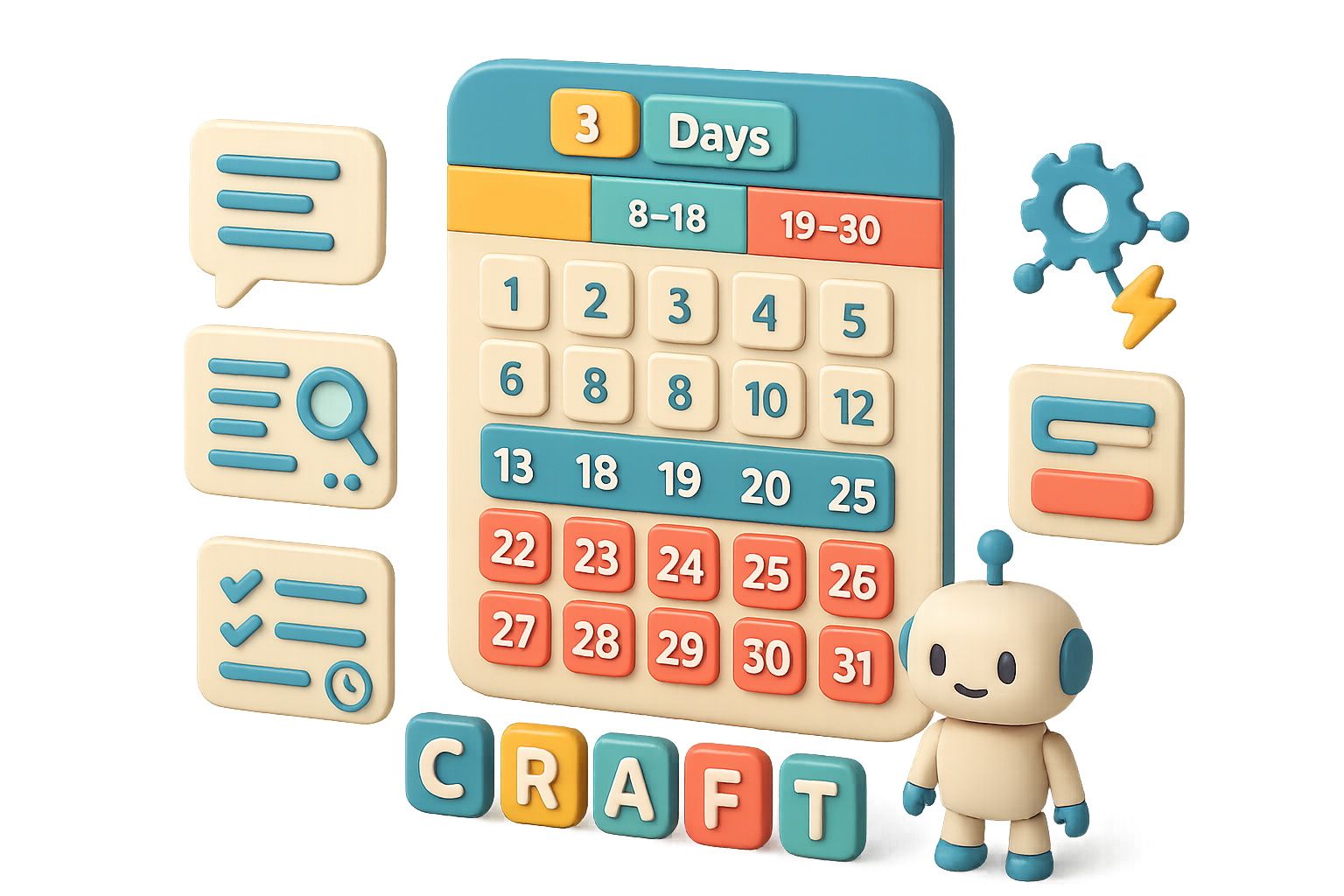
Roadmap at a glance
- Phase 1 (Days 1–7): Nail the prompting fundamentals.
- Phase 2 (Days 8–18): Research smarter and stretch your creative muscle.
- Phase 3 (Days 19–30): Build a small app and automate a repetitive task.

Phase 1 — Nail the Prompting Fundamentals (Days 1–7)
Every generative model starts with a prompt. Master that, and you level up across every tool.
Use the CRAFT framework:
- C — Context: your situation and constraints.
- R — Role: the persona you want the AI to be.
- A — Ask: the exact deliverable and length.
- F — Format: bullets, table, numbered list.
- T — Tone: professional, playful, concise.
Example prompt (five-person marketing agency):
“I run a five-person agency and need new clients onboarded without extra meetings. You are a business-operations specialist. Write a five-step onboarding checklist I can send on day one, as a numbered list, one sentence per step, professional yet warm.”
Weekly action plan
- Pick one real task per day (emails, captions, briefs).
- Draft each prompt with CRAFT.
- Pin the five letters where you’ll see them.
Do this next: commit to one daily prompt practice. By Day 7 your first-draft outputs need little rewriting.

Phase 2 — Research & Creative Muscle (Days 8–18)
Great writing flops if the facts wobble. Use tools that verify and extract.
Tools that move the needle
- Perplexity.ai — a chat-search that cites sources (click to verify).
- Notebook LM (Google) — your document analyst; upload files and ask targeted questions.
- Higgsfield — text-to-image and video generation in one place; good for quick visual assets.
Week drills
- Days 8–12: Use Perplexity to answer one work question. Collect the cited sources, then upload them to Notebook LM for deeper extraction.
- Days 13–18: Draft one detailed image prompt in Higgsfield, then animate the result. Don’t aim for an Oscar—aim for a visual you can use in a client deck.

Phase 3 — Build & Automate (Days 19–30)
Now convert what you make into tools that save time every week.
What to build
- No-code AI app builders like Bolt or Lovable turn plain-English ideas into working web apps. Mock up a pricing calculator or intake form.
- Automation hubs:
- Zapier — quick “when this happens, do that” automations.
- Make — visual builder for branching flows.
- n8n — self-hostable, open-source automation for data control.
End-of-month checklist
- Days 19–24: Ship a small internal tool in Bolt or Lovable.
- Days 25–30: Automate one repetitive task in Zapier, Make, or n8n. A 20-minute setup often saves hours monthly.
Why this works
- Active > passive. Each phase forces you to build and use. That’s how retention jumps.
- Transferable prompting. CRAFT fits research, visuals, and code prompts.
- Compounding wins. Better emails today lead to automated workflows tomorrow.
Quick prompts & templates (use as starters)
- Email follow-up: “You are a concise sales copywriter. Write a 3-line follow-up email asking for availability.”
- Blog outline: “You are an editor. Produce a 7-point outline titled ‘How to X’ with 1-sentence notes per section.”
- Image brief: “Warm interior of a specialty coffee shop at golden hour, shot on 35mm film, soft shadows, one barista in frame.”
Mini-checklist: ship this week
- Pick one task to automate.
- Build a prompt for it with CRAFT.
- Test end-to-end. If it fails, tweak the prompt and try again.
AI doesn’t replace you—someone better at using AI might. Learn the muscle now. Be that someone.
By Day 30 you don’t just use tools—you run an integrated workflow that gives you back hours every week. Try the 30-day plan, and start practicing today.
Ready to learn by doing? Start with beginner-friendly, hands-on lessons at Tixu.ai beginner lessons.

Leave a Reply