
Write Prompts That Deliver: 6 AI Hacks That Save Time and Sanity
You ever throw a question at ChatGPT, Claude, or Perplexity… get an answer that looks solid—until it totally misses the mark? Happens all the time. The problem usually isn’t the AI. It’s how you talk to it.
Think of prompt engineering as Google Translate for AI. You’re not just typing a request—you’re shaping probabilities. And when you get that right? You don’t just get better answers. You get answers you can actually use.
So let’s fix that. Below, you’ll get a 6-part prompt formula and six easy hacks to go from meh to magic. Start with one task you do every week. You’ll feel the time-savings and the brainspace within the first few tries.

AI Isn’t Guessing. It’s Predicting.
Before we tweak prompts, let’s get clear on what’s happening under the hood.
AI models like GPT-5 or Claude don’t search for “the” answer. They predict the next most likely token—tiny chunks of words—based on your prompt and everything they’ve read before.
So when you type “Write an email,” it rolls the dice between sales pitches, birthday invites, love notes, or morning-after apologies.
You want better answers? Feed it better probabilities. That’s what structured prompts do.

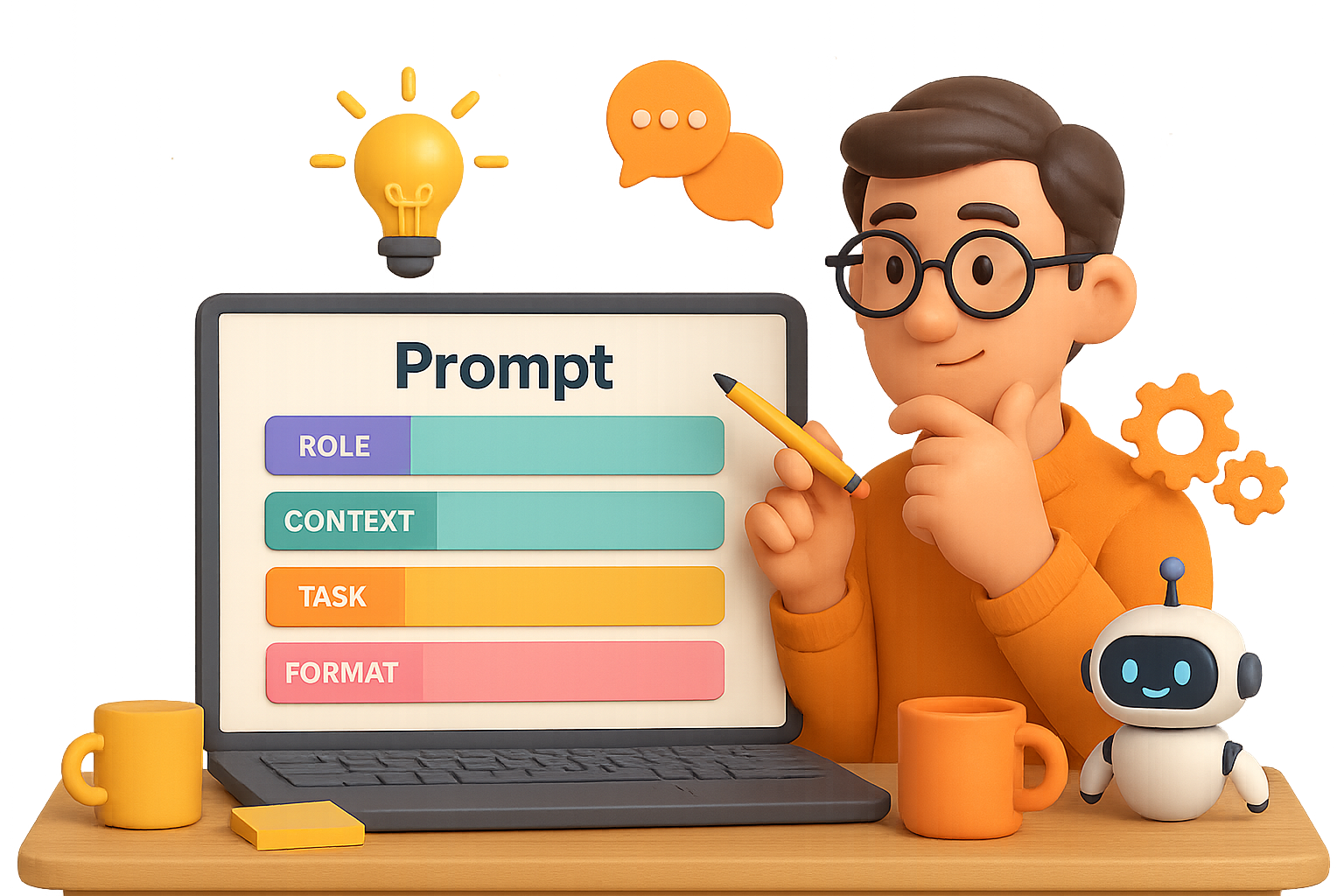
Use This 6-Part Prompt Template
Copy. Paste. Fill in the blanks. This one simple framework can level up 90% of your AI interactions.
- Role
Who is the AI pretending to be?
“You are a fitness-app founder.” - Context
What’s the backstory?
“Emailing users who installed the app two weeks ago but haven’t logged a workout.” - Task
What do you want it to do?
“Write an encouraging email that invites them to try their first 10-minute session—no guilt.” - Format
How should the answer look?
“Return a 100-word email with: upbeat subject line, empathetic opening, single action step, motivational close.” - Rules
What’s allowed and what’s off-limits?
“Do keep it supportive. Don’t use shame or pressure tactics.” - Examples (Optional but big win)
Give it a sample to mimic.
“Match the energetic, supportive tone of the attached email.”
Use this framework verbatim, or scribble it out like a mad scientist in your own words. Either way, do it—and watch generic outputs start feeling custom-made.

6 Prompt Hacks That Change the Game
These are small additions with big results. Embed them right into your prompts or stack them as post-task commands.
1. The Truth Detector
Add this at the end of any output request:
“For each claim, rate confidence as: Virtually Certain (>95%), Highly Confident (80–95%), Moderately Confident (60–80%), Speculative (<60%). Explain why.”
Now the model checks its own facts before they check you.
2. AI Prompt Helper
Feeling stuck or underwhelmed? Let AI meta-learn your prompts:
- Starting fresh?
“Write the optimal prompt to plan a weekend getaway for two people, $800 budget, within driving distance of Chicago.”
- Didn’t love the answer?
“Analyze and improve this prompt: [paste your original prompt].”
That blank screen just became a brainstorm partner.
3. Pick the Right Model
LLMs come in different flavors. Match the job to the model:
- GPT-4o → Great all-rounder
- GPT-4 Turbo → Deeper analysis, better memory
- GPT-3.5 → Fast, cheap, great for low-risk tasks
Don’t use a micrometer to bang in a nail. Same deal here.
4. Self-Improvement Loop
Ask the model to critique, then level up:
“Identify three weaknesses in your previous answer and rewrite, fixing them. Repeat for three rounds.”
The result? Each version gets sharper—without you lifting a finger.
5. The Four-Word Miracle
Burn this into your muscle memory:
“Think step by step.”
That one line makes models reason instead of spitball. Ideal for strategy, planning, or anything requiring logic over vibes.
6. The Priming Trick
Personal fave. Works like magic:
- Ask a broad setup question
“What psychological factors make online learning effective for adults?”
- Follow up with your goal
“You are an instructional designer. Using the principles above, outline a 2-hour Excel course for busy small-business owners.”
Priming sets the stage. The second answer hits like a seasoned pro.

How to Put This Into Play
Don’t just read—test. Here’s your checklist:
- Pick a weekly task (newsletters, summaries, templated replies).
- Draft your prompt using the 6-part framework.
- Add 2+ hacks from the list above.
- Test and tweak until it just clicks.
- Save the final version to a “Prompt Library” (your future self will thank you).
Within a few iterations, you’ll go from “hope this works” to high-performing prompts you can reuse and tweak—and trust.
Talk to AI Like a Pro
AI doesn’t need you to write code. It needs you to speak clearly, give context, and know when to push back. With the framework and hacks above, you’re not just typing into a box. You’re building a system you can trust.
Want a fun, beginner-friendly way to go deeper with AI?
Check out Tixu – it’s a hands-on platform that makes learning prompting easier (and way less boring) than you’d expect.
Ready when you are.

Leave a Reply