
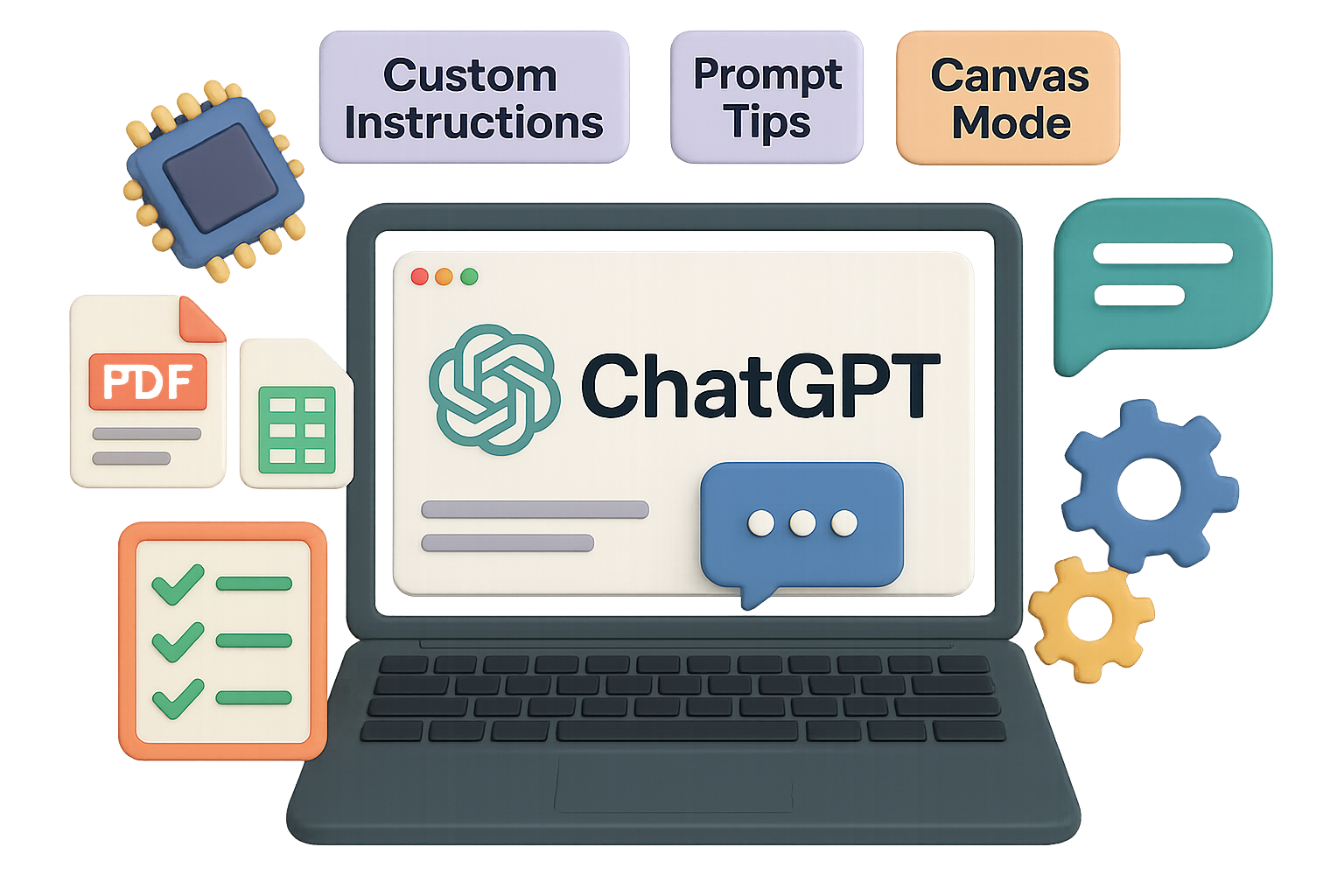
Your ChatGPT Playbook: Get More Done, Say Less
Hyped-up AI headlines are everywhere. But you? You’re here to actually use it—whether to draft sharper emails, summarize reports in seconds, or coach yourself through a new skill.
Here’s the truth: ChatGPT can be a superpowered sidekick or a confused parrot. The difference? How you set it up and what you feed it.
This guide gives you the inside scoop: from picking the right plan to unlocking memory and using prompts like a pro. No fluff—just what works.
Let’s dial in your ChatGPT workflow.

Start Smart: Pick the Right Plan (Don’t Overpay)
Yes, OpenAI offers five plans. No, you don’t need to scroll through all of them. Just focus on these three:
- Free – Access GPT-4o (10 messages every 5 hours), basic image generation, and text output.
- Plus – $20/month – Get 160 GPT-4o messages every 4 hours, access to video clips, Code Interpreter, web browsing, faster responses, and stronger reasoning.
- Pro – $200/month – Unlimited messages, top-tier performance, editable HD videos, and priority feature access.
Pro tip: Start with Free. Hit message limits or want crisper visuals? Go Plus. Unless you’re building a startup inside GPT chats, you probably don’t need Pro.

Protect Your Privacy—Or Let It Learn
ChatGPT gets smarter if you feed it your data. But that’s not always the move.
- Disable training on your chats:
Go to Settings → Data Controls → Toggle off “Improve the model for everyone.” (Do it if you’re dealing with client work, IP, or spicy secrets.) - Use Temporary Chat for sensitive convos:
It’s the “incognito” of AI—no memory, no trace. - Export or delete your data anytime:
Full history in a tidy folder—or wiped clean if you prefer.

Customize Once, Save Hours Later
Want ChatGPT to act like your business-savvy intern or your sarcastic marketing pal?
Visit Settings → Customize ChatGPT to:
- Set what it calls you (hey, Coach).
- Describe your role or company for better answers.
- Pick a personality—nerd, optimist, cynic, etc.
- Lock in rules like, “Only give bullet points under 80 words.”
You set it up once, and it tailors every reply moving forward. Say less, get more.

Flip on Memory (Turns Good to Great)
This is the secret sauce.
Turn on memory to let ChatGPT remember you between chats:
- Enable “Reference saved memories” and “chat history.”
- It’ll recall your project names, workout schedule, or tone preferences over time.
- Delete what you don’t like via Settings → Manage Memory—granular control, zero judgment.
Think of it as a smart intern with a notebook.

Use Projects to Keep Things Laser-Focused
Projects are like folders—but with superpowers:
- Upload PDFs, datasets, screenshots, or brand docs.
- Add project-specific instructions that override the default behavior.
- Choose if the AI can draw from memory globally or stay in its sandbox.
Want separate spaces for client work, personal health, and your side hustle? Done. No cross-contamination. No repeated context.

Prompt Like You Mean It
You don’t need to sound like a robot or a tech bro. Just follow these battle-tested rules:
- Use natural language. Slack tone > buzzwords.
- Be specific. “Build a 7-day meal plan under 2k calories” > “Help me with nutrition.”
- Define format. Ask for bullet lists, tables, or JSON.
- Give examples. Show it what good (or bad) looks like.
- Iterate. Start ugly, then refine. Use feedback words like “shorter,” “friendlier,” or “funnier.”
- Break big asks into chunks. Step 1 → Step 2 → …
- Ask GPT to ask you. Let it clarify before delivering.
- Use version branches. Need three styles? Fork the chat.
Treat prompts like coaching. The clearer you are, the better your results.
Reality Check: AI Still Makes Stuff Up Sometimes
GPT is impressive—but not infallible.
Whenever it cites a source (look for tiny links), click through. Always double-check industry data, stats, and niche facts before shipping to a client.
Don’t let lazy hallucinations hurt your credibility.

Go Beyond Text: Files, Images & Canvas Mode
ChatGPT’s splashier side deserves its own shoutout:
- PDFs: Drag one in → “Summarize key findings in bullets with page numbers.”
- Spreadsheets: Upload a CSV → “Find 3 insights, 2 risks, 1 chart.”
- Images: Drop screenshots → “OCR this and summarize events.”
- Canvas Mode: Tap ⨁ → Mode → Canvas. Now you can drag, drop, and edit full docs like a collaborative Google Doc.
Think slide decks, code rewrites, or rewording blog posts inside GPT. Pretty slick.

5 Prompts to Steal (And Make Your Own)
- “Rewrite this intro to sound confident, under 100 words, with a CTA at the end: [paste]”
- “Explain inflation like I’m 12, then quiz me with 3 questions and answers.”
- “Turn this meeting note into a task tracker: Task | Owner | Due | Blocker.”
- “You’re a career coach. Ask me five questions to suggest a next role.”
- “Pull text from this image and rewrite it in friendly legal lingo.”
They work. Tweak as needed—ChatGPT’s game for it.

What You Should Walk Away With
- Use memory + custom instructions and ChatGPT gets you.
- Know when Projects, Canvas, and file uploads supercharge your workflow.
- Sharpen your prompting and don’t skip fact-checking.
You’re now way past just “trying ChatGPT.” You’re driving it.
Want to keep learning fast, without the fluff?
Check out Tixu.ai—a beginner-friendly platform to build real AI skills, starting now.
Ready when you are.

Leave a Reply