
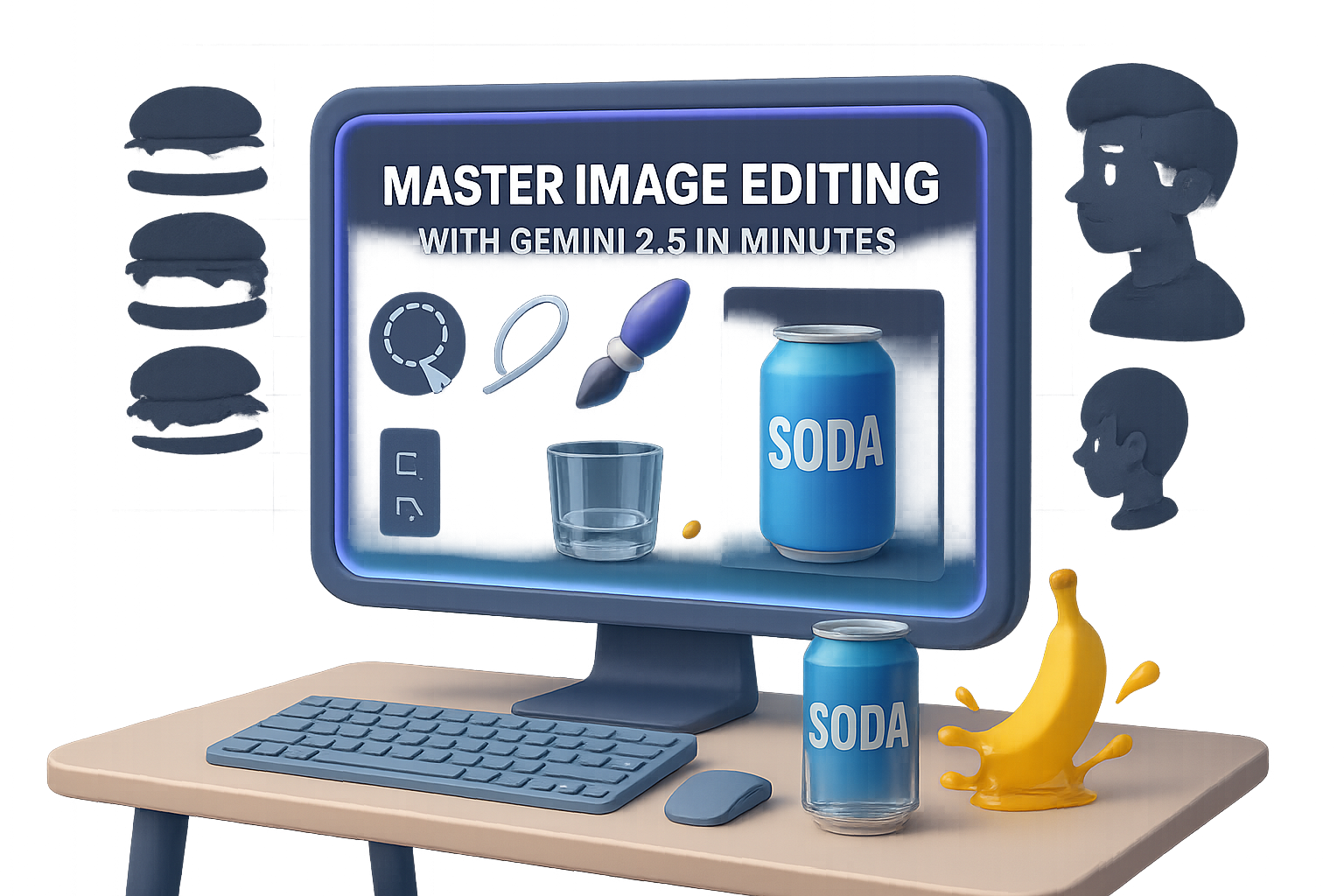
Gemini 2.5 Flash Will Mess With Your Eyes (in a Good Way)
Trying to cleanly remove someone from a group photo? Or add a soda can to your product mockup without breaking the laws of physics?
Welcome to the new image-gen era with Gemini 2.5 Flash—nicknamed “Nano Banana” (yes, really). Google just dropped it into AI Studio and it’s not just another model. It renders realistic edits that actually make sense—shadows, reflections, fluid behavior, even time-lapse transformations.
Let’s dig into the wildest features and get you testing it yourself—in minutes, not hours.

Nail Hyper-Realistic Edits With Zero Design Chops
Gemini 2.5 Flash doesn’t just mash pixels. It understands context, physics, and perspective. That’s a big leap.
Here’s what that looks like in practice:
- 3D multi-angle rendering
Upload an object—say, a bottle of kombucha—and ask for different viewpoints. The label? Still centered. The condensation? Still obeys gravity. - Edits that know characters
Add props like sunglasses or a coffee cup, and it won’t randomly smudge the rest of the photo. Reflections, shadows, even what’s visible through lenses gets updated realistically. - Refined physics engine
It gets the little stuff right: bananas splashing juice, candle wax trails, glass refracting light… all way sharper than any other open model we’ve tested.
Bottom line? You don’t have to babysit the edits anymore.

Style Swaps and Smart Compositions
You can treat this thing like your artistic sidekick. It doesn’t just swap filters—it maintains lens lighting artifacts, visual consistency, and spatial logic.
- Vintage grain or HQ modern styles? Lighting stays tight across edits.
- “Zoom out to show the moon landing film crew”? It generates a cohesive shot, down to the lighting rigs.
- Comic panels with continuity? You’ll get the same character, outfit, shadow direction—even a stray cat that moves naturally across frames.
It’s not just aesthetics. It’s visual storytelling with structure.

Time Travel Images—Seriously
Want to show a cheeseburger decomposing over time?
Gemini can render stages: fresh → moldy → fuzzy → gross. Ask it to think deeper (“thinking mode”), and it’ll improve layout and structure along the way.
This opens the door to:
- Product aging visuals
- Biology/chemistry timelines
- “What if?” historical recreations
You’re not just generating images here. You’re generating logic.

Basic Image Tasks? Now One-Click Ops
Let’s be honest—some use cases aren’t sexy, but they’re essential. And now? Ridiculously easy.
- Remove a background without jagged edges.
- Edit group photos—delete/add people like it’s no big deal.
- Fix damaged pics from a century ago, then colorize with zero clicks.
- Material swaps that stay true to the scene. Ask for a metallic version of a glass teapot, and only the requested object updates.
No layers, no masks, no tutorials. Just results.

Raw Prompts, Real-World Detail
Feeling bold? Try “slice of city street at sunset.”
Gemini kicks out cinematic bokeh, crisp humans mid-stride, accurate reflections. Even high-stakes outputs (hands, facial symmetry, object counts) come through clean.
- Seven apples? You get seven.
- Interlocking hands? No horror movie digits.
- Motion blur? It actually makes directional sense.
It doesn’t just make pretty pictures—it stages believable scenes.

Ready to Try It? Here’s How
1. Use Google AI Studio
- Go to Google AI Studio
- Choose Gemini 2.5 Flash – Image Preview in the Featured Models
- Tweak the Temperature (for creativity) and Top-P (sampling randomness) to taste
This gives you full visual control—from angles to styles.
2. Explore via Gemini Chat
- Switch to 2.5 Flash (Fast) in the model selector
- Open the options menu (3 dots) → Enable Image Generation
Bonus: You get this inside the same chat interface. No separate tab hopping.
Both options are free for now. Heads-up, requests per session are capped—so pace yourself.

Under the Hood: Why It’s So Fast Now
All this realism needs muscle.
Cloud engines like Nebius AI are already spinning up Nvidia Blackwell GPU clusters—promising up to 30× faster image inference vs older models. Prefer your own setup? Dell’s newest AI workstations pack RTX Pro GPUs with similar punch.
Whether you scale in the cloud or stay local, the gears are in place to run workflows like this at speed.

Why You Should Try Nano Banana
- It nails multi-angle imagery, physics, and design continuity better than anything you’ve used so far.
- One-click fixes for big tasks—like background swaps, colorization, and object removal.
- Scenes feel real—because they obey logic, not just style prompts.
- You can start right now. Zero installs. Zero payments.
Visual creators: This one’s for you. Whether you’re building assets for a campaign or just turning memes into magic, Gemini 2.5 Flash earns the hype—for once.
Want help on the AI learning curve? Tixu is a beginner-friendly platform packed with hands-on lessons and mini-projects to boost your skills. Give it a try—you’ll be generating like a pro in no time.

Leave a Reply