
Bigger brains, longer memory: how NotebookLM actually becomes your research teammate
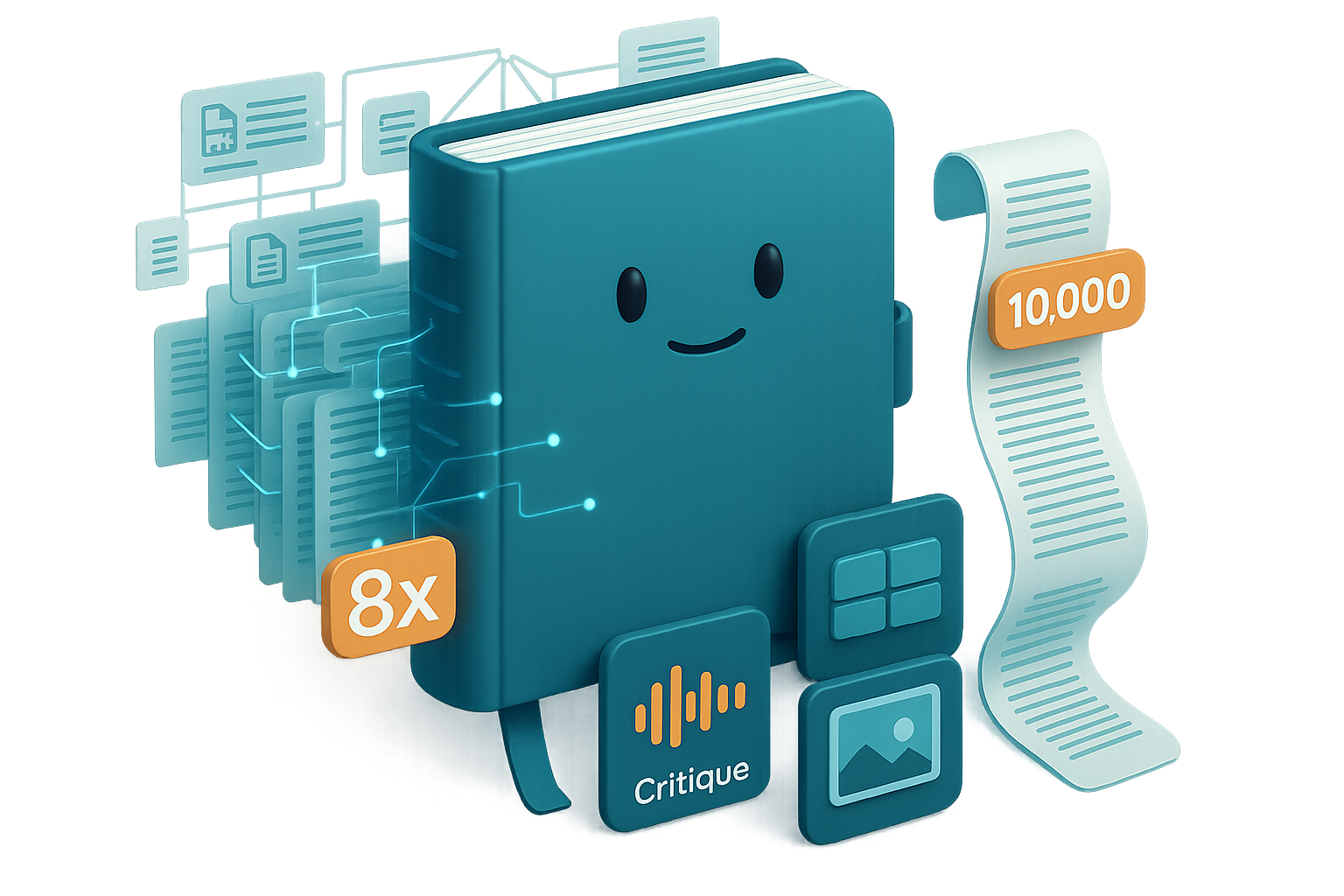
If you still treat NotebookLM like the same summarizer from a few months ago, you’re leaving a lot on the table. The new NotebookLM expands research muscle with an 8× context window and 6× longer conversation memory. That means you can drop dozens of PDFs, transcripts, and reports into one place and keep a coherent, branching conversation going. Ready to stop repeating yourself?
What you’ll walk away with:
- How to use the 8× context to keep complex threads intact.
- A one-time 10,000-character “job description” that saves hours.
- Three practical outputs (audio Critique, data tables, controlled visuals) you can ship today.
Load in. Set up. Ship smarter.

Load 30+ sources—keep your thread intact
NotebookLM’s bigger context does one thing really well: it stops the tool from forgetting earlier evidence. No more re-summarizing source #4 because the model lost the thread from source #1.

Why that matters:
- Follow-ups stay anchored to prior claims.
- You build layered arguments instead of reconstructing them.
- Less time hunting for the paper you referenced last week.
Flip the script: NotebookLM won’t replace your judgment—someone better at NotebookLM will.
Write your own co-worker
The tiny instruction box is gone. You get 10,000 characters to teach NotebookLM how to think, write, and cite. Spend ten minutes now. Save hours forever.

A clean prompt framework:
- Define the role: “Act as a senior research analyst in behavioural economics.”
- Set the structure: “Start with a 1-sentence summary, followed by analysis, then three open questions.”
- Demand rigor: “Label claims Fact or Opinion and include source title + page.”
Drop that profile into Settings and every answer arrives in your format. That consistency alone cuts editing time.
Studio Panel upgrades that actually help you ship
NotebookLM’s Studio Panel now does three things that move work from research to product.
A. Audio modes that tell you different truths
- Brief (1–2 min): quick gist for busy stakeholders.
- Deep Dive: full-length explanation.
- Critique: flags weak methods, missing evidence.
- Debate: presents both sides when sources conflict.
Use the Critique track before you publish. One editor I spoke to found it caught 60% of weak claims in early drafts.
B. Data Tables—stop wrestling with spreadsheets
Ask NotebookLM: “Compare methodologies across my sources: lead researcher, method, key criticism.” It returns a clean table with citations and exports to Google Sheets. Literature reviews and cross-study comparisons shrink from hours to minutes.
C. Visuals that follow your brief
Pick orientation, detail level, and describe the aesthetic. You get visuals that match your brief instead of a random preset.

Hand off to Gemini—ship polished work faster
Attach any notebook to Gemini as vetted source material. Draft newsletters, ads, or feature specs while Gemini cites your curated docs. Combine this with custom Gems and you’ve built a niche expert that rarely hallucinates outside your reference stack.

Quick wins: five things to try in 15 minutes
- Load the full folder of papers. The context window can handle it.
- Write a 10-minute “job description” and save it in Settings.
- Generate one Critique audio track for your next draft.
- Export a Data Table and ask Gemini to make charts.
- Share your best prompts back to community repos.
Do this next: action checklist
- Drag in your top 20 sources.
- Paste a 300–500 word role prompt into Settings.
- Run a Critique audio on a current draft.
- Export a comparison table and link it to Gemini.
- Save one prompt to reuse.

NotebookLM stops being a tidy summarizer and becomes a real research workstation when you use its bigger context, long-form instructions, studio outputs, and Gemini hand-off—master these and you work faster, cleaner, and with more confidence.
Ready to level up your AI research skills? Try a beginner-friendly course and hands-on prompts at Tixu.

Leave a Reply