
How to Decide Which AI Subscription Deserves Your Budget
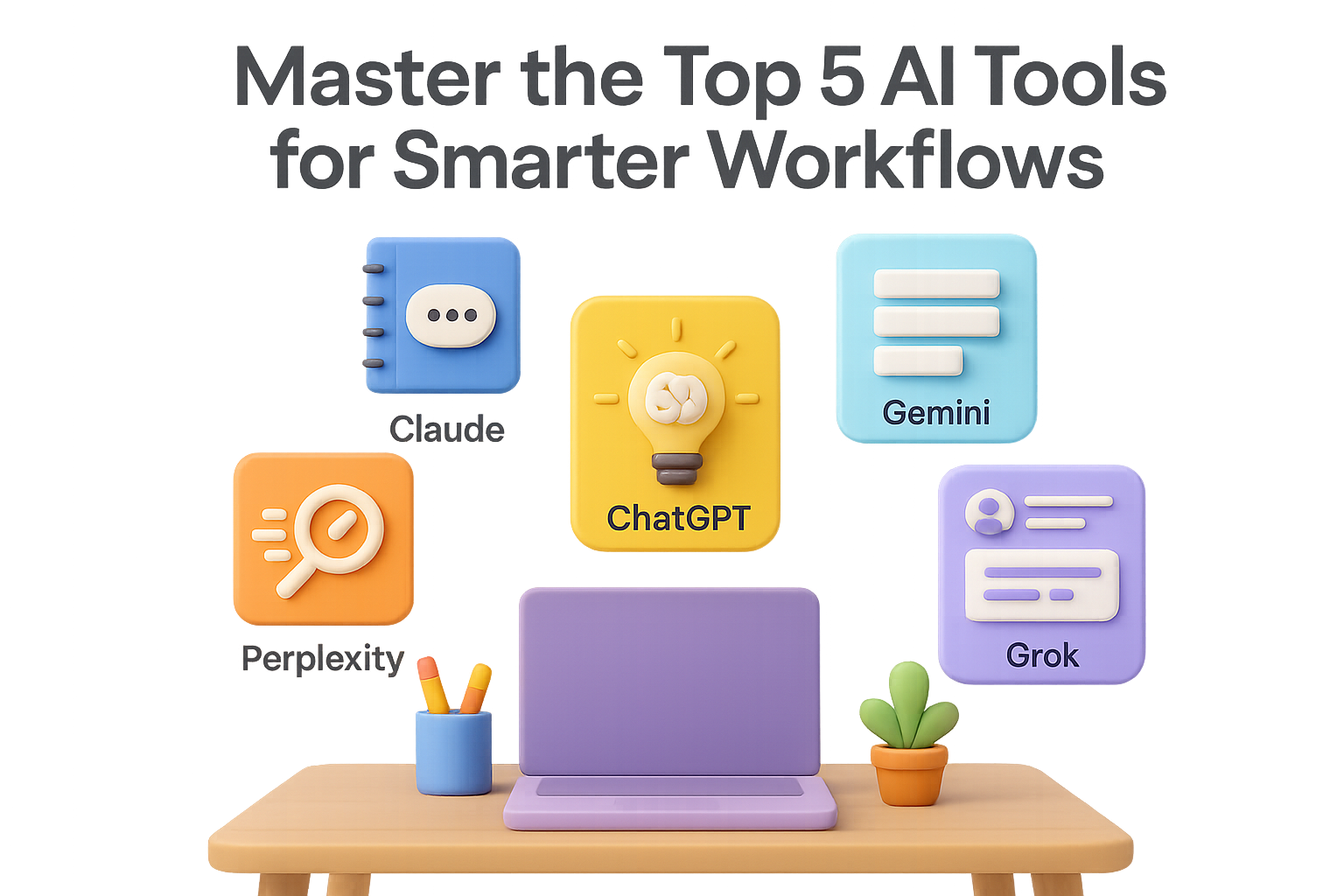
You’ve got tabs open, deadlines looming, and a dozen AI tools whispering “Pick me!” into your browser. From ChatGPT to Claude, Gemini to Grok—everyone’s promising next-level productivity. But here’s the real question: which one actually earns a spot on your monthly paid stack?
Let’s break down where each one shines, when the free plan isn’t enough, and how to build a setup that supports your workflow—not your headaches.
By the end of this guide, you’ll know which AI tool fits your day-to-day (and which ones can wait).

ChatGPT (OpenAI)
The reliable sidekick with range
Where it delivers
- Brainstorming, outlining, rewriting—you name it
- Analyzing PDFs and docs in seconds
- Debugging and code explanations
- Solid image generation using DALL·E 3
- Expands or simplifies content while keeping your tone
Where it falls short
- Free tier struggles with big documents
- Hallucinates facts (always double-check)
- Limited messages if you’re not paying
Privacy snapshot
Your chats help train OpenAI models—unless you opt out.
Do this:
- Disable “Chat History & Training” in Settings
- Or use “Temporary Chat” for sensitive sessions
Free plan caps
- Just GPT-3.5, with brief bursts of GPT-4o
- Max 10 prompts per three hours
- Limited image/voice features
- No access to custom GPTs
Is Plus worth it?
At $20/month, you get GPT-4o (with 128k token context), voice mode, file uploads, image tools, and custom GPTs. If ChatGPT is already glued to your workflow, upgrading is a no-brainer.

Claude (Anthropic)
The privacy-first tool for thoughtful work
Where it delivers
- Long-form content with subtle tone and style
- In-depth coding help
- Reasoned takes on ethics and policy
- Handles massive files (up to 200k tokens!)
- Syncs with Google Drive, Gmail, Dropbox (Pro only)
Where it falls short
- No native image generation
- Context window smaller than GPT-4o’s 1 million tokens
- Free usage caps hit fast
Privacy snapshot
Claude doesn’t use your chats to train by default. That makes it a top pick for client-sensitive work. Connected services like Google and GitHub follow their own rules.
Free plan caps
- Access to Claude 3 Sonnet only
- Daily limits on messages and uploads
- No access to “Projects” or integrations
Is Pro worth it?
Writers, devs, researchers—anyone running into limits—will get solid value at $20/month. If your focus is quick asks, or you rely on visuals, you’re safe staying free.

Google Gemini
The document-hungry workhorse inside Google Workspace
Where it delivers
- 1 million-token context window = handles encyclopedic input
- Understands text, images, spreadsheets, videos
- Integrated smart features across Docs, Sheets, Gmail (paid users)
- Great at Google Cloud development help
Where it falls short
- Tone can be bland unless steered
- Confidently wrong answers—keep your critical eye sharp
- Not as strong for brand copy or storytelling
Privacy snapshot
Your input trains Gemini unless you switch off “Apps Activity.” Full details live in the Gemini Privacy Hub.
Free plan caps
- Gemini 1.5 Flash only
- Limits on uploads, research capacity
- Workspace integration locked behind certain plans
Is Advanced worth it?
If you’re deep in Docs/Sheets and wrangle multi-format data daily, yes. Otherwise, stack it up vs. ChatGPT-Plus and decide from there.

Perplexity.ai
The speed demon built for research
Where it delivers
- Fast answers with real citations
- Pulls updates from news, blogs, social media
- “Focus” mode lets you choose underlying AI models (Pro perk)
- Comes with browser extension + mobile apps
Where it falls short
- Not great for complex or creative writing
- Can be repetitive
- Limited depth compared to full-on LLMs
Privacy snapshot
Logs search queries by default, but you can turn off tracking in Settings. Email and calendar data isn’t used to train models.
Free plan caps
- Just a handful of rich searches per day
- Fewer sources crawled
- No access to top-tier models (Gemini, GPT-4o, Claude Opus)
Is Pro worth it?
At $20/month, Pro unlocks unlimited searching across Reddit, X, Stack Overflow, and more. If your job is 50% Googling and 50% organizing what you find—this one pays dividends.

Grok (xAI)
The snarky insider for X users
Where it delivers
- Real-time insight into what’s trending on X
- Tight pulse on news, memes and cultural chatter
- Personality: sarcastic, casual, sometimes hilarious
Where it falls short
- Weak outside the X ecosystem
- Meh at long-form writing or dev work
- Accuracy? Let’s just say…be alert
Privacy snapshot
By default, you help train Grok by using it. Option to opt out via X settings or toggle “Private Chat” when needed.
Free plan caps
- Around 12 prompts every 2 hours
- Limited deep-dives
- No model customisation
Is Premium+ worth it?
If you’re already paying $30/month for X Premium and thrive on tweet-speed insights, Grok’s a sweet bonus. But as your go-to AI tool? Other models bring more muscle.

So…Which Should You Pay For?
Here’s the quick-match cheat sheet:
- Need a writing/coding workhorse? Go with ChatGPT Plus
- Worried about privacy? Claude Pro is your safe bet
- Run your digital life in Docs and Sheets? Try Gemini Advanced
- Always researching everything? Perplexity Pro is your turbo Google
- Living on X? Grok adds flavor, not depth
Honestly? Most folks pair 2–3 tools:
- One “main” model (ChatGPT or Claude)
- One research engine (Perplexity)
- One for niche tasks (Grok or Gemini)
Start with free tiers, pay only when the friction hits. Because paying for AIs you barely use? That’s the oldest subscription trap in the book.
Ready to level up your AI game without the overwhelm?
Dip into free tools, and when you’re hungry for more, build a stack that fuels your momentum—not your FOMO.
And if you’re still figuring out how to use these tools in your workflow, you’ll want to check out Tixu.ai—the beginner-friendly AI learning platform built to help you get tactical, fast.

Leave a Reply