
Level-Up Your Studies: Five AI Tools Every Student Should Know in 2025
Running between labs, late-night essays, and that club meeting you forgot about—student life doesn’t exactly slow down for you. But what if your study sessions could feel less like firefighting and more like focused progress? In 2025, a wave of AI-powered tools is helping students trade the panic for productivity. Ready to stop cramming and start mastering?
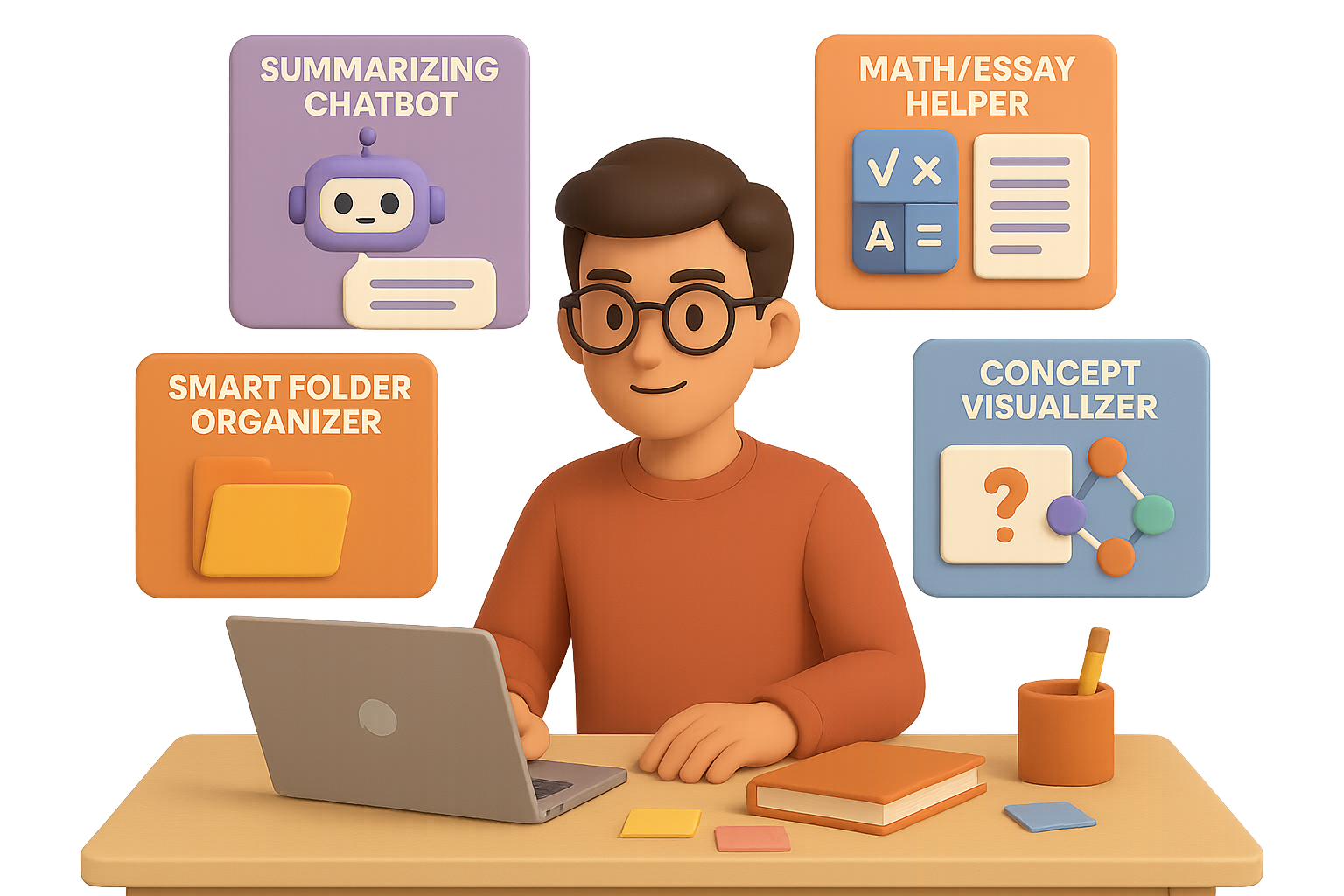
Here are five AI study sidekicks worth adding to your digital backpack—and how to get the most out of each one.

Summarise Smarter with NotebookLM
Ever zoned out mid-Chapter 4, only to realise you needed Chapter 7 all along? NotebookLM, powered by Google and formerly known as “Project Tailwind,” helps you cut through the academic fog.
Here’s what it does:
- Upload slide decks, research papers, even PDFs—and get laser-focused summaries.
- Ask it questions like “What’s the thesis of this article?” and get cited, reliable answers.
- Convert those notes into audio, so your next gym session doubles as a study session.
You don’t need to scroll endlessly anymore. NotebookLM’s like a research assistant that never flakes.

Get Instant Help with StudyX.ai
Need someone who knows calculus and Shakespeare? StudyX.ai has that covered. It’s your round-the-clock homework partner—minus the group chat delays.
Use it to:
- Solve math and science problems step by step, no skipped logic.
- Snap a photo of a tricky question—get an instant, clear explanation.
- Improve essays with grammar help, structure advice, and even formatting tips.
Bonus: The more you use it, the smarter it gets. Like a tutor who actually remembers your weak spots.

Organise Without Stress Using Drive AI
Lost track of where you saved your midterm notes? Say goodbye to drowning in random tabs and unlabeled PDFs. Drive AI keeps your academic life in order with brains.
Here’s the magic:
- Create smart folders that manage all file types—notes, spreadsheets, even lecture clips.
- Highlight a quote from that PDF and ask, “What’s the vibe here?”—get a meaningful answer.
- Get real-time feedback on tone, grammar, and clarity with the built-in editor.
It’s like Google Drive if it moonlighted as your most organized classmate.

Turn Notes Into Flashcards with TurboLearn.ai
If binge-scrolling Anki decks hasn’t moved the needle, you’ll want to meet TurboLearn.ai. It transforms chaotic study materials into tools that actually quiz you back.
Here’s what it serves up:
- Organised notes from anything you throw at it—videos, web pages, even hand-written mess.
- Custom flashcards and quizzes based on how you learn best.
- A chatbot that answers follow-up questions without you leaving the interface.
Less manual copying, more brain-friendly review. Sound good?

Make Complex Ideas Click with All.ai
Stuck re-reading the same paragraph for the fourth time? All.ai breaks down abstract concepts in a way your brain will thank you for.
You’ll get:
- Tiered explanations—from “talk to me like I’m five” to “I’m writing a thesis on this.”
- Visuals and mini-quizzes to help it actually land.
- A tracker to show just how far you’ve come. (Cue the celebration playlist.)
Sometimes, learning just needs a better translator. All.ai does exactly that.

How to Make It All Work Together
Each tool above brings something powerful to the table—but when you mix and match, you level up fast.
Here’s a smart path:
- Capture class notes with NotebookLM.
- Store and organise them in Drive AI.
- Review key points via TurboLearn.ai quizzes.
- Call on StudyX.ai for practice problems and editing.
- Let All.ai help make the tough stuff stick.
The result? Your study workflow goes from chaotic to cohesive.
No more guessing. No more grinding for hours with minimal progress.
Just clear wins, faster.

One Last Tip
These tools don’t replace hard work—but they do make sure your effort actually matters. Whether you’re aiming to crush finals, finesse a thesis, or just stop feeling behind, AI can be your edge.
Want more beginner-friendly ways to build skills with AI?
Check out Tixu — a hands-on AI learning platform that speaks your language.

Leave a Reply