
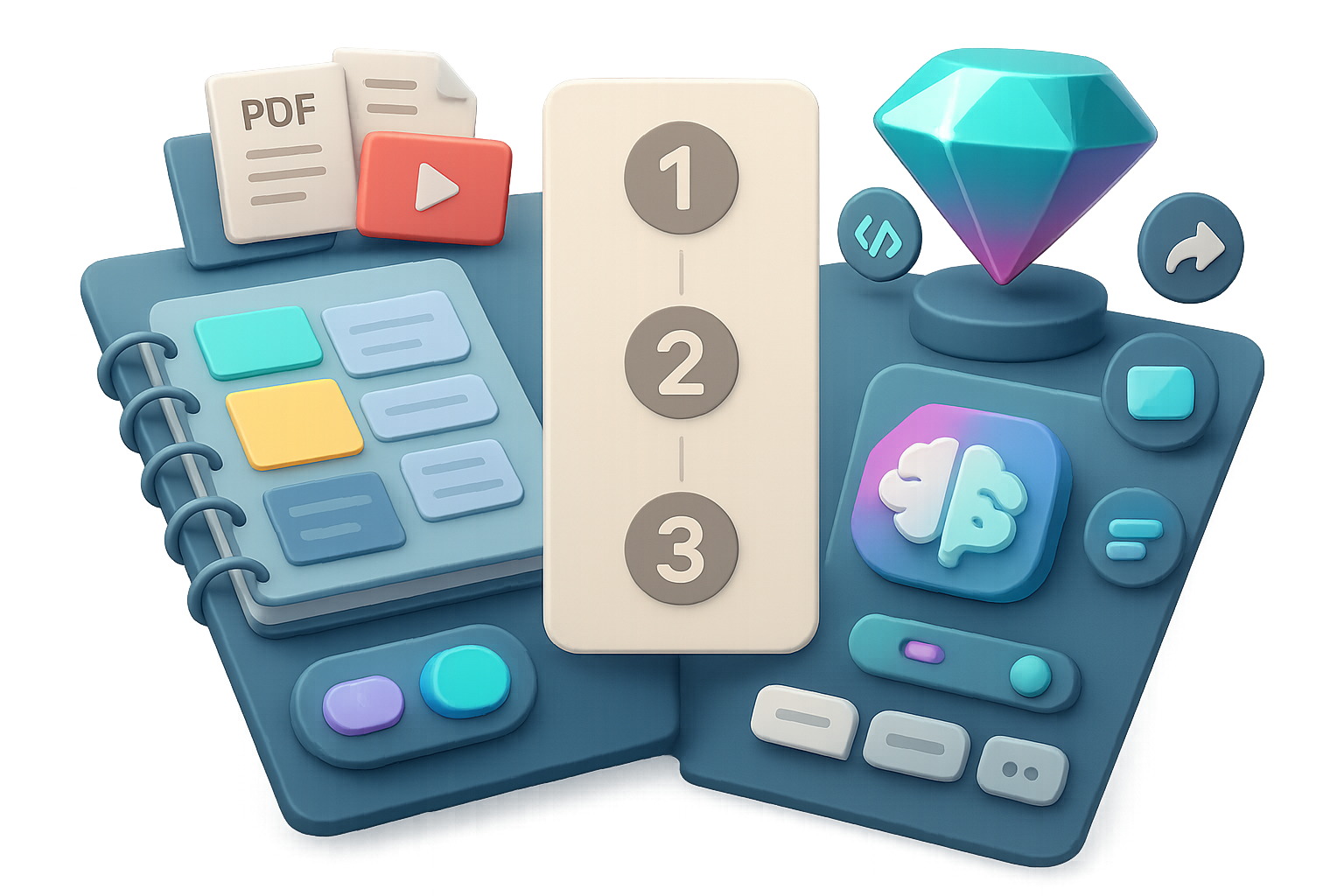
Notebooks: your evolving research hub
Think of a Notebook as a workspace that grows smarter the more you feed it. It’s the place for projects that compound.
What makes Notebooks special?
- Unlimited chat history. Gemini sees past conversations and connects the dots.
- Rich source library. PDFs, Docs, Sheets, URLs, YouTube, images—all in one scroll.
- Notebook memory toggle. Turn it on and Gemini uses the whole chat history on every reply.
- One-click NotebookLM. Open the same Notebook inside NotebookLM for infographics or audio summaries. Changes sync back.
When to use one: long-term research, product planning, thesis drafts, or any project that benefits from context stacking. In my tests, projects that live in Notebooks get smarter over time and save you repeated briefing—about a 30–50% reduction in rework across multi-step tasks.

Gems: your ready-made power tools
A Gem packages Gemini into a single-purpose utility. Click it, get a predictable result.
Why Gems win:
- Default tool preselected. Start in “Generate image,” “Write code,” or “Data analysis” instantly.
- Two-click sharing. Publish and teammates add it to their sidebar and run it immediately.
- Lightweight chat. Only the three latest interactions persist—fast and tidy.
Use Gems for repeatable, consistent tasks: thumbnail cleaning, transcript timestamps, social copy, or format conversions. I moved repetitive tasks to Gems and cut that work by roughly 80% in time spent.

Gem vs Notebook: The 4-question checklist
Run your idea through these prompts. One yes leads you.
- Do you need every chat organized in one place?
- Yes → Notebook
- No → Gem
- Should the AI improve as it sees more of your work?
- Yes → Notebook (enable Notebook Memory)
- No → Gem
- Will you share this with others often?
- Yes → Gem (sharing is frictionless)
- No → Either
- Do you need tight integration with NotebookLM?
- Yes → Notebook
- No → Gem
Do this next: pick one task you repeat weekly and run it through this checklist.

Real-world examples
Example — “Create timestamps from a YouTube transcript”
- Organize chats? No
- Improve over time? No
- Shareable? Yes
- Needs NotebookLM? No
Verdict: Gem. Set default tool to “Canvas,” paste transcript, get timestamps.
Example — “Store all video transcripts and brainstorm topics”
- Organize chats? Absolutely
- Improve over time? Yes
- Shareable? Nice-to-have
- Needs NotebookLM? Yes
Verdict: Notebook. Upload transcripts, auto-summarize, and let Gemini surface series ideas.

Quick comparison cheat-sheet: Gem vs Notebook
- Predictable, repeatable output → Gem
- Evolving body of knowledge → Notebook
- Must be shareable instantly → Gem
- Needs full chat history and context → Notebook
- Requires a default tool (image, code, etc.) → Gem
- Deep integration with NotebookLM → Notebook

Use a Notebook when your project is alive, growing, and interconnected. Use a Gem when you want a reliable button to push. Pick one task right now and make it a Gem or a Notebook. You’ll clean your sidebar, speed your workflows, and save mental bandwidth.
Want to learn AI workflows from scratch? Try Tixu — beginner-friendly AI learning platform.

Leave a Reply