
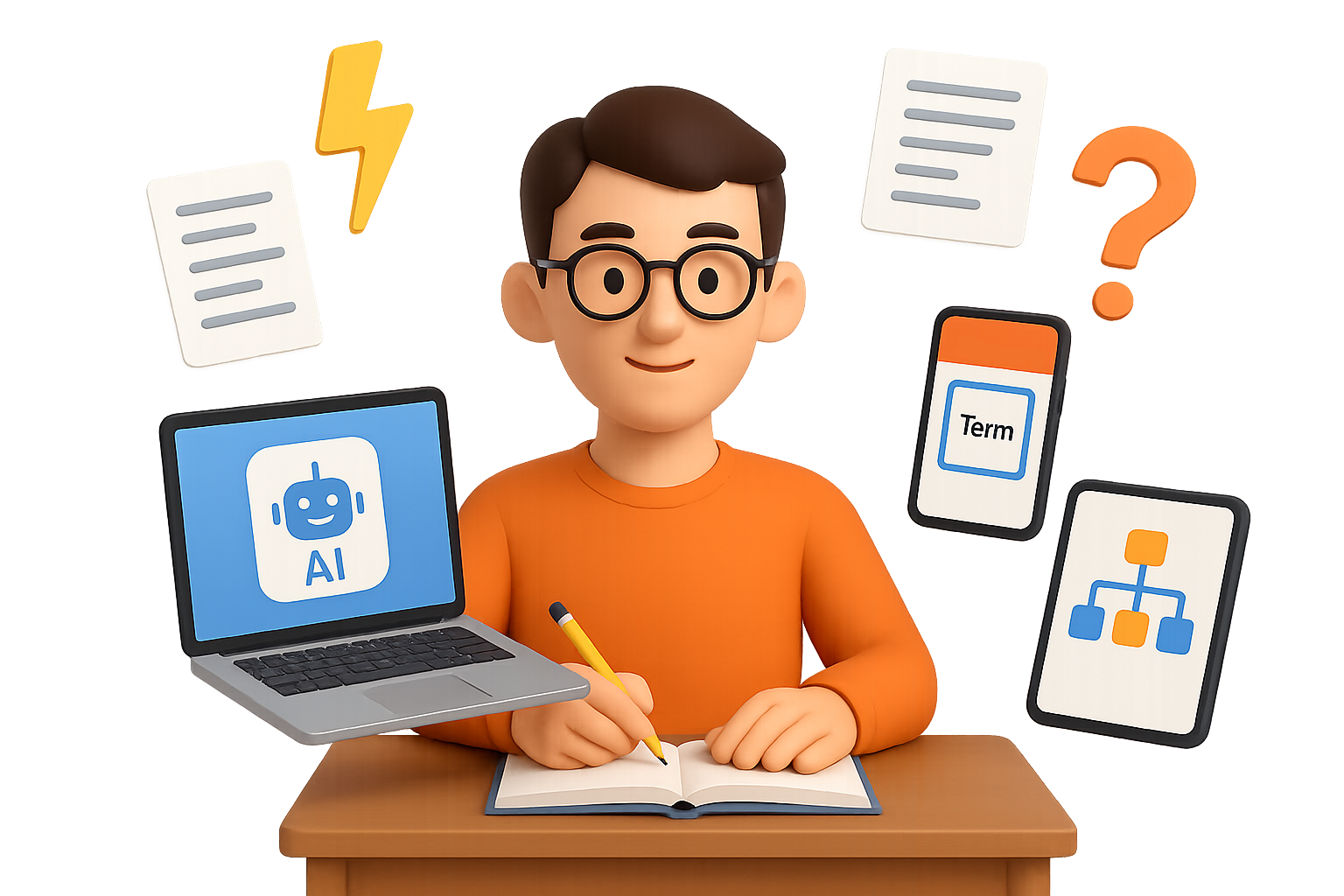
How the Top 0.1% Turn AI Into a Study Superpower
Cramming the night before used to be the move. Not anymore.
The top students aren’t just taking better notes—they’re outsourcing the grunt work to AI, slashing study time while actually understanding more. No, they’re not tech wizards. They’ve just figured out how to make language models like ChatGPT and Gemini work for them.
Here’s the good news: you can, too.
This guide breaks down the exact steps to:
- Turn mountains of notes into flashcards in minutes
- Drill smarter with real-time feedback and AI tutoring
- Follow a repeatable loop that locks in both facts and fundamentals
Ready when you are.

Phase 1 – Speed Up the Input
Before you can master the material, you’ve got to see all the material. This isn’t about staring at slides until your eyes glaze over. It’s about feeding everything into AI to do the prep for you.
1. Collect Every Source You’ve Got
Pull together:
- Lecture slides
- PDFs and class handouts
- Notes from friends
- Transcripts from relevant YouTube lectures
The more raw material you feed in, the better foundation you build.
2. Auto-Generate Flashcards
Paste your collected sources into a prompt like:
“Create concise Q-A flashcards that cover every key fact, formula, and date from this text. Output in Anki-import format.”
AI will spit out a clean TSV or CSV file. You can upload these into your favorite flashcard app.
Tools that nail this:
- ChatGPT with GPT-4o
- Gemini 1.5 via Google AI Studio
This used to take an entire afternoon. Now? You’re talking 3 minutes.
3. Find Weak Spots Instantly
Run a follow-up prompt:
“List concepts that are assumed but not explained in the text above.”
Boom—hidden gaps you weren’t even aware of. Use them as launchpads for deeper dives.

Phase 2 – Practice Smarter, Not Longer
Once AI handles the busywork, you’re free to work the material—the stuff that actually helps you learn.
• Socratic-Style Tutoring
Set Google AI Studio to “Audio Thinking” mode. Turn on “grounding with Google Search.”
Then prompt it with something like:
“Ask me why until I can explain Fermi gases from first principles.”
Because it cross-references live search results, it keeps you on track. No slipping past errors.
• On-Demand Problem Sets
Prompt:
“Generate five exam-style questions testing the Pauli exclusion principle at increasing difficulty. Then evaluate my answers and highlight misconceptions.”
It’s like having a TA in your tab—no office hours required.
• Foreign Language Practice with Stubborn Vocab
Export your failed Anki cards as .txt, upload the file, and prompt:
“Create a role-play dialogue that uses each of these words in context.”
Now you’re digesting vocabulary in real scenarios—not just memorizing translations.

The O.U.R.A. Study Loop
No, top students don’t just swim in flashcards. They loop through four repeatable phases—and AI makes each one smoother:
1. Orient – Map the Territory
Drop the chapter into NotebookLM or use ChatGPT Vision to ask:
“Summarize how this connects to the bigger picture.”
You get the forest before diving into the trees.
2. Understand – Build Mental Models
Use AI for Socratic chats. Watch explainer videos. Sketch concepts with friends. It’s not about memorization—it’s about seeing how things click.
3. Remember – Lock It In
AI-generated decks, spaced repetition. Review a few daily. That’s it.
4. Apply – Do the Work
Solve problems. Write. Present. Then reflect:
“Why did I choose the wrong boundary condition?”
The model replies with a hypothesis. Back you go to Orient—with sharper questions this time.
Learning becomes a feedback loop powered by curiosity, not just a treadmill powered by panic.

AI Toolkit for Students (All Free or Freemium)
Here’s your A-team lineup:
- Anki – Spaced-repetition gold standard
- Google AI Studio – Gemini 1.5 with voice + search enabled
- ChatGPT – Best for text digesting + CSV output
- NotebookLM – Organizes long docs, slides, and notes
Pro tip: For STEM-heavy topics, turn on “code execution” and “grounding with Search” inside Gemini.

Shift the Effort From Typing to Thinking
Let AI handle the mechanical work.
- Auto-create flashcards
- Summarize sources
- Build practice sets instantly
That frees up your brain for the high-value stuff: connecting ideas, crafting arguments, and actually thinking.
Do that, and you won’t just scrape by. You’ll show up knowing both the fine print and the big picture—with time to spare.
Want a head start? Tixu is built for exactly this: beginners learning AI to study (and think) better. No jargon, no overwhelm—just tools and lessons that make the “smart” way feel simple.

Leave a Reply