
Why the right AI assistant changes everything
You’re not picking a toy. You’re choosing a co-worker that will touch every doc, message, and decision you make. Pick wrong and you slog through rewrites and weird hallucinations. Pick right and you reclaim hours, clarity, and better outcomes. Ready when you are.

Pick an AI assistant that actually helps, not just talks
Think of your AI assistant as a teammate. It needs focus, reliability, and output you can act on. That’s why many teams (ours included) move away from ChatGPT toward Anthropic’s Claude. Not hype—three practical wins:
- Financial runway: Anthropic’s burn is falling and revenue is reportedly doubling year-over-year. OpenAI faces rising costs and some analysts warn of a cash squeeze before 2027.
- Frontline adoption: researchers and enterprise pilots pushing models hard are gravitating to Claude 3 Opus.
- Better writing and reasoning: both platforms list a 1M-token context window on paper, but Claude often holds nuance, keeps tone steady, and gives structured reasoning instead of scattershot bullet points.
AI won’t replace you—someone better at AI will. Learn to be that someone.
Compare Claude vs ChatGPT for your everyday work
Quick, practical contrasts you can feel in hours, not weeks:
- Memory that sticks. Claude remembers nuance across long docs so you don’t re-teach it every morning.
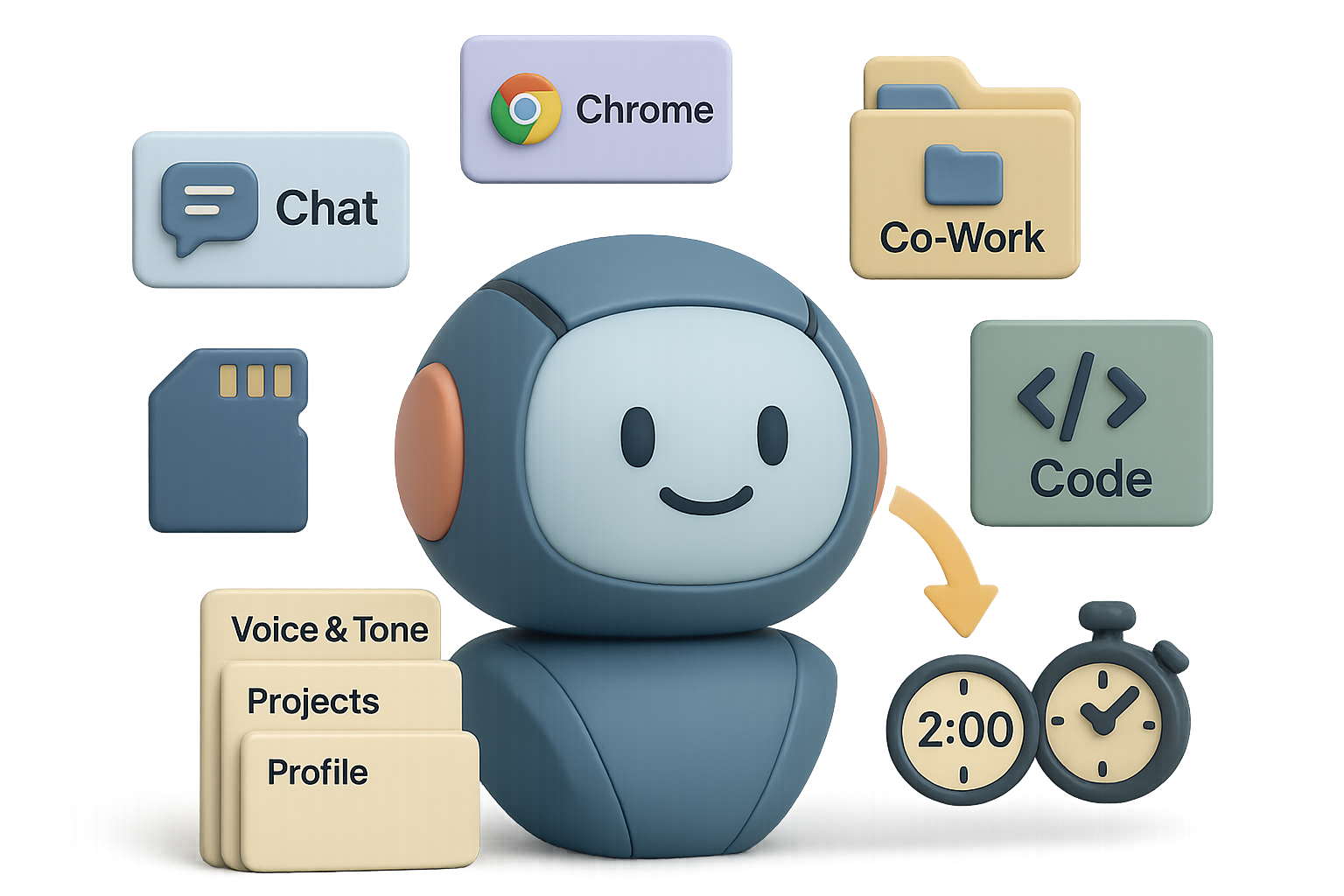
- Toolset beyond chat. Claude isn’t a single chat box; it’s four integrated workflows that cover what knowledge workers actually do.
- Actions, not just answers. It can act inside your browser and desktop to cut repetitive steps.

Four ways Claude stops being a chatbot and starts being an assistant
- Claude Chat — your thinking partner
Ask for an investor memo, roadmap, or correlations in messy CSVs. The output reads like a sharp teammate who *gets* the business. - Claude for Chrome — the on-page sidekick
A sidebar in Chrome lets Claude see the active tab, click buttons, and fetch or enter data so you skip copy‑paste.
Examples:- Summarise a 20-email thread into a crisp TL;DR.
- Navigate an account page to enable 2FA for you.
- Scrape three competitors’ pricing and auto-build a comparison sheet.
- Claude Co-Work — the desktop agent
Install a small app and give it access to folders or apps. It rearranges files, pulls data from PDFs, and runs scheduled updates.
Tip: be a director, not a doer. Set the rules, let Co‑Work run the crew. - Claude Code — an instant software studio
Describe a tool in plain English. Claude drafts working code, debugs, and iterates inside the same workspace. Non‑technical teammates ship tiny apps in minutes.

Real-world wins
- Investor thesis that used to skim surface-level signals now uncovers revenue-pain correlations that change term-sheet decisions. Better questions, better deal terms.
- One product lead turned a week of unread Slack into a five-item action list and automated replies while boarding a flight.
- A marketing team ingested hundreds of archived decks and got a full draft keynote—layouts and images—before the first coffee.

Migrate your AI assistant in two minutes — keep your voice
Worried about losing your team’s voice? Don’t be. This is literally a two-minute import.
Do this next:
- In Claude: Settings → Capabilities → Import memory.
- Click Start Import and copy the pre-written prompt.
- Paste that prompt into your current AI (ChatGPT or any other). It will output your profile, tone, and active projects.
- Copy the result back into Claude, hit Add to memory.
Done. Claude now knows your voice and can act across chat, browser, desktop, and code.
Seven-day challenge
- Day 0: Switch primary tasks to Claude. No safety net.
- Days 1–3: Feed it your toughest tasks—investor notes, messy data, onboarding docs.
- Day 4: Use Claude Code to build one small tool (a FAQ bot or a form-to-sheet script).
- Day 5: Automate a weekly status compile and Slack post with Co‑Work.
- Day 7: Audit time saved and new tasks shipped.
Questions to answer at the end:
- Did outputs feel sharper and more human?
- How many 10‑minute chores disappeared?
- What could you build now without hiring a contractor?

A few quick tips to get wins faster
- Start with templates: project brief, tone guide, and meeting notes.
- Force a weekly automation: even one saved hour compounds.
- Teach the assistant your exceptions (don’t automate legal signoffs).
Pick an AI assistant that acts across your tools and preserves your voice—and you get back time and better decisions. Want to learn the skills to make that shift confidently? Start beginner-friendly AI training at tixu.ai
Ready when you are.

Leave a Reply