
Start Your Day With an AI Chief-of-Staff
The hardest part of leadership? Knowing where to focus first.
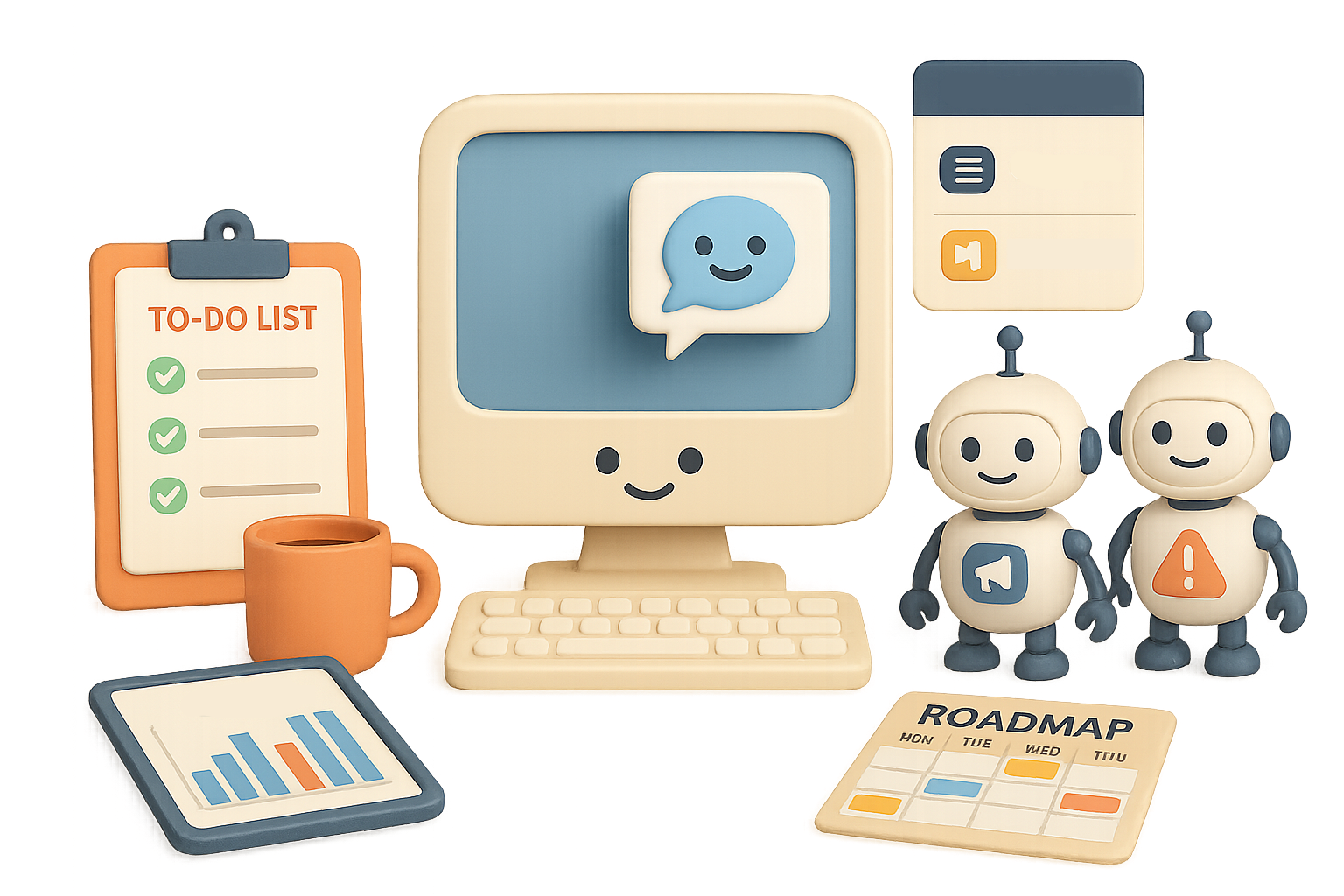
If your mornings start with Slack scrolls, spreadsheet digging, or vague “what’s on fire” meetings—you’re not alone. But you don’t have to stay stuck there. With a lightweight “AI Chief-of-Staff,” powered by GPT-5, you can surface critical info, spot issues before they snowball, and hit the ground running in under 10 minutes.
Here’s how to make every day feel like a well-oiled ops meeting—with zero prep.

Get Instant Clarity—Before Your First Coffee
Think of this chatbot as your morning intel officer. It skims the chaos so you don’t have to.
Here’s what an AI Chief-of-Staff can flag for you:
- Blockers slowing key workstreams
- Missed KPIs and the patterns behind them
- Deliverables creeping past deadlines
- A clean summary table you can skim in seconds
You don’t need to be an AI engineer or config wizard to pull this off. Set it up once, then kick off your day with actual insight instead of guesswork.

Set It Up in 5 Easy Steps
No heavy lifting, just smart files and one solid prompt.
- Create a custom GPT
Head to ChatGPT’s “Explore GPTs” tab and spin up your own assistant. - Paste this prompt as your system instructions:
“Act as my Chief-of-Staff. Be concise, cite sources, challenge assumptions and always end with next steps.” - Upload three key documents (and keep them fresh):
- A sprint doc (updated bi-weekly)
- A KPI tracker (monthly)
- A roadmap with timelines (quarterly)
- Keep each as one document.
Skip the messy uploads—merge fragmented notes into version-controlled files. - When things change, re-upload.
Don’t rely on memory. Fresh inputs = reliable outputs.

Your New Morning Routine (0% Chaos)
Ready? Just open your Chief-of-Staff GPT and throw it a fastball like:
“Summarise all current blockers and propose mitigations.”
“List every KPI we missed last month and the pattern behind it.”
In under 60 seconds, you’ve got a short stack of prioritized insights. No hunting through dashboards. No wild goose chases. Just calm, focused direction—all before 9am.

Turn Bullet Points Into Boardroom-Ready Updates
Your second AI assist? Communication.
Once you know what’s going on, the next challenge is translating updates for execs and stakeholders without spending hours formatting slides.
Build a Comms Assistant GPT that handles the heavy lifting.
How to Do It:
- System prompt:
“You are my Executive Communications Assistant. Take notes and metrics and produce either a two-page memo or a slide outline in the exact formats provided below.” - Include examples.
Paste in a sample memo and a sample slide outline so the model mirrors your company’s tone and structure. - Send your GPT the day’s metrics.
Then run: “Create the slide outline version.”
Boom—you’ve got a leadership-ready deck outline in your voice, ready to drop into a tool like Gamma or Beautiful.ai for instant polish.

Pressure-Test Strategy—Before It Costs You
The third power move? Build a “Red-Team GPT” to challenge your plans before your CFO—or reality—does.
Use this GPT to punch holes in your own ideas while there’s still time to pivot. Think of it as your internal dissenter—brutally honest, annoyingly helpful.
Start With This Prompt:
“Analyse this plan. Provide:
1. The top five counter-arguments (with evidence)
2. Hidden assumptions and how to test each one
3. A pre-mortem: how this could fail and early warning signs.”
What You’ll Get:
- Data-backed pushback:
“Cutting Google Ads by 40% may kill bottom-funnel conversions…” - Testable assumptions:
“Run a $200 micro-campaign on TikTok for 2 weeks to compare CAC.” - Failure modes with mitigation ideas:
“If user churn exceeds X% in 30 days, pause rollout and run interviews.”
Pro tip: Don’t just accept the output. Pause and dissect it. The real value is in sharpening your thinking—with help from an always-on sparring partner.

Your AI Power Hour (Sample Schedule)
A fully dialed-in AI workflow fits in less than 90 minutes.
| Time | Focus |
|---|---|
| 08:00–08:20 | Run Chief-of-Staff GPT → review blockers + KPIs |
| 08:20–08:35 | Pick top 1–2 issues for the day |
| 08:35–09:00 | Use Comms Assistant → generate memo or slides |
| 09:00–09:30 | Red-Team your top plan → review, refine, decide |
| 09:30+ | Execute—armed with clarity, consensus, and confidence |

Best Practices That Make This Work
Let AI speed up your workflow—not scramble your strategy. Here’s how to stay sharp:
- Less is more: Three tidy docs beat 20 messy ones
- Define each GPT’s job clearly (OST: one-system-prompt-per-task)
- Don’t rely on autopilot—AI drafts, you decide
- Always update your inputs so insights stay fresh
- Write down every mitigation the AI suggests—so you can track wins later

Why Most AI Pilots Fail—And How You’ll Beat the Odds
MIT found that 95% of AI projects stall out. Why? Muddy goals, junk data, and wishful thinking that the model will just “figure it out.”
The top 5% flip that.
- Narrow in on high-leverage workflows—like focus, comms, and critical thinking
- Feed the model clean, current context
- Use AI as a force multiplier, not a crutch
It’s not magic. It’s operational clarity, leveled up.
Use the three-assistant setup above and by lunch you’ll have fixed a blocker, impressed your VP, and poked smart holes in your own assumptions.
Welcome to the 1% mindset—less noise, more impact.
Want to get hands-on with AI tools (without a PhD in prompt engineering)?
Start learning in minutes at Tixu → Your future Chief-of-Staff will thank you.

Leave a Reply