
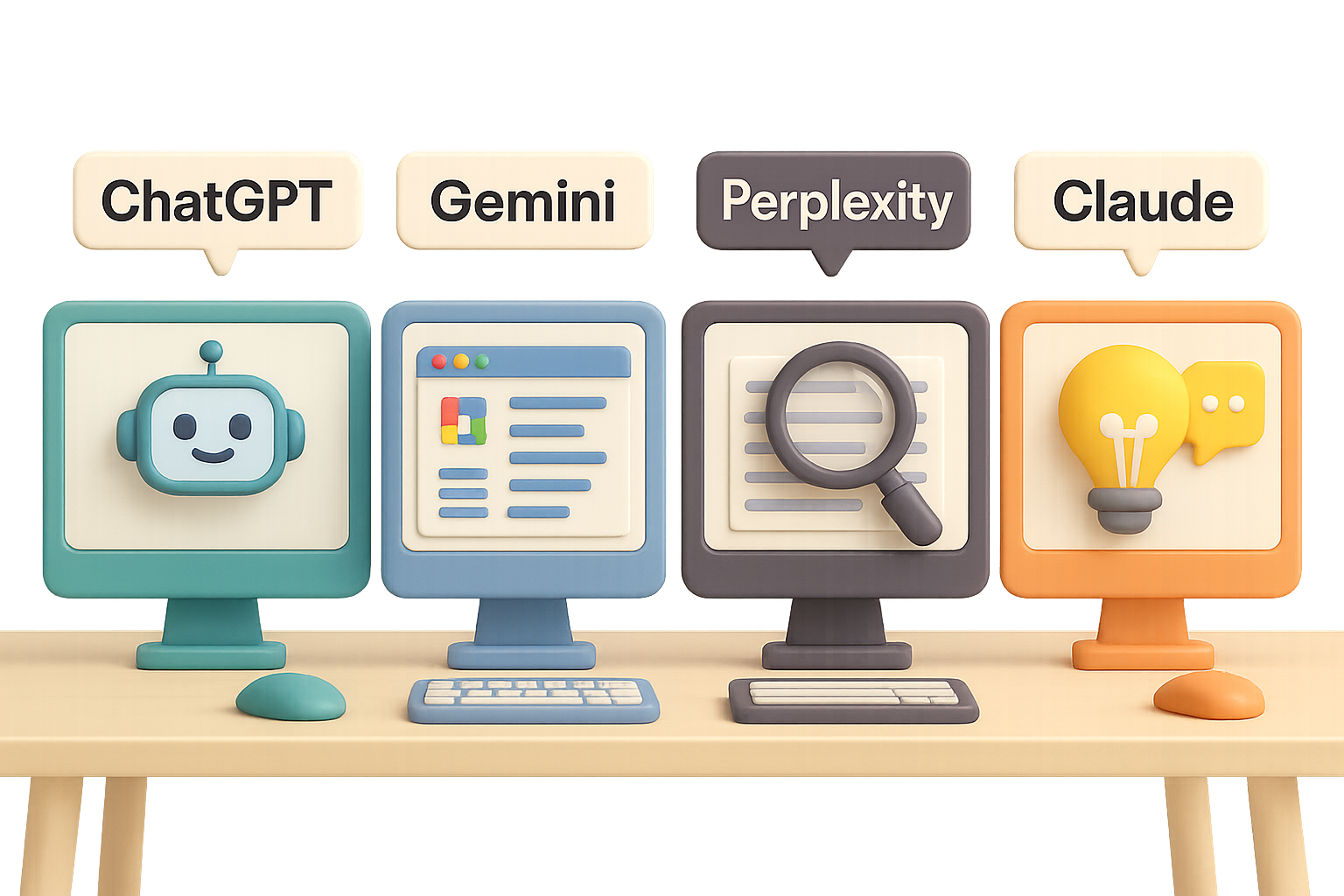
Should You Pay for ChatGPT, Gemini, Perplexity, or Claude? Here’s the Straight Talk
Free AI tools feel like magic—until they suddenly don’t.
You’re mid-project, hit a paywall, and start wondering: “Is it really worth the $20 a month?”
It can be. But only if that upgrade matches how you actually work.
This guide breaks down what you’re really getting with the premium versions of ChatGPT, Google Gemini, Perplexity, and Claude—so you can skip the fluff and confidently pick the one that moves the needle for you.

Quick Snapshot: Which AI Plan Fits Your Flow?
- Need an all-rounder that even makes images? → ChatGPT Plus
- Live inside Gmail, Docs, or massive data sets? → Gemini Advanced
- Research machine who never leaves the browser? → Perplexity Pro
- Creative soul craving smarter brainstorming? → Claude Pro
Let’s unpack them.

ChatGPT Plus: The Friendly Swiss Army Knife
$20/month unlocks GPT-4o, access to DALL·E-powered image creation, and some seriously helpful automation features.
Why You’ll Like It
- Handles whatever you throw at it – Emails, code, ad copy, spreadsheet formulas. All covered.
- File uploads FTW – Slice through PDFs, Excel and Word docs like butter.
- Custom GPTs – Use or build AI assistants to run on command—no coding needed.
- Scheduled tasks – “Email me every Monday with a market summary.” Done.
Where It Falls Short
- Gets fuzzy in longback-and-forth chats.
- Fabricates facts occasionally—ask for confidence ratings if you’re unsure.
- Weak on citations compared to Perplexity or Gemini.
Upgrade if you want one tool that spans writing, automation, and image generation. It’s the most balanced option for general productivity.

Gemini Advanced: For the Google-Powered Power User
For $19.99/month, you get Gemini 1.5 Pro with a 1 million token context window—that’s like uploading 1,500 pages in one go.
Why You’ll Like It
- Big files? Bring ’em – Contracts, nested spreadsheets, full databases—no sweat.
- Built for Google Workspace – Drafts emails, charts data, or summarizes Docs without leaving Gmail or Sheets.
- Gets the freshest info – Pulls in live web results using Google’s actual search muscle.
- Can draw (and film) – Generates images and even short video clips through Veo.
Where It Falls Short
- Tends to be all business—fun or casual tones need coaxing.
- If you’re not already deep in Googleland, you won’t feel the magic.
Upgrade if your day lives in Gmail, Sheets, or you frequently analyze beast-sized documents.

Perplexity Pro: The Real-Time Research Companion
$20/month turns Perplexity into your personal intel analyst—with clickable citations and deep-dive reporting.
Why You’ll Like It
- Receipts, always – Sources appear with every answer. No guessing games.
- Deep research mode – Market analyses, trend reports, and comp breakdowns delivered in minutes.
- Discover feed – Curated, scroll-worthy industry updates to stay one step ahead.
- Pick your model – Switch between GPT-4o, Claude, Gemini, Mistral, etc. as the task demands.
Where It Falls Short
- Smaller “memory” window than Gemini or Claude.
- Creative writing and quirky ideation? Not its thing.
- The image generator’s still rocking DALL·E 3—not bad, but behind ChatGPT’s latest.
Upgrade if you spend your days buried in browser tabs, unearthing info and checking facts. This is your research rocket launcher.

Claude Pro: Your Conversational Creative
Claude 3 Opus unlocks at $20/month and delivers thoughtful, human-sounding output with a side of strategic thinking.
Why You’ll Like It
- Sounds delightfully human – Feels like a collaborative teammate, not just an AI.
- Idea playground – Great for content outlines, creative copy, and refining tone.
- Shared workspace – “Projects” let you store reference docs and instructions in one tidy place.
- Swallows whole docs – Talk to your 80-page whitepaper without breaking a sweat.
Where It Falls Short
- No native image generation (yet).
- Lacks the bot-powered automations you’ll find in ChatGPT.
- Limits session length: 45 messages per 5-hour window.
Upgrade if you churn out content or want a brainstorming partner that doesn’t feel like a robot. The “Projects” feature alone makes it a writer’s dream.

Not Sure Yet? Try This Instead of Guessing
Before you pull out your credit card:
- Audit your week – Are you researching, writing, managing data, or automating routine work?
- Stick with free till you’re blocked – Notice which tool you naturally click first—that says a lot.
- Only upgrade when it solves actual friction – Hidden time sinks = $20 well spent.
- Go month-to-month – The AI world moves fast. Locking in a year for a few bucks off? Risky move.

Final Word: Pick the Tool That Works How You Work
No AI upgrade is “the best.” The right one is the one that aligns with your workflow.
So go with the tool that lifts real weight off your plate. That $20 a month? It’s not a luxury—it’s leverage.
Want to get smarter about this whole AI thing?
Start learning AI the beginner-friendly way with Tixu. You’ll get hands-on tutorials that make complex tools simple.
Ready when you are.

Leave a Reply