Is the AI Boom Going Bust? Why 95% of Projects Never Cross the Finish Line
You heard the pitch. AI’s going to change everything—again.
Budget approvals came easy. Job titles sprouted “AI” like mushrooms after rain. Then… nothing. Crickets. Or worse—thousands poured into a pilot no one now uses.
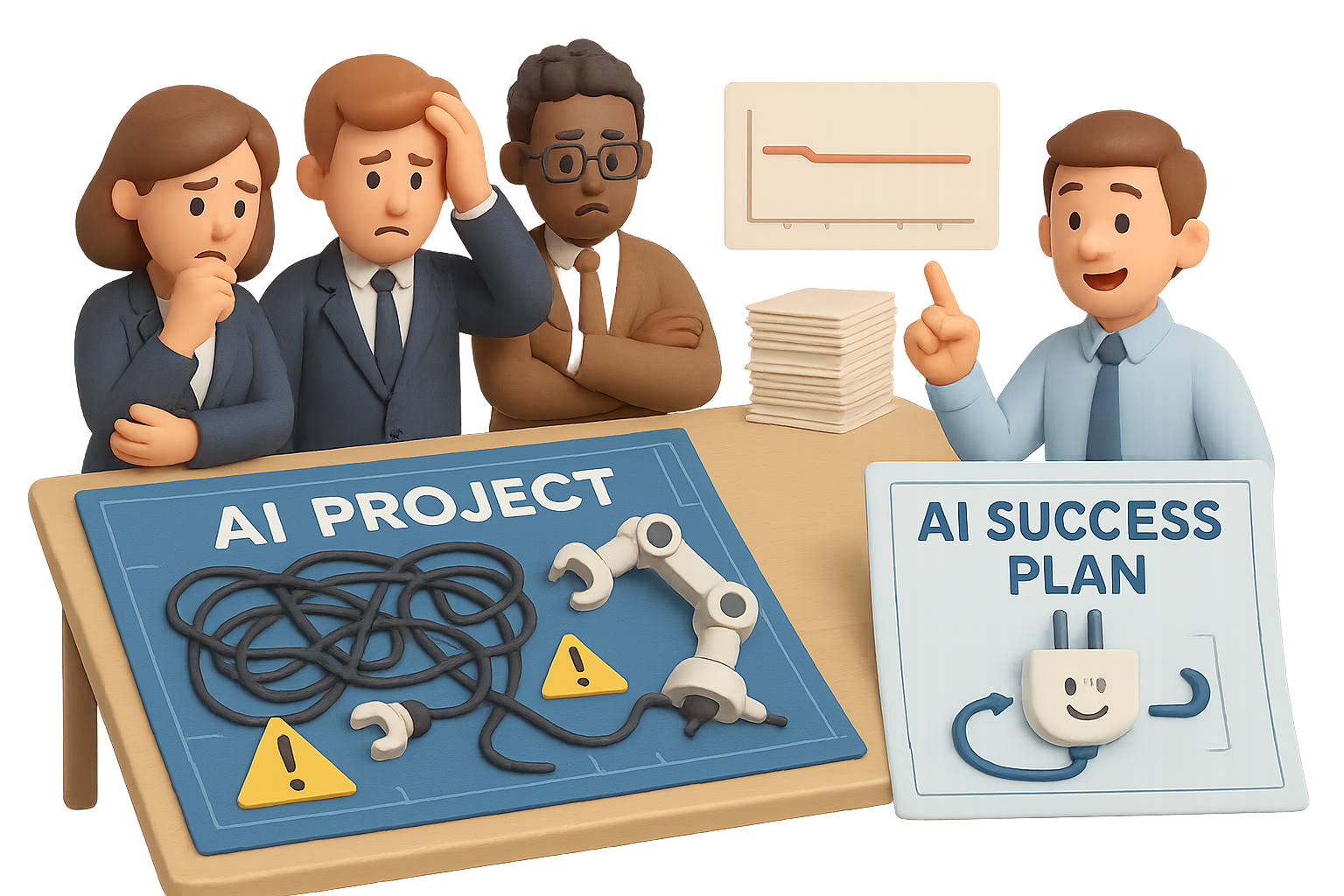
A blockbuster MIT study just dropped a stat that’ll make your eyebrows do a double-take: 95% of generative-AI projects failed to deliver business value.
But here’s the twist—it’s not because AI doesn’t work. It’s because the way most teams implement it doesn’t.
In this post, you’ll get:
- A straight-shooting look at why so many AI projects flop
- What top performers are doing differently
- A 5-step checklist to avoid the flop yourself
Let’s break it down.

The Money Showed Up—The Results Didn’t
Companies have been throwing serious weight behind AI.
- Meta spent billions scooping up AI talent—then suddenly froze hiring
- Sam Altman himself called it: “Are we in a bubble?” His own answer: “In my opinion, yes.”
- Over $30–40 billion has already been poured into generative-AI tools across global enterprises
And for what? According to MIT: Major gains in revenue, efficiency, or profit? Almost none.
That’s not a tech issue. It’s a deployment problem.

Why Most AI Projects Faceplant
Let’s call it like it is: there are a few recurring culprits behind AI failure.
1. You Think You Need to Build Everything Yourself
FOMO kicked in. Execs wanted to “own the IP.”
But MIT found DIY AI models bring:
- Slower time to value
- Higher cloud compute bills
- A much higher failure rate
Flip the script: “Build” sounds strategic… until your team spends nine months debugging a model with zero ROI.
2. The Prototype Works—The Workflow Doesn’t
It’s easy to get a demo running.
It’s harder to make that demo survive:
- GDPR checks
- Your crusty internal systems
- Real-world data noise
If you’re not designing for the last mile from Day 1, don’t be surprised when things grind to a halt.
3. AI Can’t Save Bad Strategy
You can’t “prompt” your way out of:
- Undefined business goals
- Missing domain knowledge
- Conflicting stakeholder expectations
Generative models only amplify what you feed them. Garbage goals = garbage outputs.
4. Teams Chase Features, Not Outcomes
Too many teams get rewarded for shipping AI—not using it to move KPIs.
The dashboard looks active. The P&L stays flat.
Focus less on “AI functionality.” Start tracking dollars.

A Not-So-Secret Success Story: Less Code, More Margin
In 2023, SaaS player Ignite made a bold call: cut 80% of dev headcount and bet big on AI augmentation instead.
Fast forward two years—they’re clocking 75% profit margins.
The difference? They didn’t try to reinvent language models. They focused on where AI could kick the most friction out of their workflow.

What the Data Says: Buy, Then Build Small
MIT’s research found a clear trend:
- Off-the-shelf tools → Faster wins, higher adoption
- From-scratch models → Cost overruns, missed deadlines
Think about it like cloud infrastructure. Most companies don’t build their own servers anymore. Why DIY your LLM stack?
The pros are treating AI platforms like AWS: customizable where it counts, standardized everywhere else.

How to Avoid Joining the 95%
Ready to bulletproof your next AI play? Start here:
- Pick ONE Clear Friction Point
Automate a specific chore, not a whole job. Think:
→ Bug triage? Yes
→ Replacing your support team? Not yet.
- Define Success Before You Ship
Set dollar-based targets (savings or revenue). If the metric is “#of prompts run,” start over.
- Plan for Integration on Day One
Your model needs to plug into how work already happens.
Slack, Jira, Salesforce—whatever your team actually uses every day.
- Invest in the Human Part
80% of success is change management. Staff training, better docs, feedback loops—they matter more than your prompt engineering wizardry.
- Don’t DIY Unless You Are an AI Company
If AI isn’t your core product, resist homemade models. Partner with vendors who’ve solved 80% of your problem already.

The Bottom Line
AI isn’t failing. The way we use it is.
If you treat AI like a gold rush shortcut or a vanity checkbox—yep, you’ll end up in that 95%. But if you anchor it in real pain points, align incentives, and execute with discipline?
That’s where the quiet wins are happening.
Want to be one of the few pulling ahead instead of walking in circles? Start by learning the ropes the right way.
Need a beginner-friendly place to level up your AI skills?
Check out Tixu—it’s made for folks just like you who want less fluff, more “aha.”