The Agent Wars Begin: Poker-Bots, AI Jobs, and DeepSeek’s Big Move
If you thought AI news had hit pause—think again. The next wave is quietly lining up, and it’s not just about smarter chatbots or flashier interfaces. It’s about real autonomy, applied reasoning, and humans figuring out how to stay in the loop (without getting steamrolled).
What’s bubbling up this week? A stealthy AI heavyweight makes its play, poker bots become the new benchmark, and the job market stares down its next big shift.
You’re not here for fluff—you want the signal, not the noise. So here’s the quick promise: By the end of this post, you’ll know which names to watch, what tests actually measure AI skill, and how OpenAI is betting on your ability to keep up.
Let’s dive in.

DeepSeek Isn’t Building a Chatbot. It’s Gearing Up for War.
After laying low for months, Chinese AI lab DeepSeek is back—and this time, it’s aiming bigger than chat interfaces.
Instead of another ChatGPT clone, DeepSeek is shooting for a full-blown autonomous agent capable of long-horizon, multi-step tasks. That means systems that can plan, learn from their “mistakes,” and act with memory in mind. Think less Siri, more personal executive assistant.
Here’s the kicker: They’ve ditched their local chips (Huawei, you tried) in favor of Nvidia GPUs and are targeting a 2025 release.
What this means for you:
- Today’s “AI assistants” mostly react. Real agents take initiative.
- DeepSeek wants to rival OpenAI and Anthropic directly—with something smarter, not just faster.
- If successful, this marks the beginning of the agent showdown era: multiple AIs acting, thinking, and competing on your behalf.
2025 just got a lot more interesting.

New Benchmark: Can Your LLM Code a Winning Poker Bot?
Remember when AIs just answered trivia questions? Time to raise the stakes—literally.
Nous Research just launched the Husky Hold’em Bench, a new kind of test that measures whether large language models (LLMs) can code their own Texas Hold’em poker bots from scratch.
Here’s how it works:
- The AI gets a general prompt and a poker API.
- It writes an autonomous bot—no human hacks, no edits.
- That bot sits at a table, starts with $10,000 in chips, and plays 1,000 hands.
- Winnings over time = score.
Early leaderboard? Let’s just say the big names still rule the table:
- Claude 4 Sonnet: +$3,672
- Claude 4 Opus: +$3,105
- Gemini 1.5 Pro: +$3,092
- Groq-4: +$937
- GPT-5 (High-Context): +$396
Most open-source entrants? Deep in the red.
Why this matters:
- It’s not just about what an AI can say anymore—it’s about what it can build and how well it plans.
- Benchmarks like this reward logic, code reasoning, and game theory.
- Want to know if a model will help with real-world strategy? This is the kind of test you should care about.
Heads up: expect a wave of similar tests soon. This is where the bar is heading.

Will AI Take Jobs? Or Just Take What It’s Given?
When Salesforce’s Marc Benioff floated the idea that AI could replace 4,000 jobs, people clutched their keyboards. Some called it fearmongering. Others called it forecasting.
Either way—he’s not wrong.
Automation is on the move, especially in sales, support, and data-heavy roles. But here’s the twist: companies like Salesforce also sit on the selling end of that AI solution pipeline.
Translation: the folks warning about job loss are often the ones selling the bots.
Still, the anxiety is real—and justified. Playing defense isn’t going to help. It’s time for offense.

OpenAI’s Bet on You: Upskill or Be Outpaced
OpenAI’s answer? Give everyone keys to the engine room.
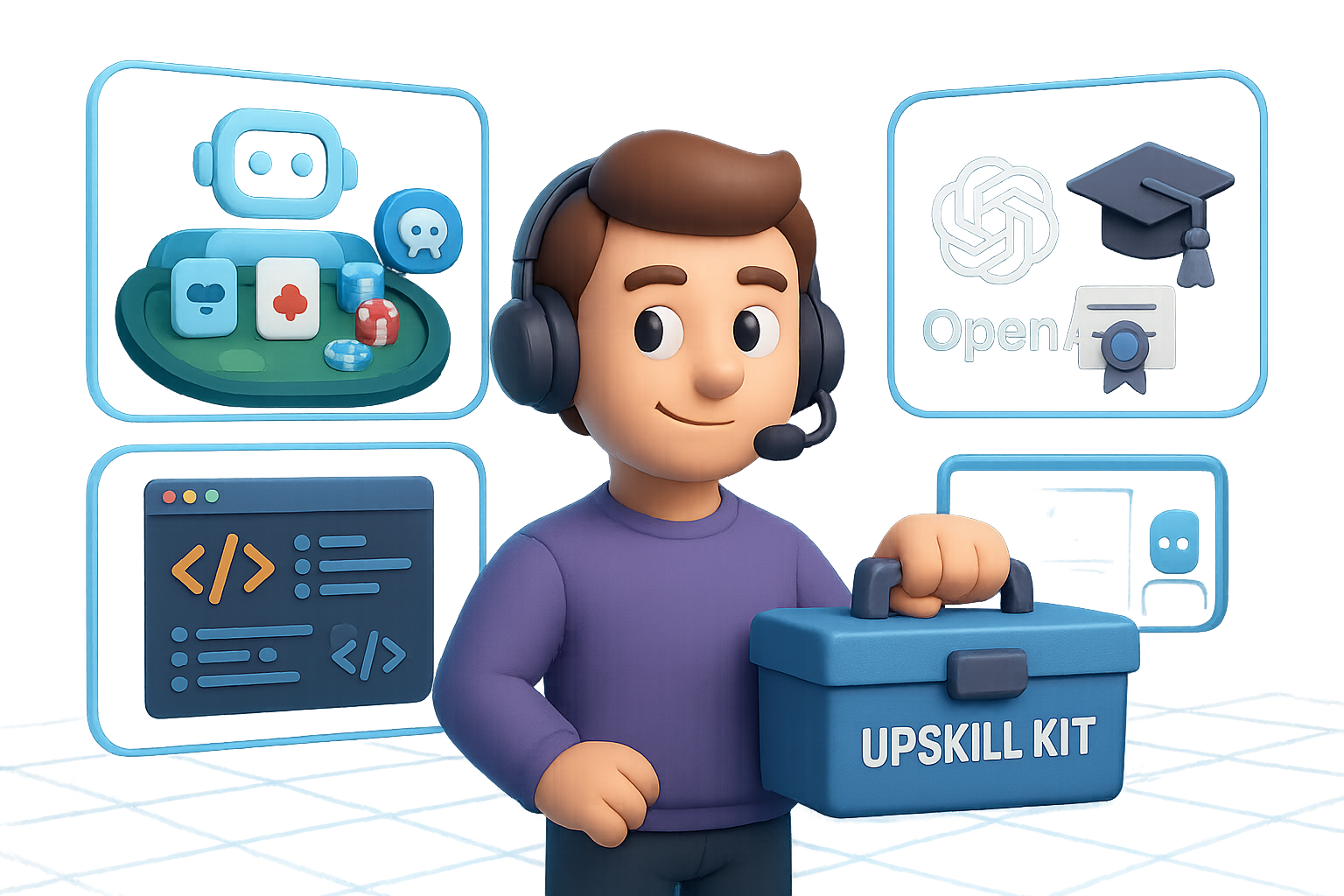
They just rolled out a three-part strategy designed to help you stay relevant, employable, and maybe even a little dangerous (in the best way):
- OpenAI Academy – A free platform filled with model access and hands-on tutorials.
- OpenAI Certification – Get officially certified—without leaving ChatGPT. Study Mode helps you prep, too.
- Jobs Platform (coming soon) – A marketplace matching certified learners with AI-forward employers.
Big picture:
- This isn’t charity. It’s self-preservation—for both companies and workers.
- If enough folks skill up, the talent gap narrows and the doom spiral eases.
- Think of it as LinkedIn Learning… but built into the tool itself.
Will it work? Too soon to say. But the strategy is solid: train the user, then hire the user. And if you’re reading this, you’re already ahead of the curve.

Bonus Weirdness: Sutskever, Hats, and Bananas
Ilya Sutskever doesn’t tweet often. So when he dropped an AI-generated image of a baseball cap featuring his own face—plus Google’s SynthID (a banana-shaped watermark used to tag AI content)—the internet understandably lost it.
Could you actually buy the hat? Sadly, no. But you should appreciate the moment.
Because when one of the heaviest minds in the field troll-posts with a big yellow banana-logo, it’s a reminder:
AI is absurd, unpredictable, and full of personality. Just like the people building it.

Here’s What to Watch
- DeepSeek’s aiming for a 2025 agent drop that could shake the industry
- LLMs coding their own poker bots = the new benchmark battleground
- Workforce fears are real—but so are tools for re-skilling and leveling up
- AI trends can be serious… and still come with SynthID bananas
Want to prep for this next wave of AI without getting buried by jargon or hype?
👉 Check out Tixu.ai — it’s a beginner-friendly platform that helps you learn applied AI, fast. Free lessons, hands-on tools, and zero gatekeeping. Ready when you are.