
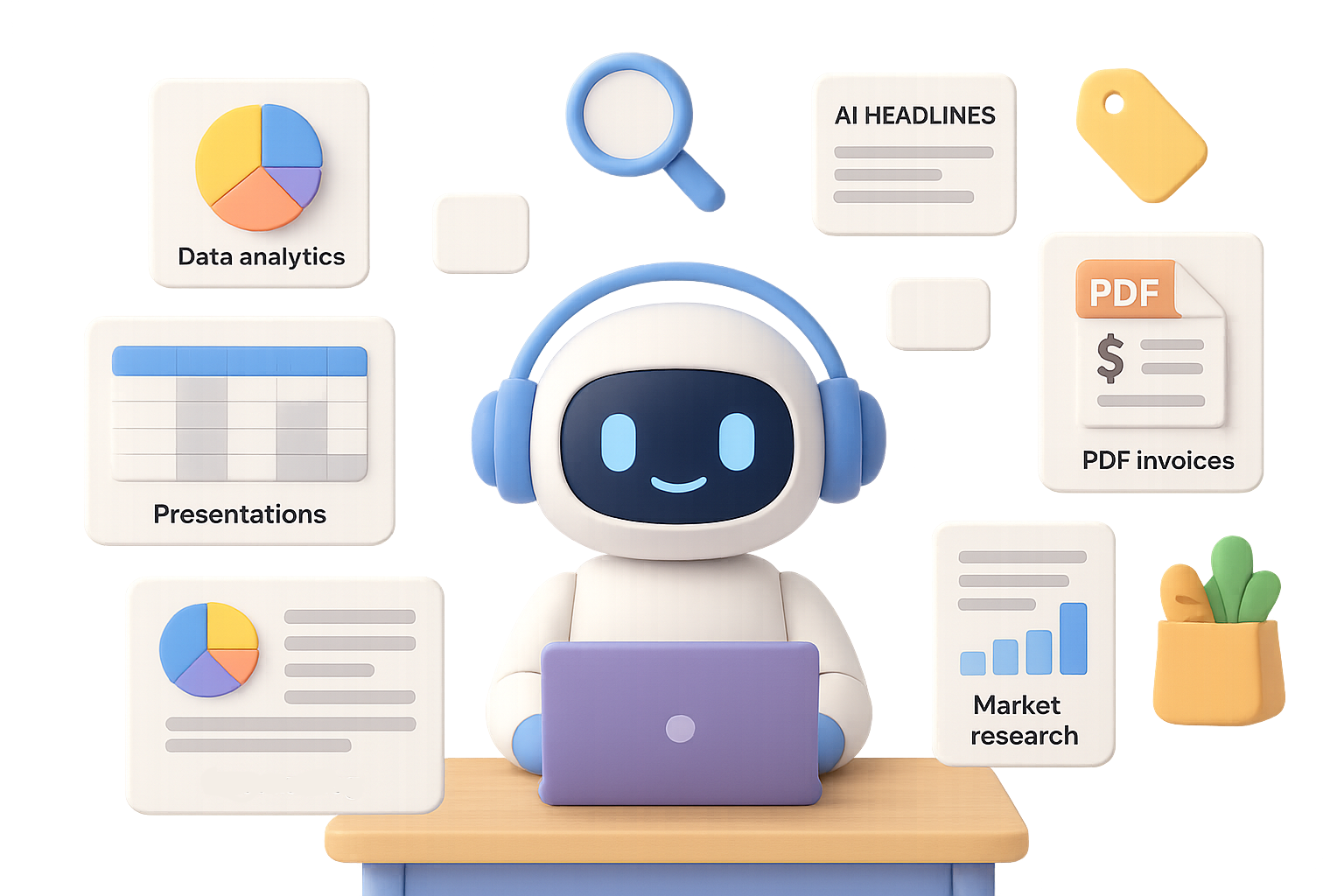
Build On-Brand Presentations—Fast
Slide decks shouldn’t steal your Sunday evenings.
Give an agent your topic plus your style guide—logo, fonts, colors. The agent will:
- Search vetted sources for the latest stats.
- Draft an outline, add speaker notes, and design visuals.
- Export a fully editable PowerPoint or Google Slides file.
Pro tip: Store your style guide in a “Project” so every future deck walks in ready for the boardroom.

Turn Spreadsheets Into Insight Engines
No BI license? No problem.
Upload an Excel or CSV file, then ask for:
- An interactive dashboard: averages, pie charts, completion rates.
- Deep dives by employee, team, or region.
- A short slide deck with main takeaways.
Behind the scenes, your agent spins up Python, cleans your data, and populates new tabs in the same workbook. All in a few clicks.

Sniff Out Leads Like a Pro
Tired of cold-calling dead ends?
Describe a buying signal like, “Companies that posted AI roles in the US this week.” The agent then:
- Scans LinkedIn, Indeed, and niche boards.
- Filters irrelevant hits (e.g., academic or internal roles).
- Delivers a clean table: company, location, link, and evidence snippet.
Put it on autopilot. Now your CRM is never empty on Monday morning.

Get AI Headlines Without the Scroll
Who needs 90 tabs open before breakfast?
Set your agent to run at 8 a.m. with these instructions:
“Summarize significant updates about OpenAI, Anthropic, Gemini. If nothing happened, say so.”
It skims 100–150 sources in under 15 minutes and pings your phone with a tight daily briefing. Fast. Filtered. No fluff.

Automatically Grab Invoices from Clunky Portals
Logging into eight vendor portals every month? Hard pass.
Let the agent log in for you (you set credentials once via the secure “Take Over” button). It will:
- Fetch every new invoice in PDF.
- Pop them into Google Drive or your accounting folder.
- Update a tracker with date, vendor, and amount.
Your finance team gets their paper trail. You get your peace of mind.

Monitor Competitor Pricing Without Lifting a Finger
Prices shift. You shouldn’t have to stalk them.
Drop today’s prices into a Google Sheet. Tell the agent:
“Compare these to Zapier’s weekly. Alert me to any changes.”
Using the Drive connector, it scrapes, compares, and flags mismatches. One less thing to track manually—and no more surprises on sales calls.

Run Deep Market Research While You Sleep
Need a competitive report by tomorrow?
Deploy an agent to handle:
- An executive sounding doc: risks, gaps, next steps.
- A slick 10–15-slide summary deck.
- A data pack with sources and raw CSVs.
Start by using ChatGPT-4o to draft your research roadmap. Then hand that playbook to a full agent. In <30 minutes, you’ve got consultant-grade output—at intern-budget cost.

Grocery Concierge
Too swamped to hit the store?
Send a voice note like:
“Order everything for organic spaghetti bolognese. Skip stuff I already have like olive oil.”
The agent:
- Opens Flink (or the delivery app of choice).
- Adds only the organic SKUs.
- Halts right before checkout so you can tweak or approve.
Dinner handles itself. You finish replying to Slack.

Agent Mode: Do It Once, Let It Run
Want this to actually save you time, not create surprises? Here’s your quick checklist:
- Start small: Test on a single use case before adding timers or logins.
- Lock it down: Create separate access for agents (e.g., view-only Drive folders).
- Monitor closely at first: Agents are smart, but mistakes happen.
- Save common info: Drop brand kits, API keys, and templates in the “Projects” tab for plug-and-play speed.
Whether you’re chasing leads, chasing kids, or just chasing a moment of peace—let Agent Mode do the multitasking.
Pick one workflow above, set it up, and see how much time you win back this week.
Want to get hands-on with AI the easy way? Learn agent builds and automation workflows at Tixu—the beginner-friendly AI platform that doesn’t assume you’re a prompt engineer.

Leave a Reply