
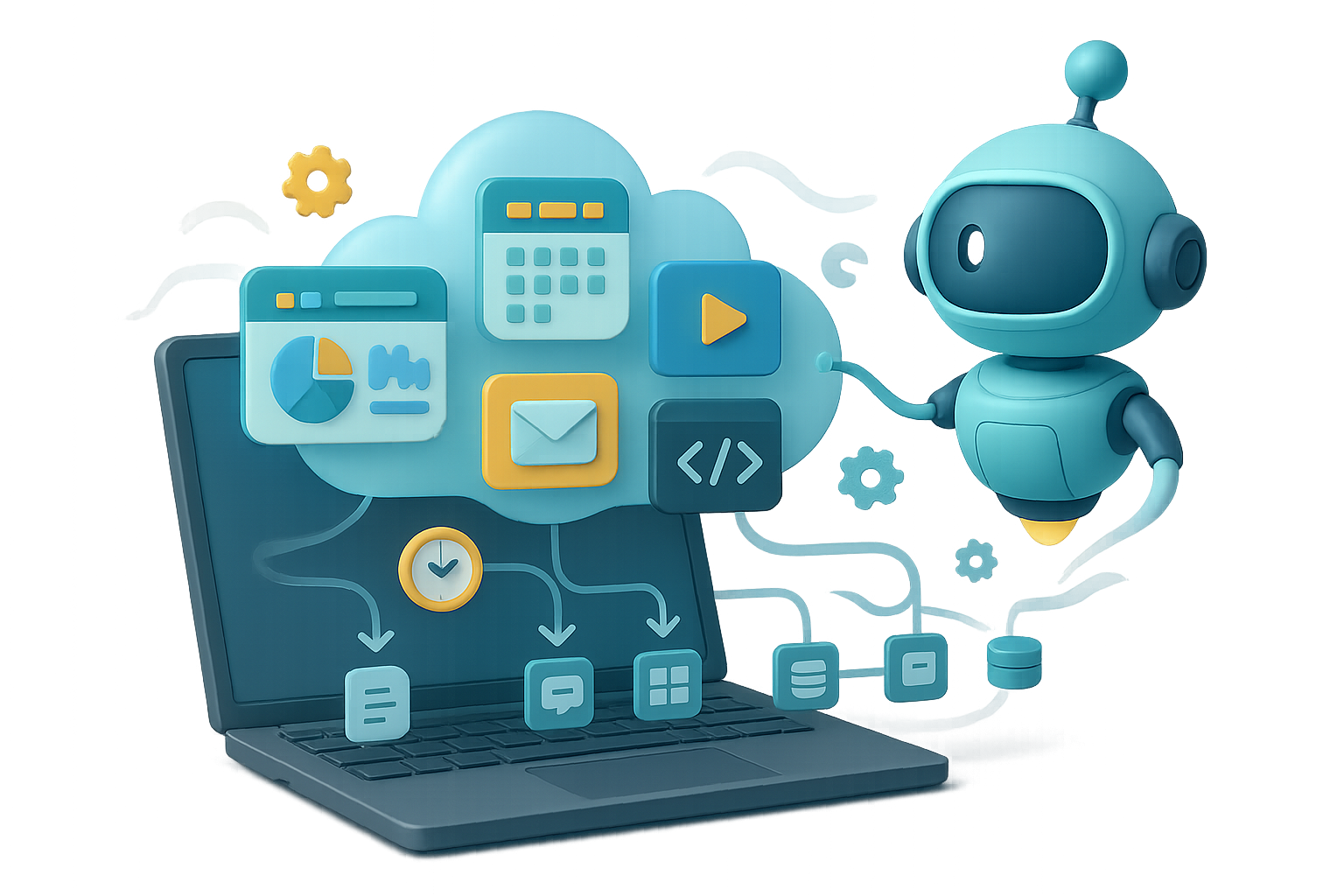
Perplexity Computer: a zero-setup super-agent for everyday work
Imagine typing one sentence into your browser and getting a running app minutes later. No installs. No Docker. That’s Perplexity Computer in a nutshell. It turns vague requests into finished products that run in the cloud while your laptop sleeps.
You walk away with working tools, not just ideas. Ready when you are.

Start in 30 seconds
- Go to perplexity.ai or open the Comet browser.
- Click the “Computer” button beside the query box.
- Tell it what you want. That’s it.
Everything after step three—planning, coding, hosting, tests, UI polish—runs in Perplexity’s cloud. You can close your laptop and trust the job keeps moving.

Automate the heavy lifting
- Natural-language only. You describe outcomes; Computer handles APIs, frameworks, scheduling, and hosting.
- Model orchestration. An overseer agent splits work and calls the best models. For code it may use Claude 3 Opus (a powerful code-and-reasoning model); for images it calls a diffusion model. Tasks run in parallel, so results come fast.
- Built-in browser testing. Computer verifies the UI in a headless browser before handing it to you.
- Hundreds of connectors. One click links Google Workspace, Notion, Airtable, Slack, HubSpot and more. The agent reads and writes where your work already lives.

Build real projects with one prompt
These are real outputs from single prompts. Short, concrete wins.
Earnings-Call Pulseboard
“Build an interactive dashboard that analyses every S&P 500 quarterly earnings transcript and surfaces sentiment and emerging themes.”- 53 companies processed in one run.
- Sentiment breakdown, theme explorer, sector view.
- Dark-mode UI generated automatically.
Daily Briefing Site
A news-style page that updates each morning. Weather, meetings, unread emails and top AI topics. No cron job required—the page refreshes itself on Perplexity’s servers.Support-Ticket Command Centre
Incoming support emails become a dashboard that tags bugs vs. feature requests and visualises trends. It pulls fresh Chrome Web Store reviews weekly.Personal Portfolio Website
A single page, built from scratch. Computer finds photos and videos and assembles them. No media upload needed.YouTube → Instagram pipeline
“Find new long-form videos each morning, slice them into shorts and post to Instagram.” Computer set the whole flow and asked only for OAuth access.
You don’t need to become an ops expert to ship automations. AI won’t replace you—someone better at AI workflows will.

Cloud vs. self-hosted: choose your tradeoff
Self-hosted frameworks give infinite tweakability. They also demand constant babysitting. Configure sandboxes, provision GPUs, manage uptime and security.
Perplexity Computer gives you:
- Zero maintenance.
- Background runs while your laptop is off.
- SOC-2-level security and clear data policies.
- Pricing that starts at $20/month (Perplexity Pro, 4,000 credits).

Quick compare
- Self-hosted
- Free compute options.
- Full control.
- Higher setup and ops cost.
- Perplexity Computer
- Starts at $20/month.
- Runs work reliably in the cloud.
- Less tinkering, more results.
Who gets the most value?
- Founders & solo operators: ship dashboards and automations without hiring agencies.
- Team leads: prototype internal tools and unblock engineering.
- Researchers & analysts: process transcripts, PDFs, and datasets overnight.
- Content creators: auto-clip, caption, and distribute content on a regular cadence.

Pricing snapshot
- Perplexity Pro — $20 / month, 4,000 credits.
- Perplexity Max — $200 / month, 10,000 credits.
Extra credits are available à la carte. Recurring workflows often use far fewer tokens than the initial builds.
Do this next
- Open Perplexity Computer and say one clear sentence describing what you want.
- Watch the steps it takes and note any connectors it asks for.
- If it works, scale it into a recurring workflow.

Micro-tips
- Start with a single, measurable outcome.
- Give example outputs (screenshots, CSV rows) to guide the agent.
- Use connectors sparingly at first; add more as trust grows.
Perplexity Computer turns “Could you build X?” into running products in minutes, not weeks. If you’re new to AI workflows, learn the basics and get confident fast with Tixu — a beginner-friendly AI learning platform.
Want to test a prompt now? Go on—type one sentence and see what shows up.

Leave a Reply