
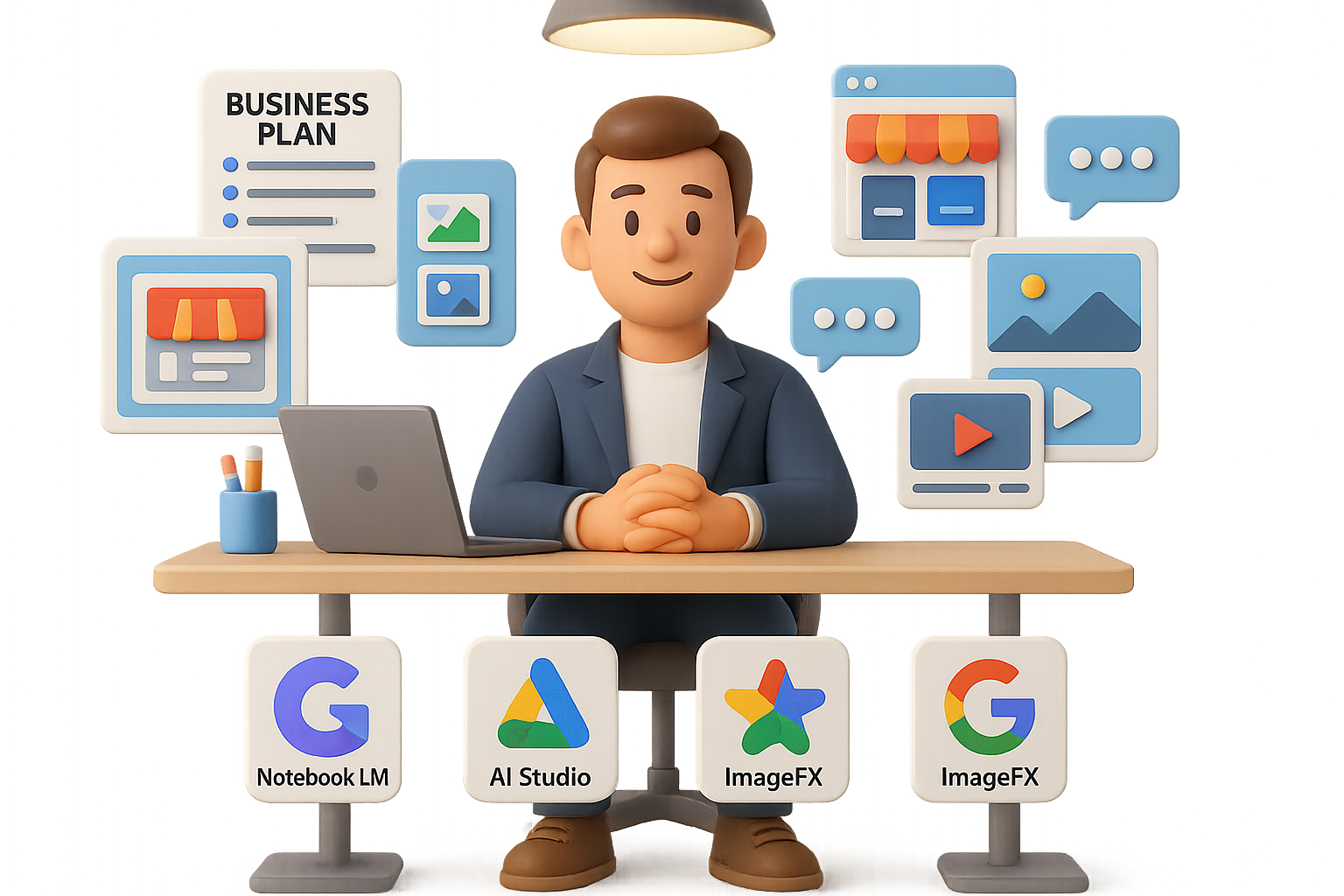
The Quiet Google AI Toolbox No One’s Talking About
You’ve probably played with ChatGPT, maybe even brainstormed a business name or two. But here’s the part that might surprise you—while everyone’s busy chatting away, Google’s quietly dropped a stack of AI tools that can supercharge your solo hustle.
We’re talking business plans, websites, product images, even video ads—done with a few clicks and zero code.
This isn’t Big Tech hype. It’s real-deal gear for indie hackers, freelancers, and any founder flying solo. Let’s walk through five Google AI power tools (plus bonus apps) that could save you hours—and some gray hairs.

1. Build a Business Plan in Minutes with AI Studio
Think of Google AI Studio as Gemini dressed in IDE gear. It’s clean, lightweight, and it pulls directly from Google Search data. Translation? Your prompts don’t guess. They know.
Quick win: Spin up a side-hustle blueprint in 60 seconds
Here’s the one-click path:
- Open the “Side Hustle Prompt Builder” (free tool—linked in AI Studio).
- Pick your niche, product type, and ad budget.
- Paste the prompt into AI Studio and hit run.
You’ll get:
- Brand names with matching domains
- Store setup checklist (platforms, payments)
- Product ideas and pricing
- Traffic strategy + starter ad copy
It’s like hiring a strategist for free, minus the awkward Zoom call.

2. Auto-Build the Storefront (Zero Code, All Speed)
Once you’ve got your SKUs and plan from AI Studio, it’s time to launch. No, you don’t need to touch a theme file.
Your launch stack:
- Free AI Store Builder – Chooses a theme, loads your collections, and writes your policy pages.
- AutoDS – One-click product imports, real-time inventory sync, and a 30-day free trial.
In under an hour, you’re looking at a working Shopify or WooCommerce store, complete with live products. Yes, really.

3. Talk to Your Business with Notebook LM
Now that your site’s live, cue the chaos: product pages, SEO blurbs, random notes in four docs. Keep it sane with Notebook LM, Google’s always-on, always-contextual chatbot.
Drag and drop:
- URLs
- PDFs
- Google Docs
- Even an entire sitemap
Now it knows your voice and your content. Ask anything and the responses pull straight from your own assets.
Use it for:
- Spotting which products have strong SEO signals
- Drafting on-brand content (like this blog, hey-o)
- Split-testing ad copy rooted in your actual offers
- Building SOPs from vendor manuals without CTRL+F-ing through them
No fluff, just your info made smarter.

4. Product Photos
You already know: low-quality images destroy conversion. But hiring a photo editor? Maybe not in the cards yet.
Enter ImageFX. It runs off Google’s Imagen 2 model and does exactly what you tell it—even if you’re not a designer.
Prompt example:
“High-key Shopify hero image, retractable dog leash on the left, soft shadow, neutral grey box on the right with space for logo.”
Upload your existing photo, tweak the vibe, and boom—clean, copyright-safe visuals ready for product pages or paid ads. It beats reusing those same Alibaba pics that 400 other dropshippers are running.

5. TikTok-Ready in 30 Seconds: Meet VideoFX
Video sells. But editing? Time suck. VideoFX lets you turn product blurbs into 15–60 second clips—directly from Gemini Advanced.
Here’s what it looks like:
- Write your script in Notebook LM (so it sounds like you).
- Paste into VideoFX, upload a product photo.
- Generate and go.
Heads up—it’s still in beta. Expect the occasional text-jump or weird transition. Want more polished and production-ready?
Try this alt:
- InVideo AI – Pre-built scenes, talking-head avatars, and even AI spokespersons that look like you. Great for scroll-stopping TikToks or Facebook ads.

Recap: Your Lean Launch Stack (Powered by Google)
Build your mini empire with this no-code combo:
- Plan the hustle in AI Studio
- Spin up a site via AI Store Builder + AutoDS
- Build a knowledge base using Notebook LM
- Craft standout photos with ImageFX
- Cut video ads with VideoFX or InVideo AI
None of this replaces grit or product-market fit. But it sure makes the heavy lifting a lot lighter—especially when it’s just you wearing all the hats.
Ready to sharpen your AI skills and go hands-on with tools like these?
👉 Start here with easy, beginner-friendly AI tutorials at Tixu.

Leave a Reply