
Build Google Sheets templates in an afternoon
Good-bye, endless hours inside Google Sheets. You can now build polished, sellable Google Sheets templates in minutes—not days—thanks to Claude’s Google Workspace integration. That means one afternoon of focused work can turn into a tidy passive-income stream. Ready when you are.

Spy on what’s already selling
Start with buyers, not your ego. Find the proven demand before you design.
- Open Etsy. Search terms: “budget spreadsheet,” “wedding planner sheet,” “side-hustle P&L.”
- Use a research extension like EverBee or Alura to surface sales and estimated revenue. These tools highlight listings that actually sell.
- Note two winner types: evergreen classics and recent rocket ships that climb fast.
- Pick one niche and decide your angle. Quick ideas:
- Fresh color scheme + modern type.
- One-click automation (charts, rollups).
- Sub-niche: “Bi-weekly paycheck tracker” rather than “budget spreadsheet.”
Do this next: pick one listing to reverse-engineer and take a screenshot for visual reference.

Build Google Sheets templates with Claude + Google Workspace CLI
Claude can create and style Sheets directly. The gws-cli (Google Workspace CLI) is the bridge. It’s a tiny dev setup; no heavy engineering required.
Quick setup:
- Install: npm install -g @gworkspace/cli.
- Authenticate: run the auth command, pick or create a Google Cloud project, approve access.
- Verify: gws whoami shows your Google account email.
Prompt Claude (model: Opus) with three items:
- A screenshot or link to the best-selling sheet for visual cues.
- A tiny text file with naming and styling rules (tabs, colors, fonts).
- A precise instruction paragraph.
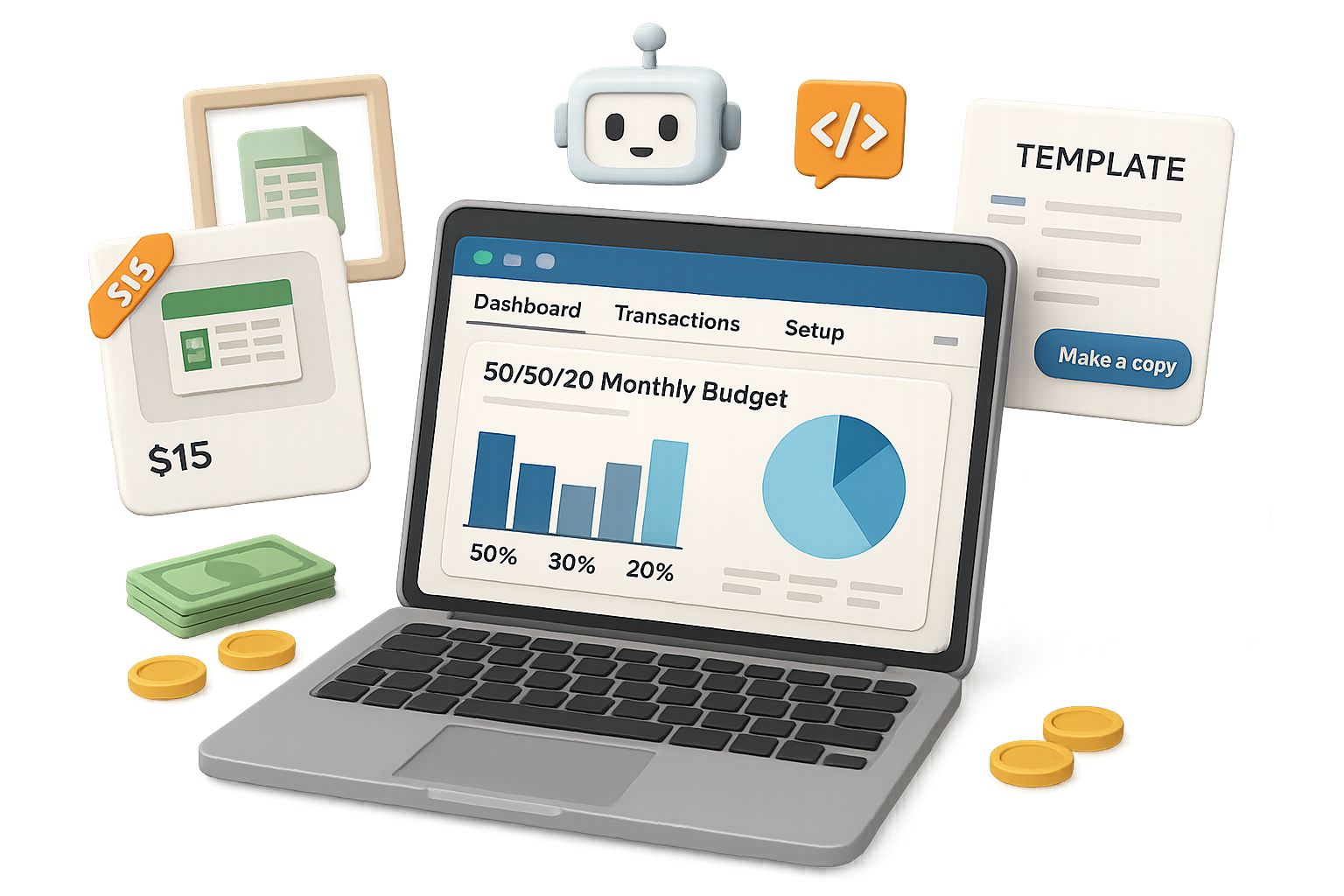
Example prompt you can copy:“Create a 50/30/20 monthly budget planner. Tabs: Dashboard, Transactions, Setup. Dashboard includes dynamic bar and pie charts. Brand colors: #004C99 navy, #00B3E6 cyan, #F6F9FC white. Use data validation for categories and clear header styles.”
Claude writes the code, opens Sheets in your Drive, and populates cells. Tweak column widths and minor layout hiccups for a clean finish.

Polish & mock up like a pro
Visuals sell. A pretty mockup raises perceived value and lifts conversions.
Steps:
- Grab a free PSD mock-up from Freepik.
- Open it in Photopea (browser Photoshop).
- Double-click the Smart Object, paste a screenshot of your sheet, save. The perspective updates automatically.
- Export JPG/PNG.
Optional: use Google Gemini (image mode) to generate lifestyle shots. Prompt example: “Render this budgeting dashboard on a silver MacBook Pro on a wooden desk, soft daylight, minimal aesthetic.”
Tip: high-quality mockups can lift click-throughs and sales. Don’t skip this.
Create & deliver the listing
Etsy buyers expect instant delivery. You deliver a link, not a file.
Delivery methods:
- Make a one-page PDF: “Click here to make a copy of your template.” Paste the Google Sheets share link set to Viewer.
- Upload the PDF as the digital file in your Etsy listing.
Listing basics that convert:
- Title: front-load the problem. Example: “Bi-Weekly Paycheck Budget Spreadsheet | 50/30/20 Google Sheets Template.”
- Description: answer who it’s for, what it does, how it works, and what’s included. Short bullets perform best.
- Tags: include every relevant variant (budget, finance tracker, Google Sheets planner, instant download).
- Use EverBee/Alura to generate SEO-friendly titles and tags, then push them into your listing.
Do this next: include a short “How to install” bullet in the PDF so buyers don’t email you with simple questions.

Scale smart, not hard
Don’t reinvent the wheel. Reuse what works.
- Bundle successful single templates into packs. Bundles often command higher prices.
- Run ads only after organic sales and reviews appear. Ads convert better on proof.
- Collect customer requests and turn them into products. Your next best seller sits in a buyer message.
Simple growth play: clone your top SKU, tweak colors and copy, and relist. Repeat.
Quick checklist (one-page)
- Research: pick 1 listing and screenshot it.
- Build: use Claude + gws-cli to produce the sheet.
- Polish: mockup in Photopea, optional Gemini lifestyle shots.
- List: upload PDF with copy-and-paste “Make a copy” link.
- Scale: bundle, advertise after reviews, iterate on requests.

One afternoon, one template, repeatable income. That’s the big idea.
Ready to level up your AI skills and prompt workflows? Try Tixu — a beginner-friendly AI learning platform that walks you through prompts, integrations, and product launches: Tixu
Now open Claude, pour a coffee, and build that first Etsy-ready spreadsheet. The robots do the heavy lifting; you collect the royalties.

Leave a Reply