
Make Viral Reels with AI (Without Sounding Like a Robot)
Feel like you’re tossing videos into the void? Editing for hours, only to get… 43 views and two pity likes?
You’re not alone. But here’s the flip: If your Reels aren’t hitting, it’s probably not your content — it’s your process.
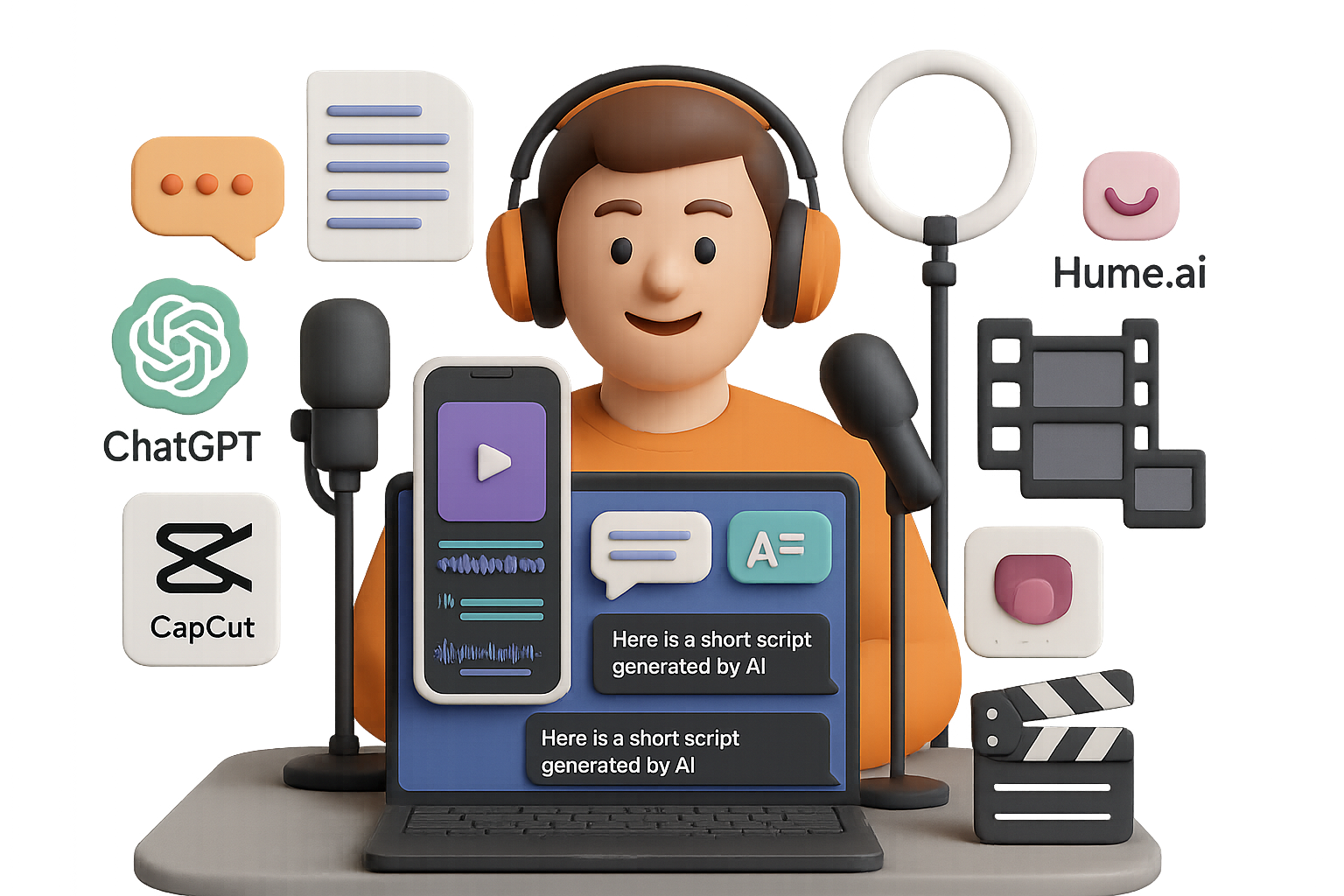
AI can help, but not with copy-paste junk. When you know how to feed it the right fuel, tools like ChatGPT, Hume.ai, and CapCut don’t just save time — they level you up.
This post walks you through a complete, beginner-friendly workflow to create science-backed, cinematic Shorts that actually get watched. You’ll leave with a tested system that:
- Pulls research that wins trust
- Writes scripts like a pro editor
- Matches voice and visuals for max watch-time
Let’s get to work.

Choose Your Angle and Own It
Before you touch any AI tool, pick your lane. Not vaguely — specifically. Reels that pop hard share one thing: laser focus.
Love psychology? Infuse it with body language breakdowns or “dark storytelling.” Into finance? Zoom in on wealth hacks or the psychology behind money moves.
Choose one niche. Study 5–10 top performers in that space. Pay attention to their pacing, captions, and vibes — and get ready to reverse-engineer it.

Research That Passes the Sniff Test
Nothing tanks trust faster than fake facts. Want viewers to stick around and share? Start your research where the experts do: Google Scholar.
Search something like:
“dark psychology infidelity”
Boom — dozens of peer-reviewed studies, fresh from journals. Don’t read them cover to cover. Just skim abstracts, screenshots, and juicy findings you could turn into talking points.
Save your favorite study links (DOIs). Drop one into your caption? Instant credibility.

Let ChatGPT Write It Like a Pro
Now the fun part. Open a blank ChatGPT thread and paste in:
- ✔ Bullet points from your saved studies
- ✔ Instructions to use only that research
- ✔ Links to 2–3 high-performing Reels in your niche
Need scripts to analyze? Use Riverside.fm’s free transcript tool. Just paste the Reel’s URL and download the subtitles. Repeat for a few winning videos.
Now prompt:
“Write a 60-second script with sharp pacing like the examples. Use only the research I provided. Add dramatic pauses and end with a hook.”
Spoiler: you’ll get a scroll-stopping, fact-based script in seconds. Polished. Punchy. Primed for camera or voiceover.

Humanize the Voice with Hume.ai
AI voices can feel… off. You need something with soul.
That’s where Hume.ai comes in. It lets you pick voice actors based on emotion (yep, really).
Simple walk-through:
- Sign up (get 10k free characters/month)
- Paste your script
- Choose a matching voice — think deep and dramatic or sultry and emotional
- Click Generate
- Download the .wav and boom — you’ve got a studio-quality voiceover

CapCut + Your Script = 🔥
Download CapCut and start a new project. Here’s how to quickly stack pro-level edits:
- 🎵 Music: Choose a slow-burning, tension-filled track from CapCut’s library. Want trending sounds? Pull them from Instagram’s audio pool.
- 🎙️ Enhance Voice: Right-click your voiceover → “Enhance Voice” → pick “Music Enhancer” and raise volume slightly.
🧠 Pro tip: Keep background music below the voiceover. If the VO doesn’t lead, the story flops.

B-Roll That Doesn’t Look Like Stock
B-roll makes or breaks vertical video. But most people grab the same tired clips. Let’s not do that.
In your ChatGPT thread, ask:
“Based on this script, list 1 unique visual search keyword per sentence that would return cinematic clips.”
You’ll get gold like:
- “Cracked mirror symbolism”
- “Surreal hallway slow motion”
- “Ink swirling in water”
Search those phrases on Pinterest (yes, really), filter to Video, and use a downloader to grab what fits. Drop them into CapCut and align them with your voiceover’s beat.

Add Micro-Hooks That Pull Viewers In
We’re talking the little things that stop thumbs on contact:
- 🎧 SFX: Start with a riser or “boom” for subtle tension. “Scary Intense Riser” in CapCut = instant mood.
- 🎨 Signature Filter: Add a consistent look with a preset:
- Reduce saturation
- Slight contrast pop
- Cool shadow tones
- Heavy vignette for drama
- 💬 Captions: CapCut’s Auto-Captions (paid) are fast and accurate. Try “Thrive” font with a soft shadow and 0.2s fade-in on each word.
Viewers should be able to recognize your edits from frame one.

Rinse It. Refine It. Repeat.
Good news: 70% of the grunt work is now done by AI.
Your new workflow?
- Vet real research
- Script with ChatGPT
- Add emotion with Hume.ai
- Edit in CapCut
- Publish
- Analyze, tweak, repeat
Each pass gives your content more edge — and trains the algorithm to find your people faster.
Carlos, one of our students, followed this loop weekly and gained 28,000 followers in 6 weeks. No viral fluke — just system + style + persistence.

Recap & Next Steps
If you remember nothing else, take this:
✅ AI multiplies your direction, not replaces it. You still drive the creativity — AI just gets your time back.
Want help leveling up your skills, fast?
Check out Tixu — it’s the friendliest AI learning platform for beginners. We’ll walk you through everything from prompt hacking to building your own workflows. No fluff, just smart habits that stick.
Ready when you are.

Leave a Reply