
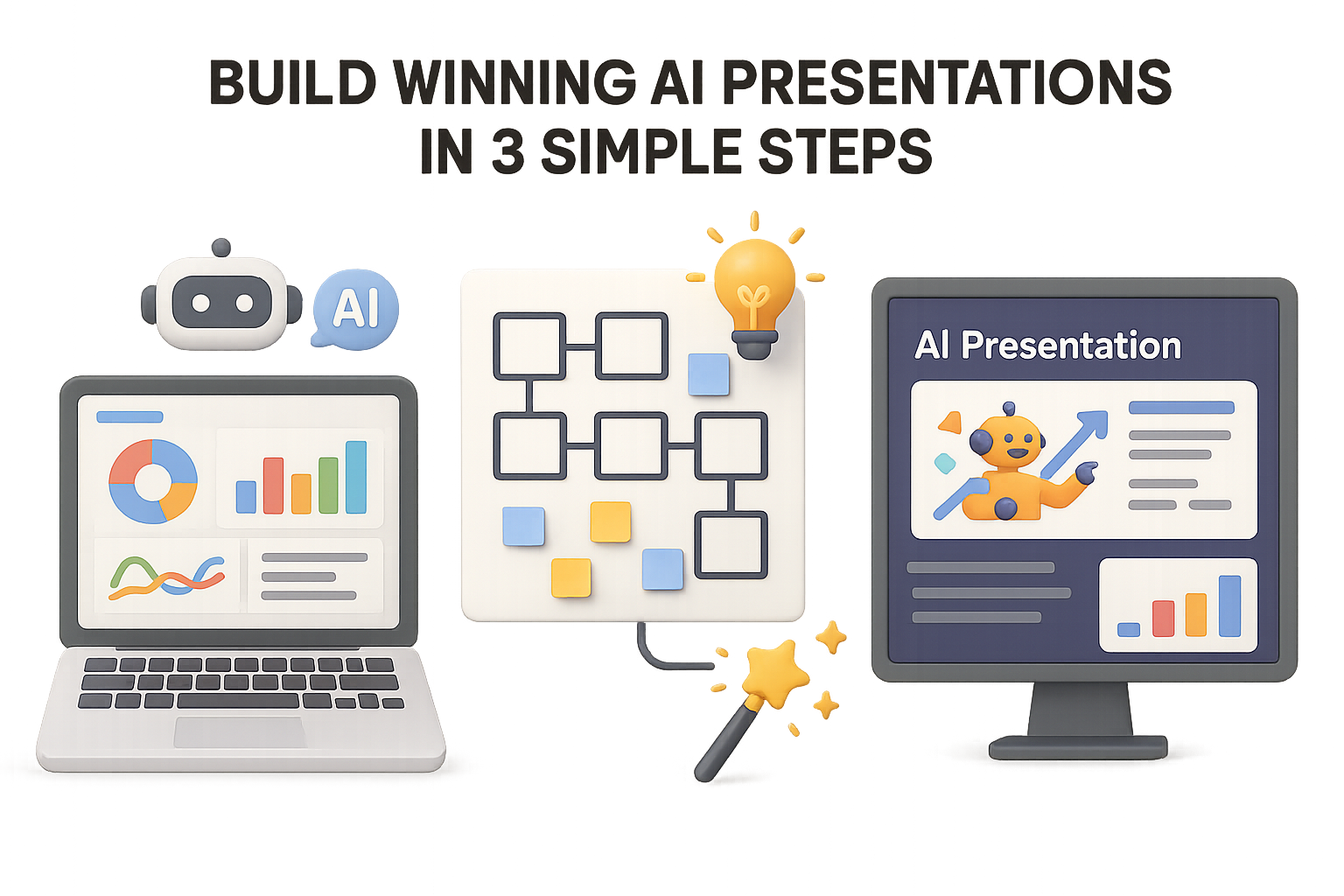
From Fluffy Decks to Executive-Ready: How to Actually Use AI for Presentations
Let’s be real—those slick AI-generated decks might look the part, but when it’s showtime? They land like a soggy toast. Eye-catching slides, zero persuasion. You’ve seen it. Maybe you’ve even made one. No judgment.
The problem: most AI tools focus on churning out pretty slides fast. But without sound research and structure, you’re dressing up nothing in gradients and icons.
This 3-step workflow flips that. You’ll combine AI speed with human insight to create decks that actually persuade. Ready when you are.

1. Dig Up Gold with Deep AI Research
Skip the guessing. If you’re pitching a new market, don’t start with your gut—start with data.
Fire up a smart research-capable AI like ChatGPT with Browsing or Google Gemini. These tools go beyond generic responses and actually pull from the latest sources online.
Here’s what to ask:
- Objective: “Create a market-entry report for a budget skincare brand targeting males aged 25–35.”
- Markets: Japan, Indonesia, United Kingdom
- Framework: “Analyze each country using Porter’s Five Forces.”
- Output:
- Executive summary
- Key data (stats, citations, trends)
- Ranked market scorecard—pick a winner
Seven minutes in, you’ll have more than pretty charts—you’ll have why Indonesia outpaces the UK, or how Japan’s distribution channels shape the opportunity.
💡 Shortcut: Use a custom GPT or browser extension to auto-expand basic prompts into full research queries. Save time and sanity.

2. Shape Your Story (Before You Touch a Slide)
A pile of stats doesn’t sell strategy. That’s your job—and AI’s assist.
In the same AI chat (but with web access off), prompt it to transform your findings into a C-suite deck outline.
Try this:
- Audience: “CMO of a budget skincare company”
- Recommendation: “Indonesia as first-entry market”
- Format: “Use SCQA framework. Dedicate one slide to ‘why not UK/Japan.’”
What you’ll get back:
- Why Indonesia
- Market size & growth
- Consumer behavior
- Entry strategy
- Risks & mitigations
- Next steps
- Japan & UK comparison
- Summary slide
Structure done. You just saved 2 hours of fiddling in PowerPoint.

3. Make It Shine in Gamma
Now comes the fun part.
Take your outline → paste it into Gamma.app → select “Create Presentation.” Even the free plan gives you plenty to work with.
Best starting settings:
- Text: “Condense” — the meat’s already there.
- Length: “Detailed” — you can always trim later.
- Images: “Illustrations” or stock—whichever suits your vibe.
- Theme: Use your brand or pick a minimal one with pop.
Bonus tricks:
- Use “Edit with AI” to upgrade basic slide titles into punchier hooks.
- Add charts: Paste the data, right-click → “Add card with AI.”
- Test readability in Present Mode with Spotlight—it dims the slide until you click the point you want to highlight.
Caution: Gamma’s free plan still watermarks exports. You’ll also need to nudge spacing if exporting to Google Slides.

Slide-Building Can Be Smart, Not Soul-Crushing
Let’s recap. Three tools, three distinct purposes:
- Web-connected AI (ChatGPT + Browsing): Real-time research that pulls relevant data
- Plain LLMs (no browsing): Turn insights into structured narratives
- Gamma.app: Turn text into slides that won’t get laughed out of the boardroom
This isn’t AI replacing your brain—it’s AI amplifying your speed. You stay in control of the strategy, flow, and storytelling. The machine just handles the format and fetch.

Here’s What You Now Know:
- Start with evidence. AI can dig deeper, faster—if you ask the right questions
- Think story-first. Use the SCQA method to map out logic before layout
- Inject human judgment. Weak slides fail not from bad fonts, but from missing insight
Use this workflow and you’ll spend less time formatting… and more time making decisions that move the needle.
Want to learn more smart ways to team up with AI—even if you’re just getting started?
👉 Check out Tixu—a beginner-friendly platform that teaches you to learn, prompt, and build with AI (without needing to be a dev).

Leave a Reply