
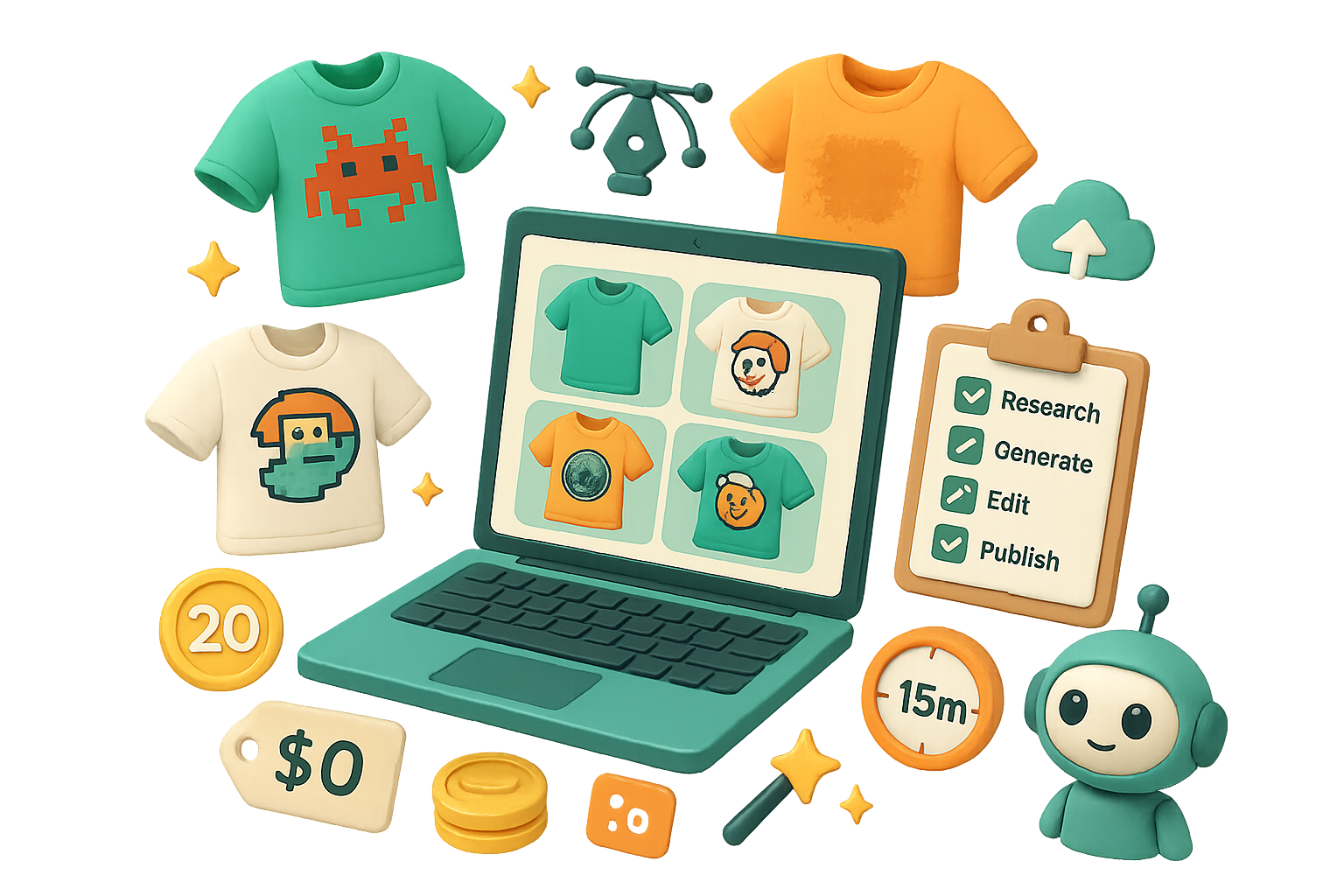
Zero-budget POD workflow: from market research to print-ready art using free AI
You’re paying monthly for AI image tools and still second-guessing designs. Stop. There’s a faster way: use free image generations behind a Google login, proven niche research, and a five-step cleanup process. You walk away with buyer-tested artwork that’s upload-ready. No subscription required. Ready when you are.
Promise: in about 30–60 minutes per design, you’ll validate a niche, generate 4x image variations on a free Google account, and export a print-ready file.
Roadmap: validate → generate → edit → clean → publish.

Find proven designs fast
Don’t guess what sells. Start with proof.
- Open Merch Dominator (it scrapes Amazon and ranks shirts by BSR).
- Type a seasonal or evergreen theme, like “St. Patrick’s Day.”
- Scan top sub-niches: funny leprechauns, shamrock mashups, Irish drinking jokes.
- Pick a concept that’s selling but not saturated. That lowers risk and boosts ROI.
Why this matters: a buyer-proven niche gives you a head start. You don’t design into a void.

Unlock Google’s image model for $0
Google Labs Flow offers Flow, a sandbox that taps the Imagen family. You get 20 free generations every 24 hours on any Google account. Use them wisely.
Quick Flow setup:
- New Project → Create → Image.
- Canvas: set to Portrait for apparel.
- Outputs per prompt: 4 so one credit yields four options.
- Confirm the model: Imagen 2 Pro (or current Pro tier).
Tip: 20 credits × 4 outputs = 80 variations daily if you script prompt swaps. Don’t burn them on directionless experiments.
Reverse-engineer best-sellers with smart prompts
Good prompts save credits. Don’t invent from scratch—copy what works.
Tools that help you extract prompts:
- Use Gemini (Google’s chat) to describe a screenshot and return ready-to-use prompts.
- Try Ideogram.ai to generate description variants.
- Or ask ChatGPT: “Suggest 5 prompt variations for this shirt—include 8-bit, grunge, and mascot styles.”
Paste your chosen prompt into Flow and hit generate. You get a mini-gallery immediately. Pick favorites.
Flip-the-script: AI won’t replace you—someone better at AI will. So be that someone.

Tweak the image inside Flow — fast
Flow’s editor handles most small edits. Click an image to open the modal and:
- Remove or rewrite text. Highlight and type “Delete text.” Flow re-renders.
- Replace elements. Lasso a shamrock and ask for stars or hearts.
- Favorite winners for quick access.
Free downloads: 1K–2K pixels. 4K needs paid credits. Most print-on-demand (POD) platforms accept 4500×5400 px—so plan an upscaling step if you need that resolution.

Quick post-processing — clean and scale
Do this next:
- Background removal: Flow sometimes bakes backgrounds. Use remove.bg for a true alpha PNG.
- Vector or scale-up: Import to Canva or Kittl to trace, clean edges, and export at platform specs.
- Final export: Match your POD’s preferred dimensions and color profile. Upload and publish.
Keep each step under 10 minutes. Aim for speed plus quality.

Daily checklist for your zero-budget POD workflow
- Research 1–2 hot niches in Merch Dominator.
- Screenshot a top seller.
- Auto-generate 4 prompt variants via Gemini/Ideogram/ChatGPT.
- Spend no more than 5–10 free generations in Flow to lock final art.
- Remove background, upscale, and list the product.
Repeat tomorrow with fresh credits.
Stat for trust: Flow gives 20 free generations every 24 hours. That’s 600 per month per account, or roughly 150–600 useful outputs depending on your prompt discipline.

Final thoughts
Massive ad budgets and paid AI suites used to be the playbook. Now you need creativity, a proven niche, and a little process. Follow this pipeline and you’ll turn lunch-break time into sellable artwork.
Recap + CTA: One-sentence takeaway — validate first, generate smart, clean fast, and publish.
Want to learn the prompts, tool tricks, and workflows step-by-step? Learn beginner-friendly AI design skills at Tixu — a hands-on learning platform that walks you through prompt engineering and image workflows.
Happy selling.

Leave a Reply