
NotebookLM: Smarter Study Aids and Better Organization (and why you should care)
You ever lose your place in a study session? Or stare at a messy note pile and think, “There’s got to be a better way”? Google’s latest updates are solving that exact friction. If you want less busywork and more learning, these tweaks matter.
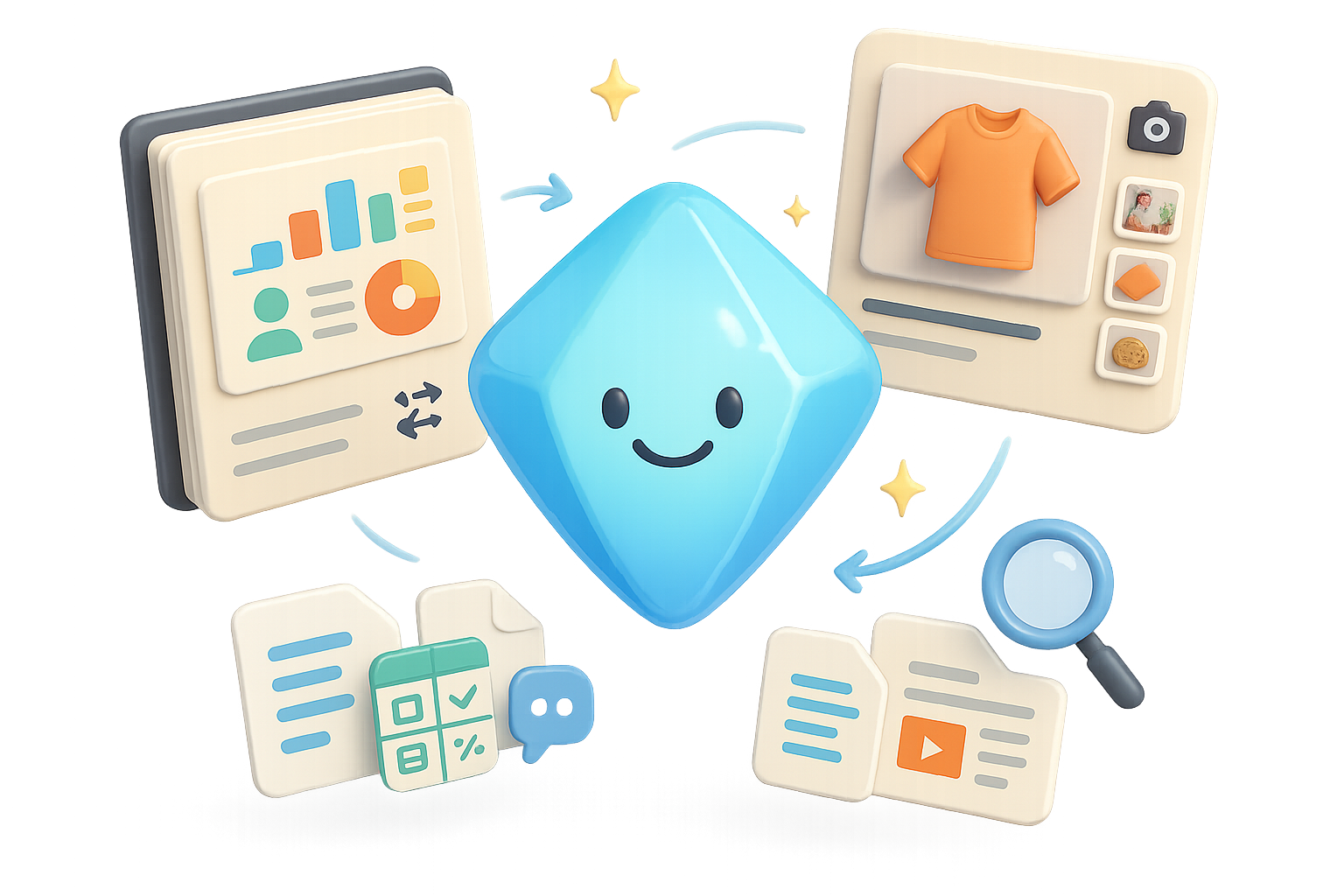
Here’s what you’ll get in this post: the quick wins in NotebookLM, how Product Studio turns one product photo into dozens of marketing shots, and the Gemini features that make Drive behave like an assistant. Read fast. Try one thing. Win time.

NotebookLM: Pick up right where you left off
- Resume quizzes and flashcards: NotebookLM remembers your spot. Close the tab or switch devices and jump back to question 3 of 10. No re-rolls. No hunting.
- Shuffle and prune flashcards: Use “Shuffle set” to break pattern memorization. Delete a dud card and keep the rest — no deck surgery.
- Detailed results pages: See how many you nailed and which you missed. Retake everything or focus only on trouble spots.
- Custom infographics for everyone: The graphic-builder now rolls out to all users. Pick from nine visual styles (Professional, Sketchnote, Scientific, Kawaii, etc.) and watch NotebookLM redraw your data.
- EPUB support: Upload digital textbooks or e-books and chat with them like you do PDFs or Docs.
- Folders on the horizon: Native folders and possibly pinned notebooks are in active development. Relief from an all-in-one list view is coming.

Why this helps you
- Save context. You don’t waste minutes digging for your place.
- Study smarter. Shuffle, prune, and retarget missed items.
- Visualize quickly. Infographics turn notes into shareable learning aids.

Do this next
- Open a NotebookLM flashcard set.
- Shuffle the deck and answer five cards.
- Close, reopen, and confirm it remembers your spot.

Automate the grunt work: Product Studio’s AI Photoshoot goes global
If you sell something, you know product photos cost time and cash. Product Studio’s free “AI Photoshoot” just opened to 170+ countries. Upload one product image. Pick the scenes (studio, lifestyle, demo, flat-lay). Click Create photoshoot. Seconds later you get multiple high-res images, ready for social posts or listings.

How creators use it
- Faster listings: one image → a full set of marketing visuals.
- No studio required: replace expensive setups with AI-generated scenes.
- Consistent brand style: choose the look and keep it across products.

Turn your files into action with Gemini in Drive, Docs, Sheets, Slides
Gemini is weaving into Workspace. If you’re on Gemini Advanced (Pro or Ultra), here’s what you can do now:
- Conversational Drive search
Type a plain question into Drive. Gemini answers, cites the source file, and lists related docs. You get the gist, not a needle-in-a-haystack. - Match-my-doc formatting
Select “Match doc format,” point to a template, and ask for new content. Gemini writes fresh text that looks like the original. - Clone your writing voice
Use Tools → Match writing style. Pick a reference doc and Gemini mimics tone and diction — formal report or cheeky update, your call. - Turn PDFs into living spreadsheets
Ask Gemini to convert a PDF into a Sheets workbook. It extracts data, builds check-boxes, and adds formulas so you can act on the numbers. - Auto-generate Slides from your life
Request a “life-update presentation for the last 60 days.” Gemini scans Drive, Gmail, and Photos (with permission) and builds a deck with layouts and speaker notes. - Ready-made AI templates
Find Gemini-powered templates for meeting notes, decision logs, email drafts, and summaries. Less setup, more output.

Why this matters for your workflow
- Less copying between apps. Gemini operates where your files already live.
- Faster content that matches your formats and tone.
- Search that understands meaning, not just keywords.

Quick checklist: try Gemini features today
- Ask Drive a plain-language question about a project.
- Use “Match doc format” to create one templated doc.
- Convert a short PDF into Sheets and play with the extracted data.

Why Google’s approach actually helps you
Flip the script: Google isn’t asking you to learn a brand-new platform. It’s folding generative AI into tools you already use. That means:
- Fewer app hops and less context switching.
- Faster outcomes that respect your templates and tone.
- Democratized design and photography for everyone — not just studios.

These updates aim to shave friction from study, content creation, and file management. Try one feature today — shuffle a flashcard deck, run an AI photoshoot, or ask Drive a conversational query.
Want to learn the basics of AI so you can use these tools like a pro? Get beginner-friendly, hands-on lessons at tixu.ai — start learning practical AI skills in minutes.
Ready when you are.

Leave a Reply