
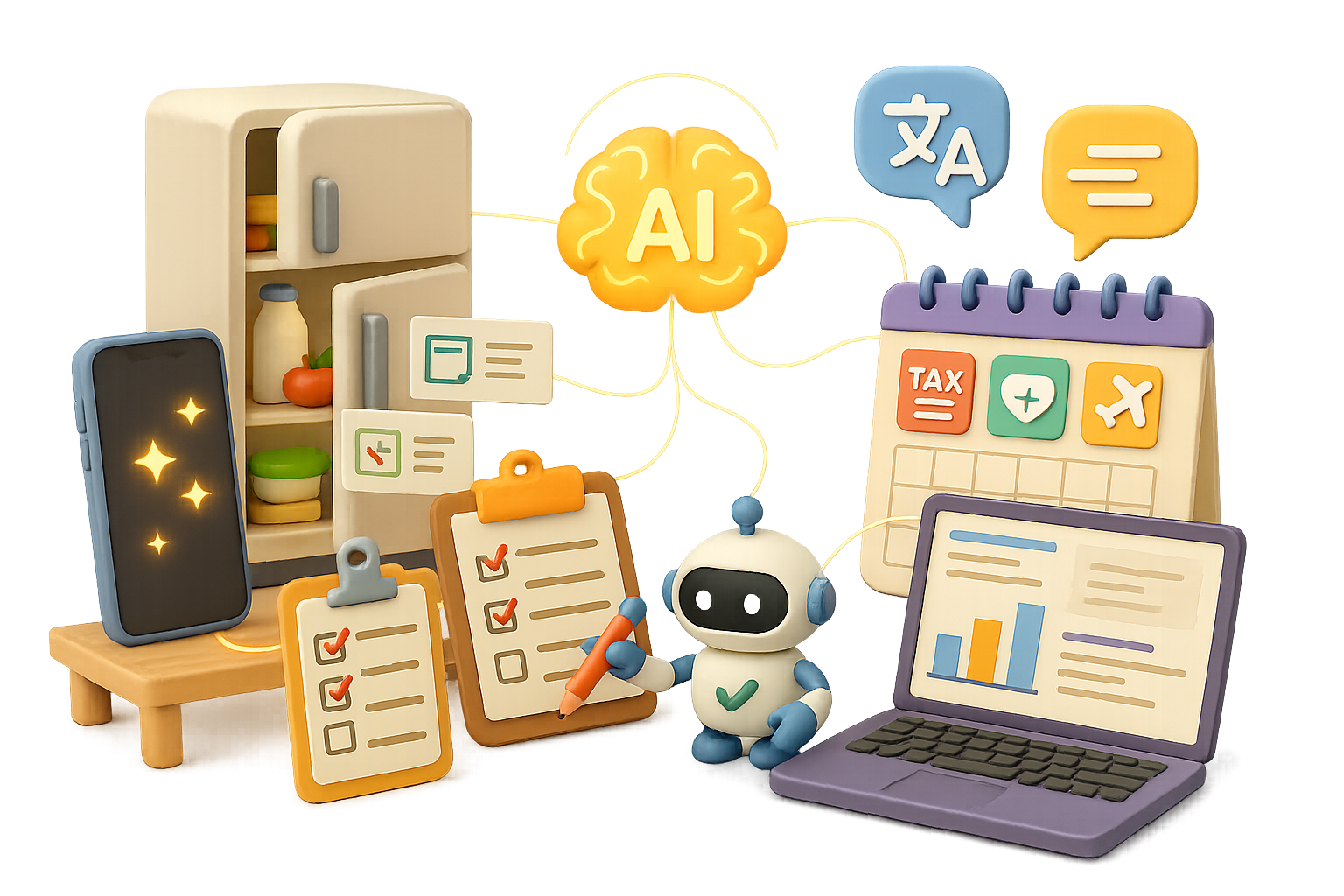
Boost Everyday Life with AI: 40+ Practical Uses You Can Try Today
Let’s be real—life’s busy, and your brain’s juggling more tabs than Chrome in meltdown mode. But here’s the good news: you’ve got an always-on teammate now. AI tools aren’t just for coders and CEOs—they’re for you, right now, in real daily moments.
Lost in tax paperwork? Need a recipe using three eggs and a wrinkled bell pepper? Want custom travel tips that don’t sound like cannery tour guides wrote them? AI’s got you.
This post? It’s your all-access menu.
You’ll walk away with:
- Over 40 real-world ways AI can save you time, brainpower, and stress.
- Free tools to test-drive today.
- A better grip on how to delegate smarter—to the bots.
Ready when you are.

Automate the Grunt Work: AI for Everyday Productivity
Let’s start where the pain’s hot: wasted time and decision fatigue.
- Snap & Ask – Point your phone at anything—plant, pipe leak, error message—and tools like ChatGPT Vision or Google Gemini break it down and explain what to do next.
- Laser-targeted Search – Perplexity.ai returns smart, sourced answers to nuanced Qs (think: “I’m a Canadian freelancer billing in USD from Hong Kong—what investment accounts make sense?”).
- Instant Frameworks – Drop a goal into ChatGPT and say “use an Eisenhower Matrix” or “apply first-principles logic.” Hello, structured thinking.
- Slide-to-Summary – Snap conference slides, upload to Claude—get speed-read summaries or neat action bullet points.
- Travel Like a Local – Ask for a foot-walkable itinerary in any city. Include coffee shop vibes, sunset views, local markets. AI hooks you up.

Work Smarter, Not More
Don’t burn out. Offload the heavy lift where it counts.
- Morning Brain-Dump → Plan – Ramble your chaos into ChatGPT; get back a clear task list with priorities and time estimates.
- Context Switching Hack – Ask GPT to “bookmark” your current progress—and return later with next-step reminders.
- Meeting Recaps Made Easy – Upload recordings or transcripts. AI gives you digest emails, highlights, and follow-ups before your coffee cools.
- Brainstorm with Depth – Use “level 3 ideas” prompts to go beyond vanilla suggestions.
- On-Screen How-To – Share your screen with Google AI Studio. It walks you through Photoshop, Excel, and anything else fussy to click.
- Data Alchemy – Load spreadsheets, PDFs, or audio into Claude. Out comes cleaned data, pivot tables, or dashboards.
- Rapid Prototypes – With no-code tools like Nanonets Flow or OpenAI Agents SDK, spin up bots or automated reports overnight.

Make Life Smoother, One Day at a Time
Use AI like a smart roommate—with better follow-through.
- “What’s For Dinner?” – Snap your fridge. AI builds recipes, meal plans, and a budget-linked shopping list.
- Outfit Ideas – Upload a few pieces from your closet. Get fresh pairings and feedback.
- Room Re-Dos – Take a pic of your space. Models like Gemini reply with mood boards and cart-ready decor links.
- First-Stop Health Clarity – Describe symptoms. AI suggests likely issues, urgency level, and what type of doc to call.
- Insurance + Tax Tips – Ask: “What’s the best order to buy health/travel/life insurance?” or “How do I minimise taxes as a freelancer in Berlin?” AI crunches for you.

Take Control of Your Money
No more spreadsheets from scratch. Let your finances update themselves.
- Tailored Money Maps – Get custom savings + investing plans tuned to your goals, your currency, your risk preference.
- Receipt-to-Report – Text your receipts to WhatsApp. AI logs it all into exportable dashboards (daily, weekly, monthly).
- Buy Smart, Not Big – Ask AI to run “what-if” sensitivity tests before mortgaging, leasing, or diving into rate changes.

Learn Faster, Remember Longer
Upgrade your brain like it’s the latest OS.
- On-Demand Tutor – Get full walk-throughs on physics, SQL joins, or essay feedback—24/7, no office hours required.
- Custom Study Schedules – Tools like NotebookLM sort a day-by-day syllabus after AI scours the best content with Perplexity.
- Flashcards That Stick – Upload notes. AI returns spaced-rep decks and surprisingly useful mnemonics.
- Language Immersion – Generate practice audio, interactive drills, or pronunciation help. Teach yourself on lunch breaks.
- Book to Workbook – Upload any nonfiction title, ask for exercises. Great for coaches, students, or growth junkies.

Accelerate Your Career or Business
Serious tools for serious moves.
- Job-Search GPS – AI maps hot skills, builds study paths, rewrites your résumé, and runs voice-based mock interviews.
- Team Onboarding, Solved – Drop SOPs, decks, and HR docs in. Out pops a usable wiki or onboarding course.
- Competitor Intel on Tap – Scrape data or plug into Perplexity’s API for a full industry spreadsheet—without soul-crushing Googling.
- Marketing Made Simple – Claude and Canva drop ready-to-go one-pagers, captions, brand kits, even business cards.
- Contract Drafting – Need an NDA or HR policy draft? AI delivers templates fast (but hire a lawyer before clicking “send”).

Better Talk = Better Everything
From tough convos to global vibes.
- Conversation Rehearsal – Role-play touchy discussions: money, conflict, family, feedback. Get confident before it’s game time.
- Real-Time Translation – Across video, text, or audio. Great for cross-border teams or international in-laws.

Creative and Just-for-Fun Magic
Because not everything has to ROI.
- Comics & Manga Creator – Describe your scene. AI draws it into panel art—speech bubbles included.
- Photo Sorcery – Change outfits, erase background photobombers, animate yourself into a dancing meme with Adobe Firefly or RunwayML.
- Build Your Own Widgets – Spin up a journaling bot, a Pomodoro timer, or a roommate bill splitter in Replit or Cursor—no pricey app shops required.

Do This Next
Ready to level up your prompts fast?
Explore more beginner-friendly AI tools and unlock hands-on learning at Tixu.ai—no code degree required.

Leave a Reply