
AI Agents, Demystified: How to Automate Smarter
Let’s be real—AI’s already in your workplace. Whether it’s a chatbot on your site or auto-responses in your inbox, automation is inching into every corner of business. Still, the phrase “AI agents” sounds like something from a sci-fi pitch deck.
Truth is, they’re way simpler—and way more powerful—than most teams realize.
Here’s your plain-English guide to the three levels of automation, when each makes sense, and how to start automating without breaking your ops (or your brain).

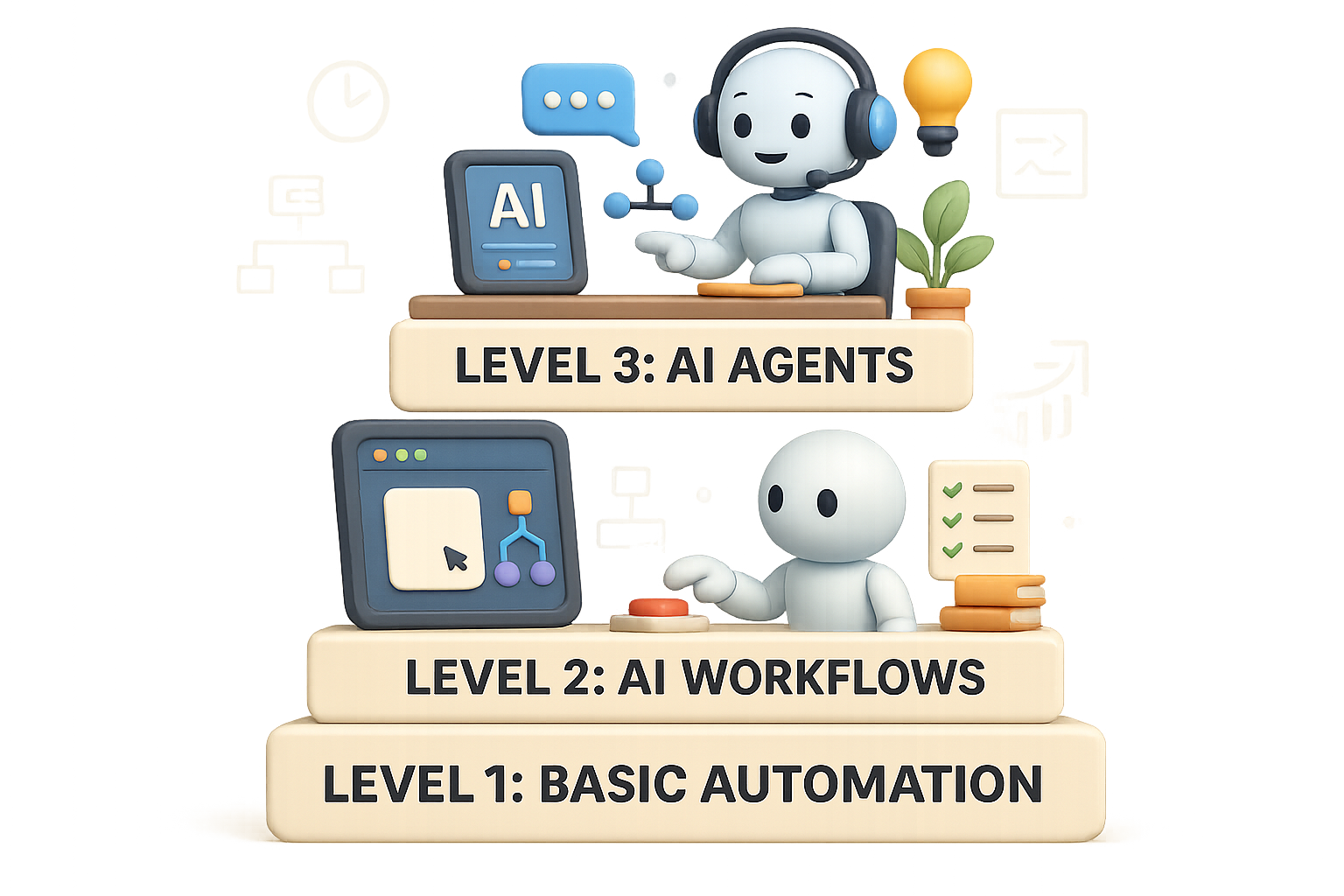
Automate Like a Pro: The 3 Levels of Workflow Automation
1. Basic Automation
Think: Vending Machine
This is the “if this, then that” model. No thinking, no branching. Just a clean trigger-action pair.
- Form filled → confirmation email sent
- New Stripe sale → row added to AirTable
- Monday morning → Slack bot sends your team a reminder
Set it up once. Let it run forever. It’s like adding a robot intern with no attitude.
2. AI Workflows
Think: Assembly Line—with One Smart Station
Same daily flow, but now you drop in an AI brain for one step.
Say a customer fills out a form. You add a ChatGPT step to read the message and decide if it’s sales or support. It tags the right team, hands it off, and you’re off the hook.
The flow still lives on rails—you’re just adding eyes and a bit of judgment in the middle.
3. AI Agents
Think: Personal Assistant Who Learns on the Job
You give them the goal (“Handle all pricing questions”), and they figure out the how.
- Reads the customer question
- Uses a smart search tool (like the Perplexity API)
- Writes a personalized, accurate reply
- Follows up if needed
They decide, act, and react. Magic? Almost. But these require clear limits (like “Never approve refunds over $100”) so they don’t go rogue.

Why Automate in the First Place?
Automation isn’t just about saving time. You also get:
- Time & Headspace – Focus on strategy, not busywork
- Fewer Mistakes – A bot doesn’t forget the Friday deadline
- Faster Replies – 24/7 assistants that don’t sleep or snack
- Consistent Outputs – No mood swings, no “off days”
- Scalability – Do more without growing your payroll
Translation: with the right automation, you get leverage—and a little peace of mind.

What Automation Level Fits You Best?
Here’s your no-fluff cheat sheet:
- Level 1: Rules never change, data’s clean, outcomes are locked
- Level 2: You need some judgment, but the workflow’s still linear
- Level 3: Messy data, unpredictable tasks, and actual reasoning needed—think: pricing inquiries, support triage, or email routing
The sweet spot for most teams? Levels 1 and 2. Level 3 is powerful—but make sure it earns its keep before diving in.

Not Sure What to Automate? Look for These Signs
The best workflows to automate share a few traits:
- Happens more than once a week
- You’re copy-pasting between tools
- You forward the same email types again and again
- End result is predictable (9/10 times, it’s the same path)
- Start and finish are clearly documented
If you nodded at even two of those, you’ve got gold.
Let’s Go: Your 5-Step Automation Roadmap
1. Map a Simple Workflow
Document each step—manual clicks, copy-paste actions, emails—everything. It might feel tedious, but it’s your blueprint.
2. Spot the Automation Triggers
Ask: does this happen weekly? Daily? Is the output always the same? If yes, keep going.
3. Match the Right Level
Don’t overbuild. If a trigger and response are enough, stop there. If it needs analysis, go Level 2. If it needs initiative, consider Level 3 with proper controls.
4. Choose the Right Tool
You don’t need to code—unless that’s your thing:
- Zapier: Fast setup for Level 1 if-this-then-that flows
- n8n: More flexibility, great for Level 1–2, with open-source vibes
- LangChain / LangGraph: Dev heavyweights for serious AI agents
5. Set Boundaries & Test First
- Use sandbox environments
- Add review checkpoints
- Lock down sensitive actions (like billing or refunds)
- Start with low-risk workflows, then scale up
Remember: great automation is invisible and drama-free.

Wrapping Up
Most businesses can cover 80% of their needs with Level 1 and 2 automation. Level 3? Worth it—if the juice is worth the squeeze.
Just keep asking: Does this run as expected—and what if it doesn’t?
Nail that answer, set up safety nets, and you’ll turn automation into an unfair advantage.
Want to go deeper, faster—without getting overwhelmed?
Start building your AI skillset today at Tixu, the friendly launchpad that turns curious beginners into confident AI builders.
Ready when you are.

Leave a Reply