
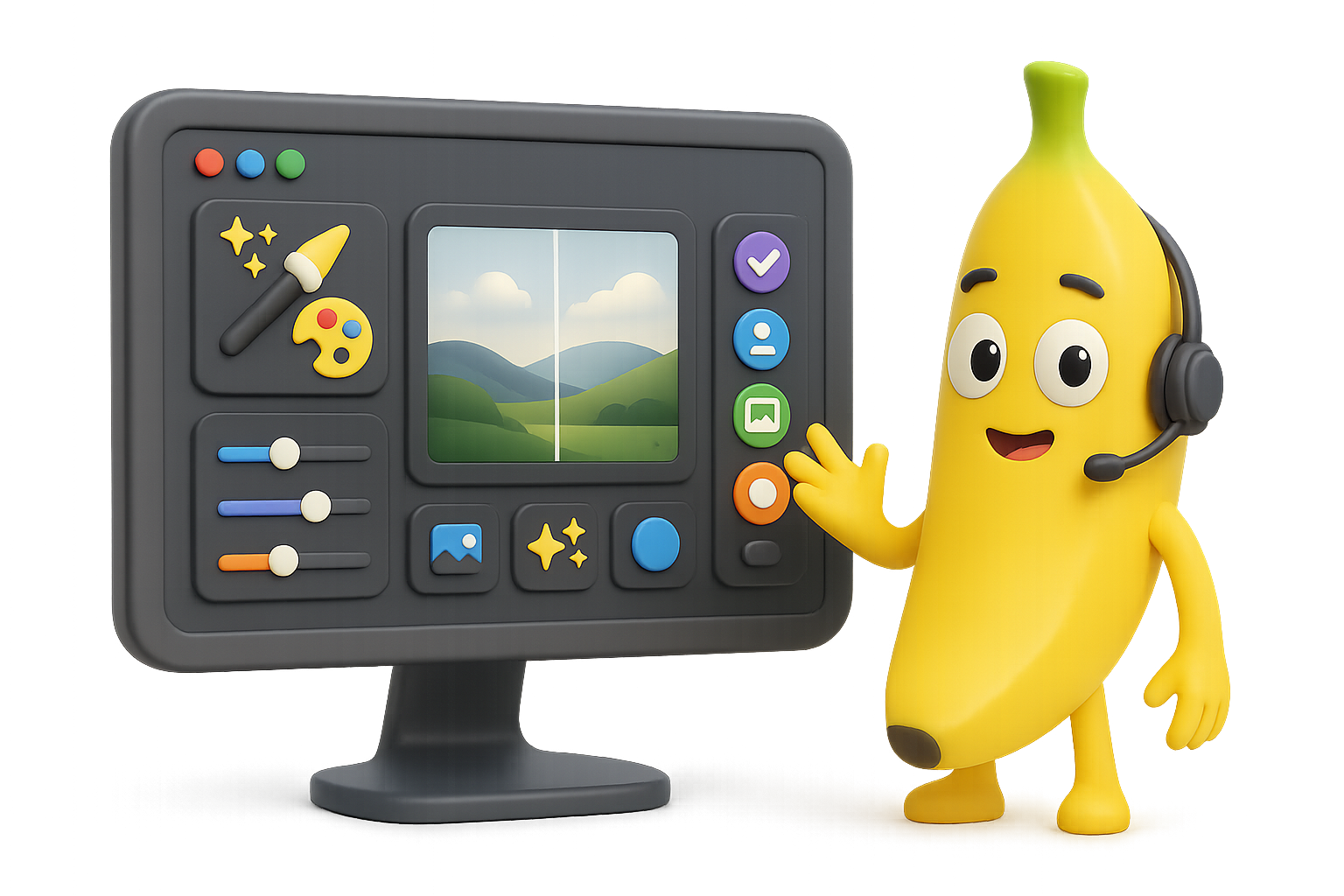
Nano Banana: Google’s Free AI Image Editor Is Honestly Bananas
Picture this: You need to tweak an image—fix lighting, change an outfit color, maybe even extend the scene. But every tool you’ve tried either mangles the photo or demands a PhD in layering and masking.
Enter Nano Banana.
It’s Google’s sneakily excellent new AI image editor, powered by Imagen 2.5 Flash and Gemini. It’s ultra-precise, surprisingly conversational, and right now—yep—basically free to use.
Let’s unpack why it’s such a game-changer (and how you can start playing with it today).

Edit Like You’ve Got a Hollywood VFX Team
Most image generators start from scratch—you type a prompt, they guess what you want. Not Nano Banana.
This model thinks with you, not around you. It reads images like a seasoned photographer with a storytelling lens:
- Zeroes in on specific areas: “Only change the umbrella,” and it knows exactly where to look.
- Responds to natural language: “Turn the dress green,” or “Remove the light leak” just works.
- Gets abstract cues: “Make it cleaner” or “hide the clutter” doesn’t confuse it.
- Tackles multi-image fusion: Give it two pics and say, “Mash these,” and it actually… does.
- Maintains consistency: Alter lighting, shift camera angles, or out-paint—it keeps your subject recognizable.
Flip the script: You’re not pixel-pushing anymore. You’re art directing.
Where to Try Nano Banana Right Now
Google didn’t throw this behind a velvet rope. You’ve got options—and most are just a click away:
- Gemini (web + mobile): Easiest access. Results include a faint Google watermark.
- Google AI Studio: Dev playground + API power tools.
- LLM Arena: Compare Nano vs other AI image models side by side.
- Third-party tools already integrated:
- Freepik
- Leonardo.ai
- Krea.ai
- FAL.ai
- Adobe Firefly
API pricing? Just under $0.04 per generation. That’s hobbyist-friendly.

Real Talk: What It’s Good At
Precision Edits
Change shirt colors, erase clutter, or swap props. It rarely bleeds into skin or background—and no masks needed.
Spatial Brainpower
Tell it to “rotate 180°” or change the view angle, and it gives you a fresh-but-logical shot. Architecture might get creative, but perspective stays sharp.
Out-painting for Days
Extend scenery? It nails the vibe—lighting, color, and mood match seamlessly. Cropping still recommended (aspect ratio can be stubborn).
Two Pics, One Scene
Paste in a knight and a barista, prompt “Grabbing lattes in Brooklyn,” and get a scene where both actually look like themselves.
Mod Overreach
Sometimes it misflags your harmless request as “real person editing.” Quick fix: specify that your image is AI-generated.
Watermarks & Output Quality
Here’s the deal:
- Images made in Gemini carry a tiny watermark.
- Outputs from Krea.ai or Freepik? Clean.
- No quality difference spotted between them—colors, sharpness, and composition stay consistent.

Quick Tips for Smarter Results
Want outputs you’d proudly post?
- Start with a photo
The model thrives with visual context. - Be direct
“Make background white” > “clean it up,” especially in complex edits. - Use hex codes for colors
Want “mint green”? Type #98FF98. No weird blue-green wobble. - Go bigger, crop later
Nano doesn’t always nail proportions. Oversize the canvas, then trim. - If flagged, rephrase
Say “synthetic model” if Gemini gets nervous. It plays it safe by default.

Nano Banana Is More Than a Gimmick
This is your first real taste of what happens when AI has both vision and language skills in equal measure.
You’re not just generating images—you’re iterating with intent.
Yes, it can whip up meme fodder. But it also supports serious creative workflows, saves hours in post, and might just replace three tools in your stack. Not bad for something that costs less than a gumball per edit.
Ready to try it out?
Fire up Gemini or Leonardo, and start editing like a pro (no mask layers, no sweat).
And if you’re just getting started with AI tools and want to actually understand what’s going on behind the curtain, we’ve got your back.
👉 Tixu is where smart beginners learn AI from scratch—without jargon, gatekeeping, or brain-melting lectures. Check it out.

Leave a Reply